Yuneec Electric Aviation
H520 Start Guide
23
C
AMERA
S
ETTINGS
M
ENU
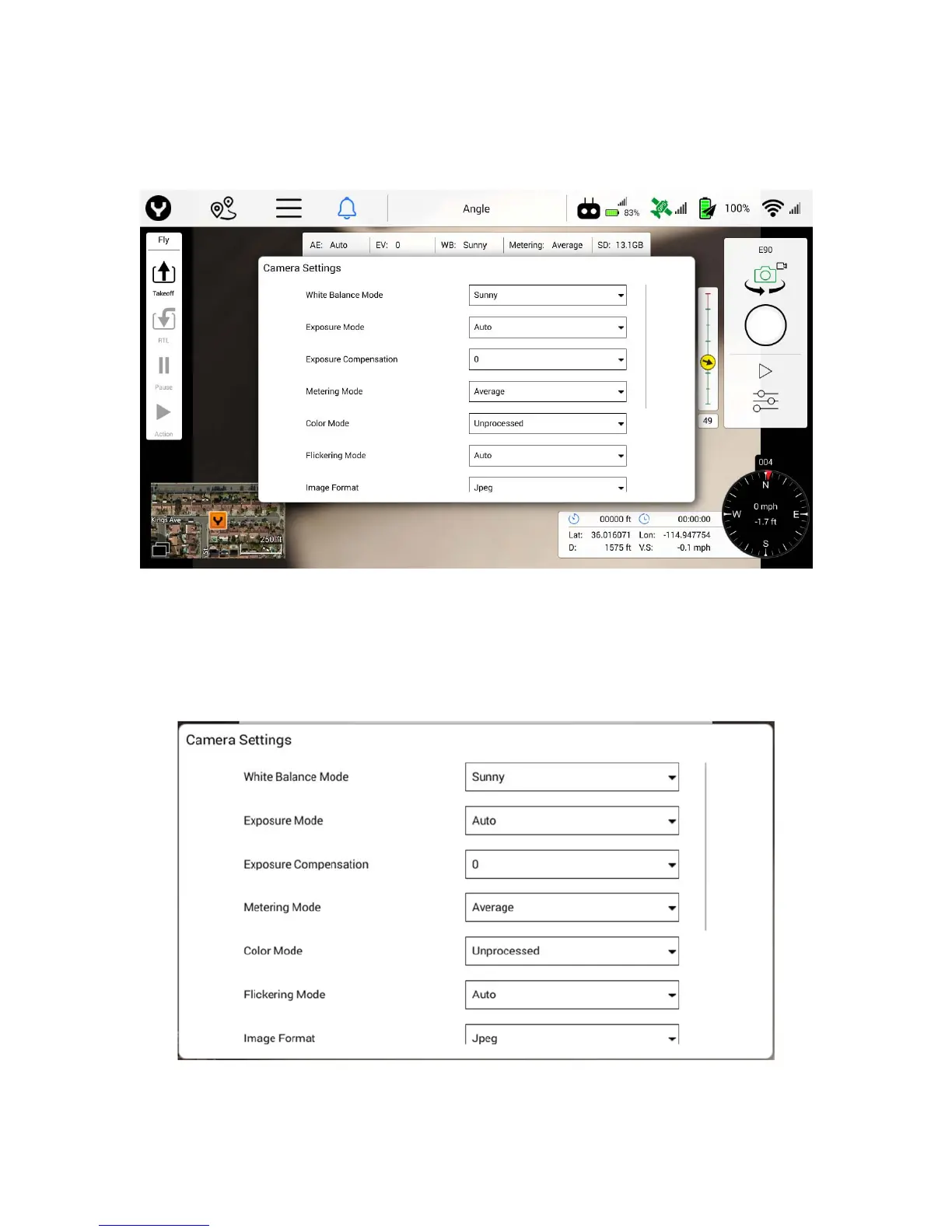
Open the Camera Setting Menu by tapping the slider icon on the camera menu. Once open, the Camera
Setting Menu controls Still and Video image recording and picture profile settings.
Still Camera Mode
Tapping the Camera Settings soft key in Still Camera Mode will only allow the Pilot/Video Operator to
manipulate the following settings: White Balance Mode, Exposure Mode, Exposure Compression,
Metering Mode, Color Mode, Flickering Mode, Image Format, Image Quality, and Screen Grid.
Turning off the Auto Exposure setting will enable the Pilot/Video Operator to change ISO and Shutter
Speed.



 To Next Page