Yuneec Electric Aviation
H520 Start Guide
45
Options
Tap the Options menu to set the following Offline map settings:
Max Cache Disk Size (MB)
Sets the maximum amount of disk space used to cache tiles while using the maps. Default is set to 1024MB.
Max Cache Memory Size (MB)
Sets the maximum amount of system memory used to cache tiles while using the maps. Default is set to
16MB.
Mapbox Access Token
Users can enter their Mapbox token here which allows for the downloads of Mapbox map tile sets. Register
for free Mapbox tokens here: https://www.mapbox.com/signup/
AIRCRAFT
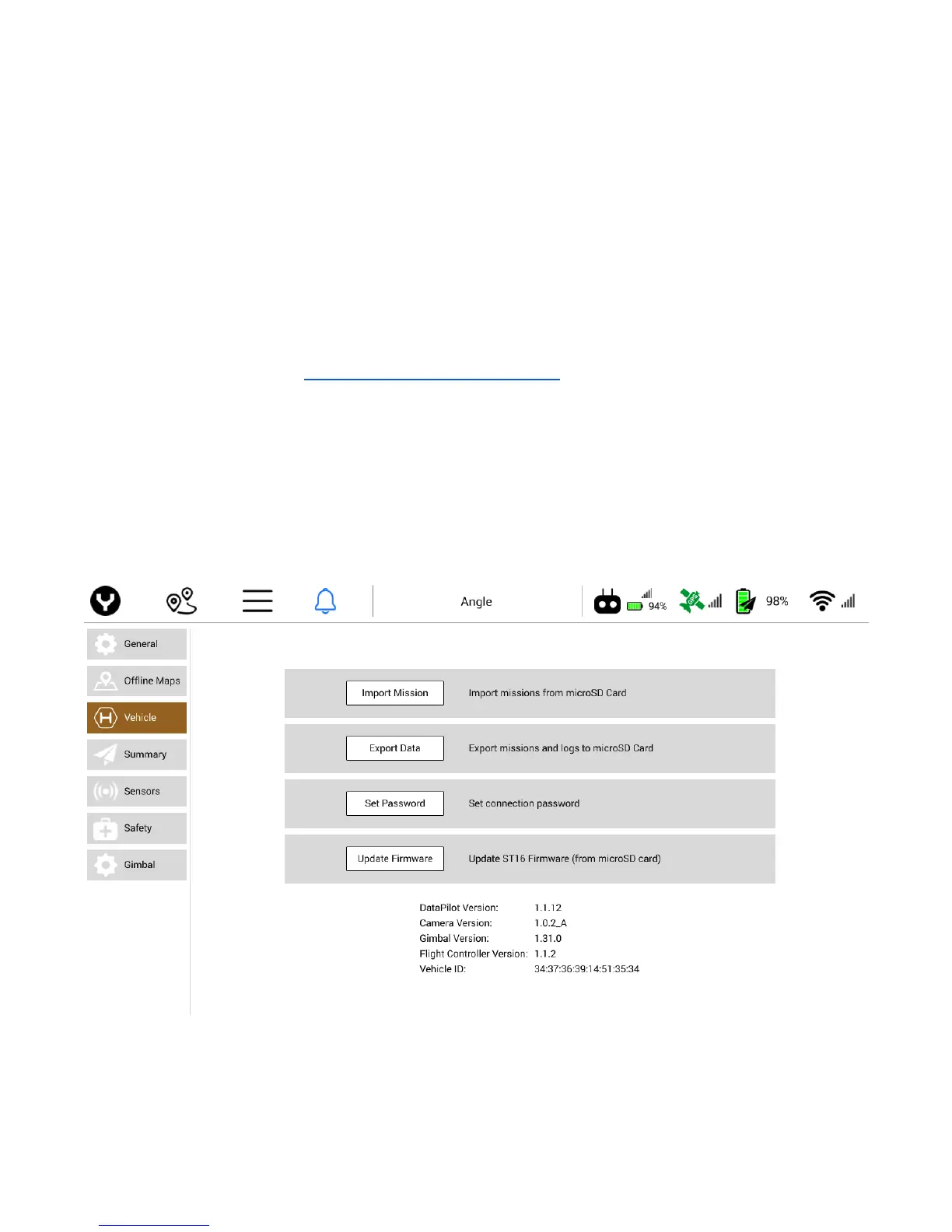
IMPORT MISSION
Import mission facilitates missions to be transferred from a microSD Card to the ST16S and edited in the
Mission Planner Mode. This is useful when transferring missions from another ST16S or from the
DataPilot™ desktop application.



 To Next Page