Yuneec Electric Aviation
H520 Start Guide
29
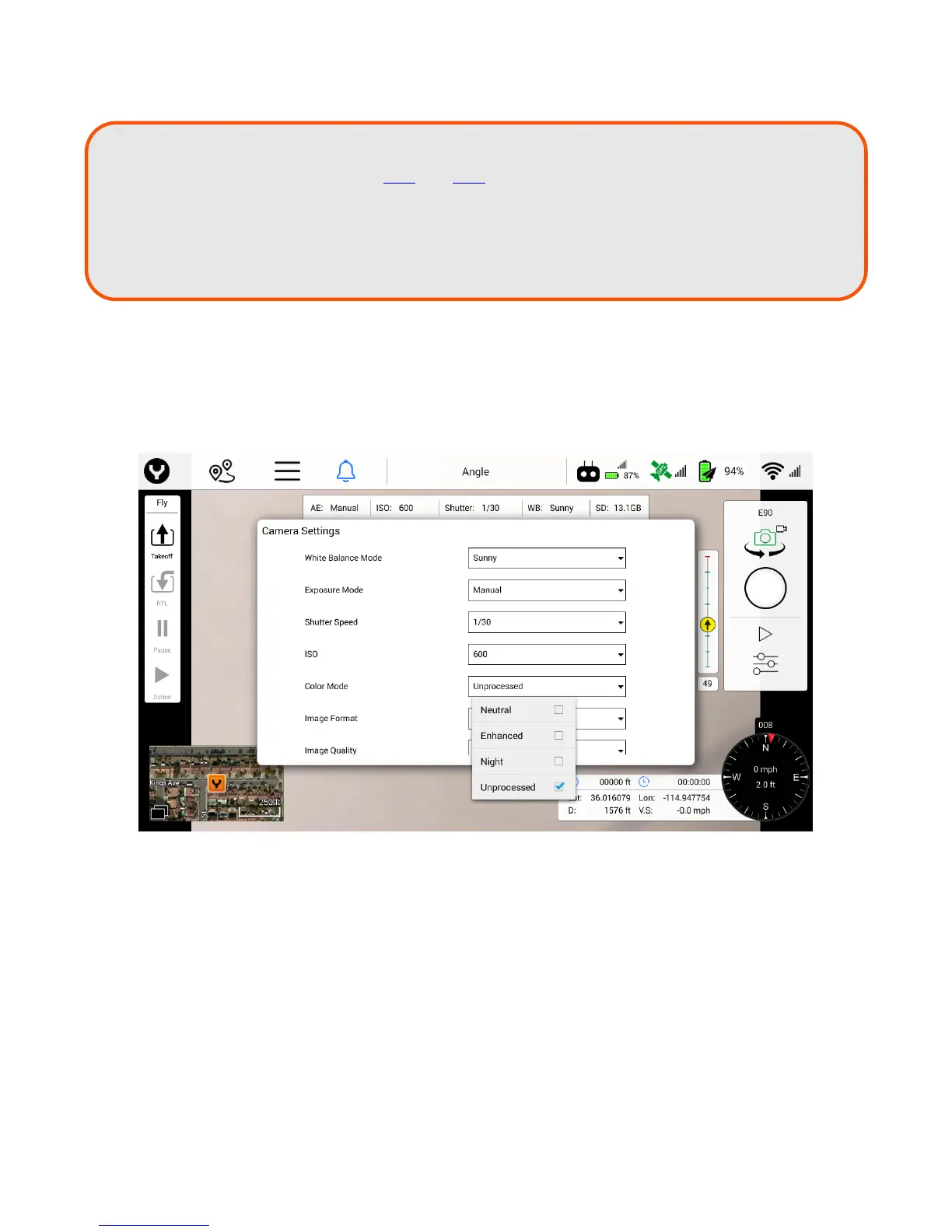
Color Mode
The following settings are available in the Color Mode drop down menu (to access the Color Mode menu
the ST16S needs to be in Still Image Mode):
Neutral
Enhanced
Night
Unprocessed
For images that will be processed in photo or video processing software after a flight, Yuneec recommends
using either “Unprocessed” or “Neutral” color modes for best results/greatest dynamic range.
TIP!
Shutter speeds may be manually slowed, or slowed in auto-mode through the use of
Neutral Density filters. The E90 and E50 cameras offer a filter adapter ring in the box,
allowing Pilots to purchase filters of choice. Shutter speeds slower than 1/250 are
desired when avoiding rolling shutter artifacts. Slow shutter speeds generally allow
for greater color, but can induce motion blur if the aircraft is moving very fast or being
buffeted by high winds aloft.



 To Next Page