Yuneec Electric Aviation
H520 Start Guide
34
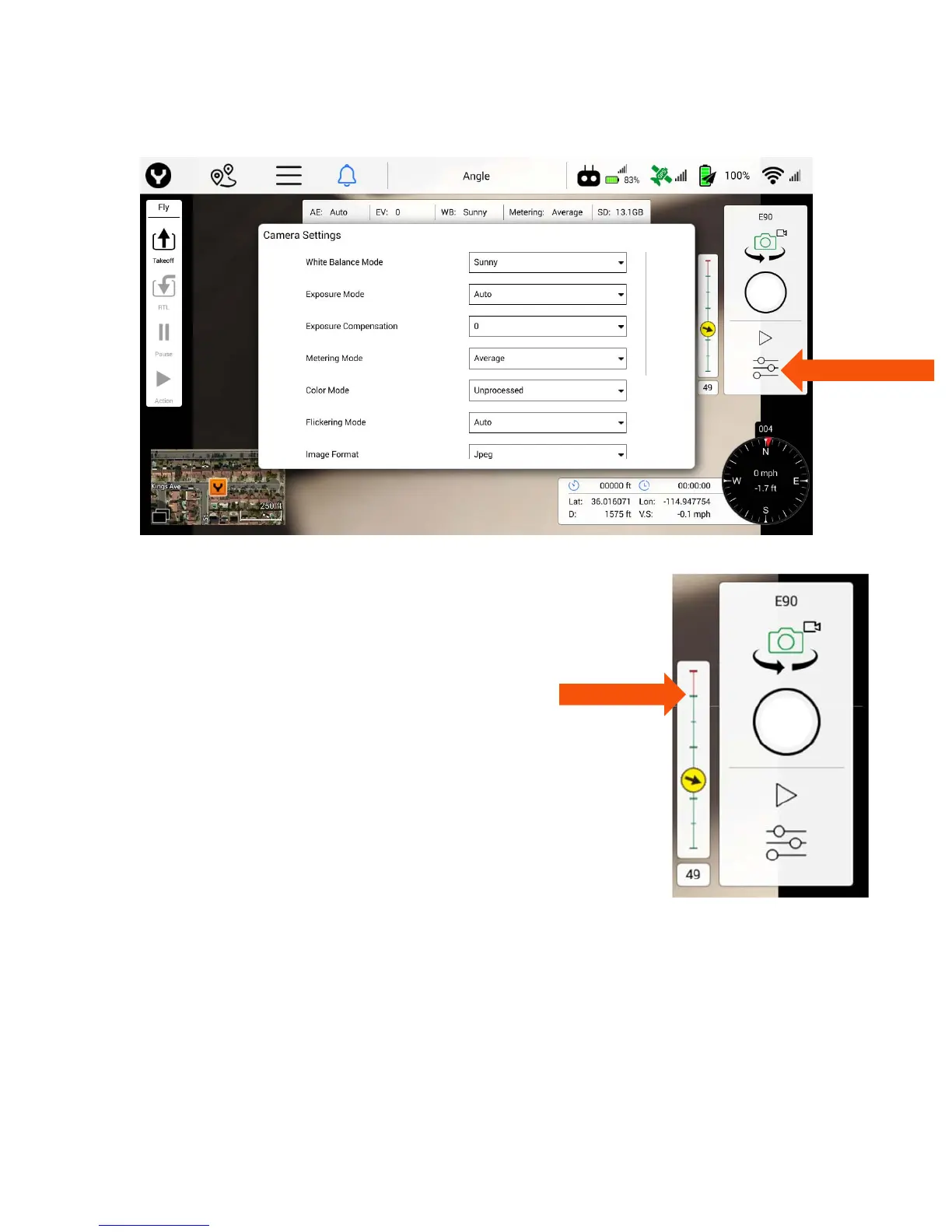
The camera bar is a display-only function. Camera settings are edited in the Camera Settings dialog.
Gimbal Indicator
The gimbal indicator is located to the left of the Camera Control panel. The
pitch indicator (vertical line) displays the current pitch of the camera.
The green section represents the normal pitch range, i.e. 0 degrees (level on
the horizon) to 90 degrees (straight down).
The red section represents pitch angles above the horizon.
To point the gimbal 20 degrees upwards, flip switch S1 to the down position.
The absolute pitch value is shown right below the indicator. The yaw indicator
displays the current yaw of the camera relative to the H520.
The yellow arrow shows the yaw angle of the gimbal, for which pointing
upward is in the direction of the nose of the H520, and downward in the
direction of the back of the aircraft.



 To Next Page