Yuneec Electric Aviation
H520 Start Guide
22
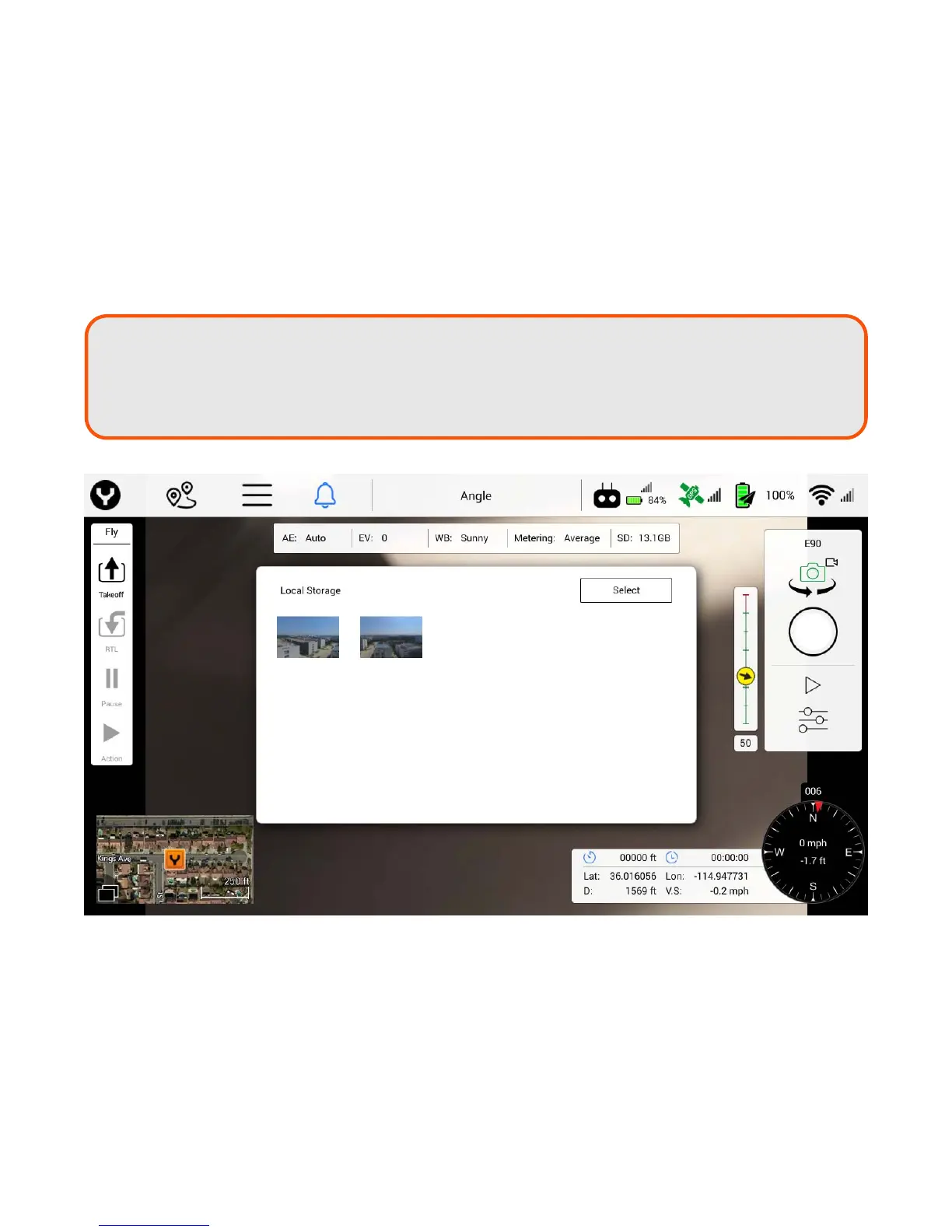
The Play soft key will open a file browser to view images saved on the internal ST16 memory. Images are
saved by pressing the ST16 take photo button or by tapping the shutter button in Camera mode.
MEDIA PLAYBACK
Using the Play button in the camera control panel, the Pilot can view photographic images captured to local
storage of the ST16S. To view a thumbnail gallery, tap the Play button and navigate through the pop-up
window by scrolling up and down. To display a larger image, tap on the thumbnail. Use the left and right
arrow to navigate through the images individually. To close the view, tap anywhere outside of the pop-up
window. Tap on the ‘Select’ button to select individual or multiple images to delete.
Note:
The images are saved to local storage by
either pressing the take photo button on the
ST116S or the camera trigger button in DataPilot™. These images are not synced with
the images on the SD card of the connected camera and are not full-resolution images.



 To Next Page