Preparations for use S88 / OPMI Lumera T
Version 8.0
Page 150 G-30-1682-en
Relocating the unit
Please observe the following points when relocating the stand:
• Turn off the device at the power switch.
• Remove the power plug from the power outlet.
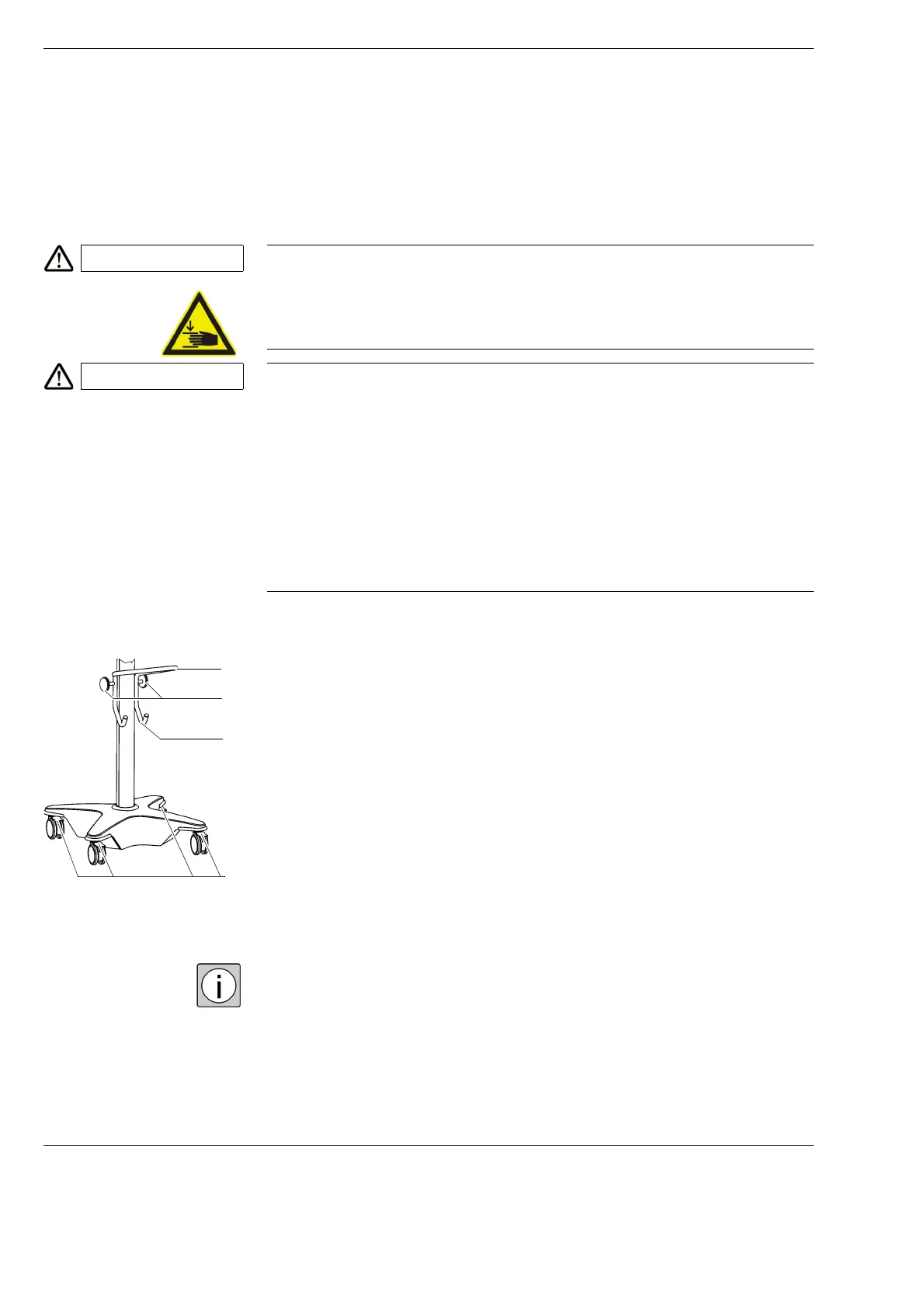
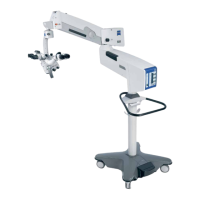
• Move the suspension arm into its transport position (see illustration on
the right).
• Wind up the foot control panel cable on one of the cable holders (2),
and hang up the foot control panel on the holder (3).
• Wind up the power cord on the other cable holder (2).
• Release all the locking tabs (4) or the casters.
• Hold the device by the grab handle (1) and carefully push it into its new
position. Ensure the device is standing on even ground.
• Press at least three of the locking tabs (4) and make sure that the stand is
no longer able to move away by itself.
Because the stand moves so smoothly, it is easy to underestimate how heavy
it is. Therefore, move the stand slowly and carefully!
CAUTION Risk of crushing - mind your fingers!
Fingers may be crushed in the areas marked with the "Risk of crushing" label.
• Do not touch these areas while the system is being moved or brought in
its working / transport position.
CAUTION Risk of toppling during transportation of the system!
If the following precautions are not observed, the system may topple over
and injure persons!
• Use the grab handle for transporting the device.
• Mind the maximum vertical clearance when passing through doorways.
• Avoid any jolting.
• Be extremely careful when moving over slopes.
• Do not park the device on sloped surfaces.
3
4
2
1







 To Next Page