Preparations for use S88 / OPMI Lumera T
Version 8.0
Page 152 G-30-1682-en
Configuring the stand
Setting the suspension arm weight compensation
• Only perform the balance setting procedure with the complete microscope
equipment attached!
Prior to fine balancing of the suspension arm, it is recommended to roughly
balance the suspension arm first. To do this, the suspension arm must be
locked in the horizontal position.
• To roughly balance the suspension arm, slightly move the arm up and
down while tightening the adjustment screw (2). Continue tightening the
screw until sufficient spring force is obtained to compensate for the
weight of the surgical microscope and the accessories.
Rotating clockwise increases the spring force. turning the screw
counter-clockwise reduces the spring force.
• Hold the suspension arm in place and pull out the adjustment knob (1).
No excessive force should be necessary. Otherwise, use the adjustment
screw (2) to re-adjust the spring force.
• During the balancing procedure, press one of the magnetic brake release
buttons on the surgical microscope. Move the suspension arm up and
down alternately by approx. 20 cm. Use the adjustment screw (2) to adjust
the spring force in such a way that the effort required to move the arm up
or down is the same.
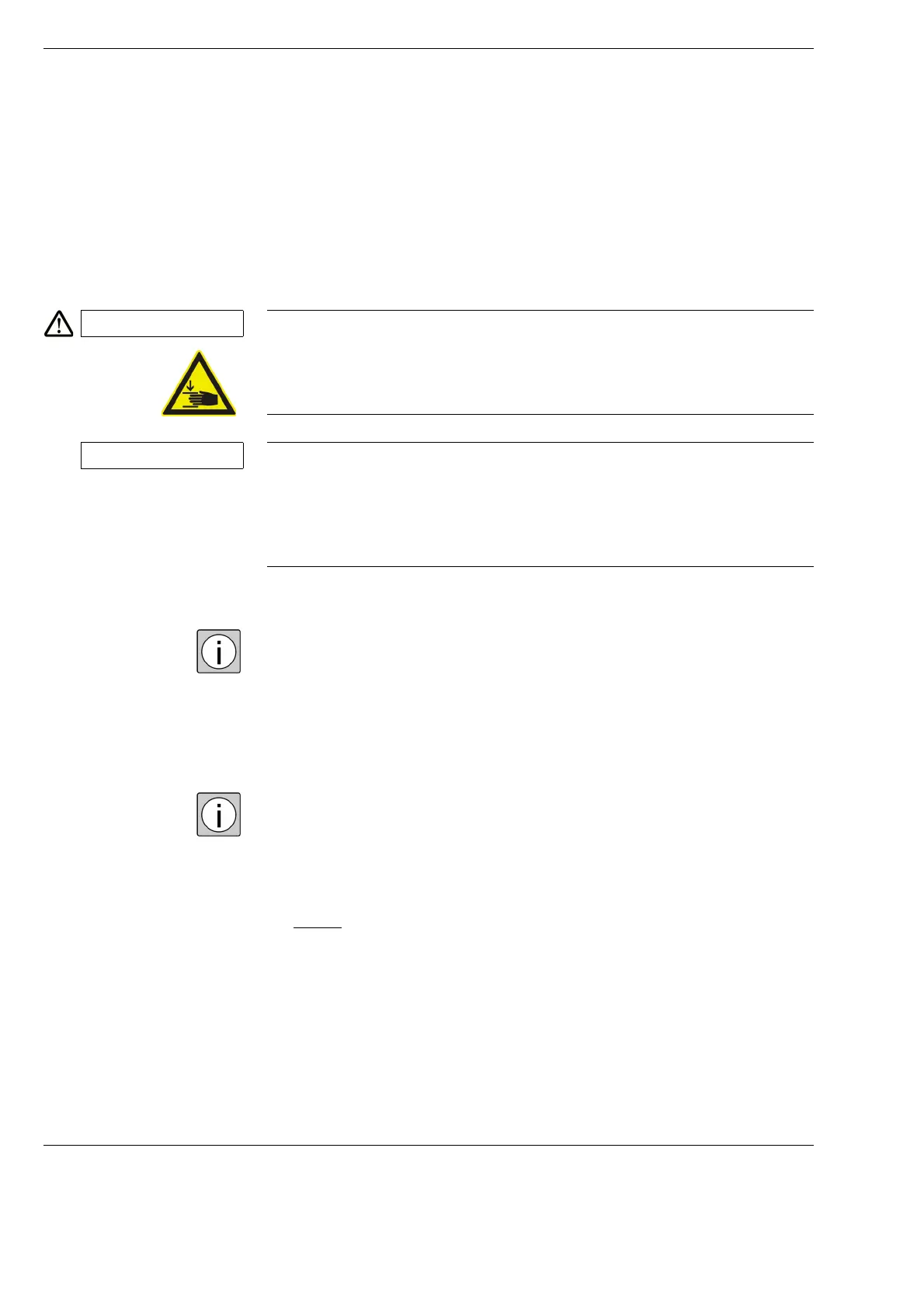
CAUTION Risk of crushing - mind your fingers!
Fingers may be crushed in the areas marked with the "Risk of crushing" label.
• Do not touch these areas while the system is being moved or brought in
its working / transport position.
NOTE Risk of injury caused by lowering of the surgical microscope!
• Balance the completely equipped surgical microscope before surgery
without the patient.
• Hold the surgical microscope tightly at its handgrips before releasing the
magnetic brakes.







 To Next Page