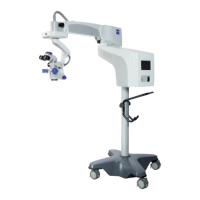
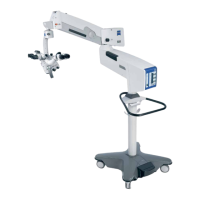
Device overview S88 / OPMI Lumera T
Version 8.0
Page 68 G-30-1682-en
Control elements, Displays, Connections
1 Securing screw
– prevents the coupling on the suspension arm from coming loose.
2 X-Y coupling
3 RESET button
– recenters the X-Y coupling
– resets the focus to its initial position in the focusing range
Press this button to start the recentering movement. To stop this movement,
press the button again.
You can also stop the recentering movement by briefly tipping on one of
the buttons on the foot control panel.
4 Cable and light guide clip
5 Carrier arm with tilt device
6 Rotary knob
for setting the tilt angle of the surgical microscope;
+ 90° towards the surgeon,
– 90° in the opposite direction.
7 Arrows indicating the focusing range
If the dot is located between the two arrow tips, the focusing system of
the surgical microscope is in its initial position.







 To Next Page