SpeedFace-V5L Series User Manual
Page | 103 Copyright©2022 ZKTECO CO., LTD. All rights reserved.
18 Connecting to SIP★
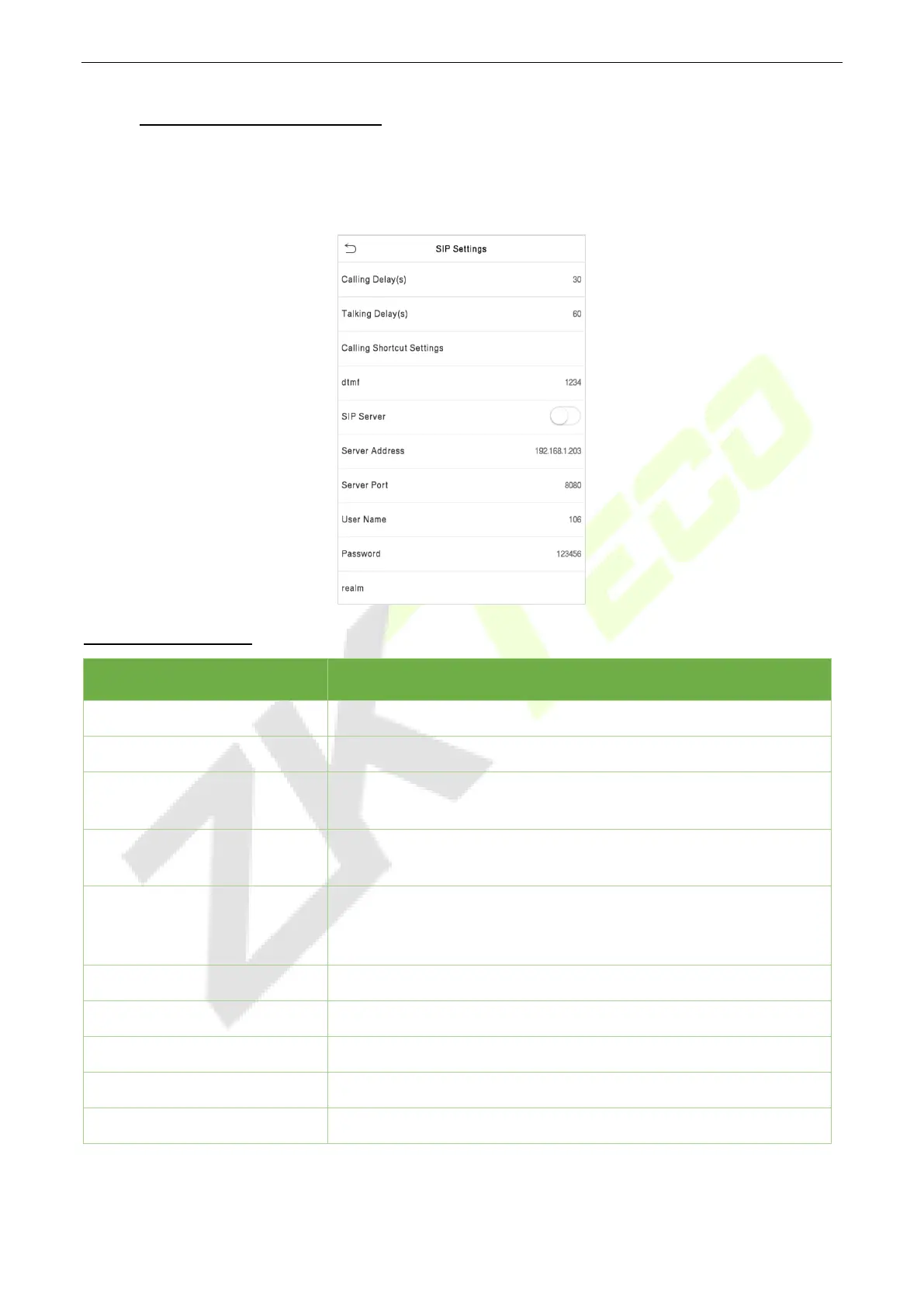
Tap Video Intercom Parameters on the System interface to go to the monitoring parameter settings.
Note: This function needs to be used with the indoor station Vpad A2.
Function Description
Function Name Description
Calling Delay(s)
Set the time of call, valid value 30 to 60 seconds.
Talking Delay(s)
Set the time of intercom, valid value 60 to 120 seconds.
Calling Shortcut Settings
You can set a shortcut key to call the indoor station quickly without
entering the IP address of the indoor unit each time.
dtmf
The value of WebServer is the same as the value of DMTF in the
device in order to unlock it.
SIP Server
Select whether to enable the server address.
connected to the server, you can call it by entering the username of
the indoor station.
Server Address
Enter the server address.
Server Port
Enter the server port.
User Name
Enter the Username of server.
Password
Enter the password of server.
realm
Enter the realm of server.


 To Next Page
 Loading...










