SpeedFace-V5L Series User Manual
Page | 86 Copyright©2022 ZKTECO CO., LTD. All rights reserved.
14 LAN Video Intercom Function Settings★
Installing ZKBio VMS Plugin in the ZKBioSecurity Software
Install the ZKBioSecurity Software
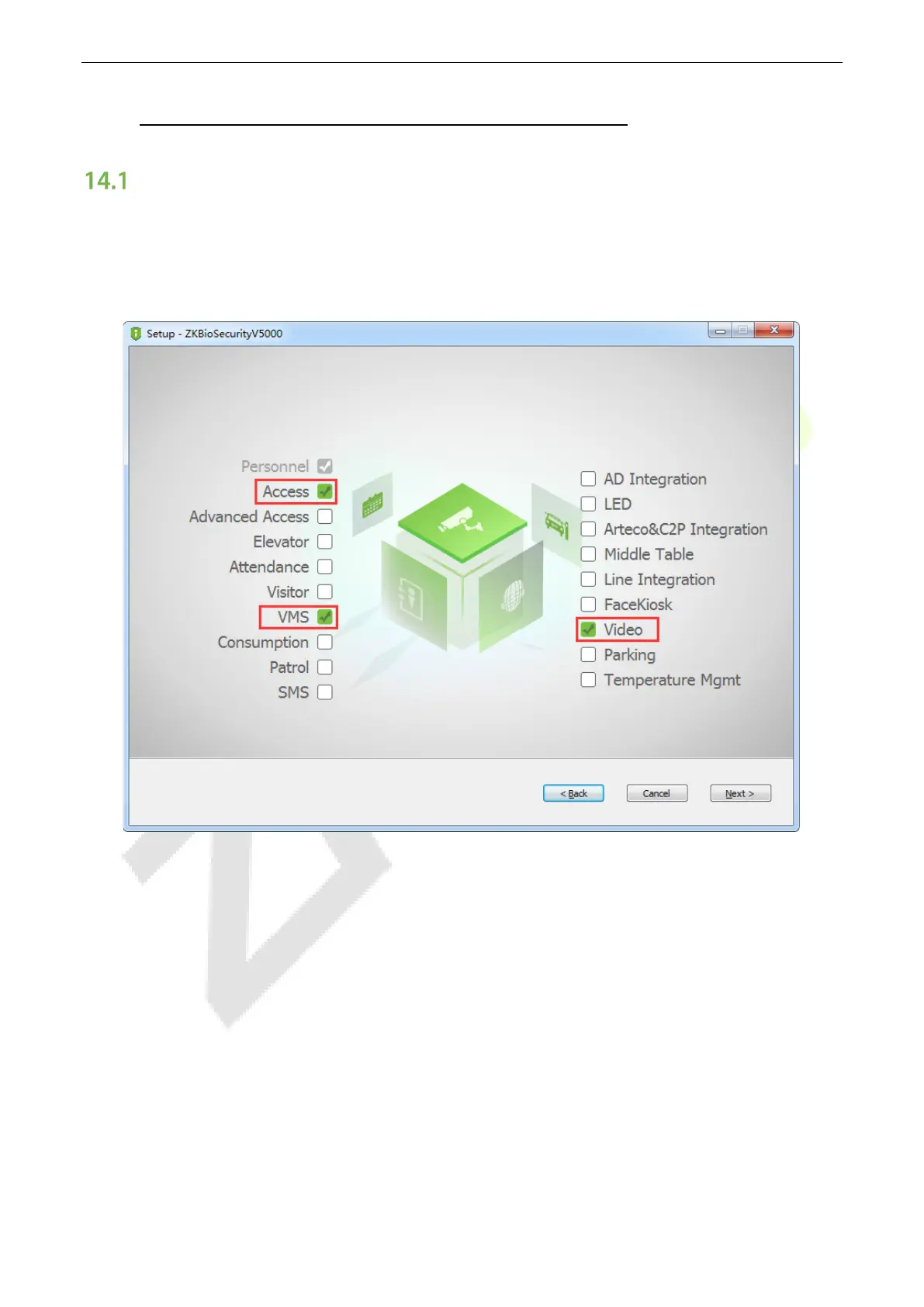
While installing, select the "VMS" module of the ZKBioSecurity software to install, as shown in the following
installation interface.
Note: The Video module and the VMS module cannot be selected at the same time.
Installing the ZKBio VMS Plugin
Double-click on the provided ZKBioVMSPlugin_sqlite.exe file to install the ZKBio VMS Plugin.
Note: The ZKBioSecurity software and ZKBio VMS Plugin need to be opened simultaneously to recognize
the intercom function.


 To Next Page
 Loading...










