SpeedFace-V5L Series User Manual
Page | 34 Copyright©2022 ZKTECO CO., LTD. All rights reserved.
Note:
A name can take up to 17 characters.
The user ID may contain 1-9 digits by default.
You can modify your ID during the initial registration but not after registration.
If a message "Duplicated!" pops up, you must choose another ID as the entered User ID already exists.
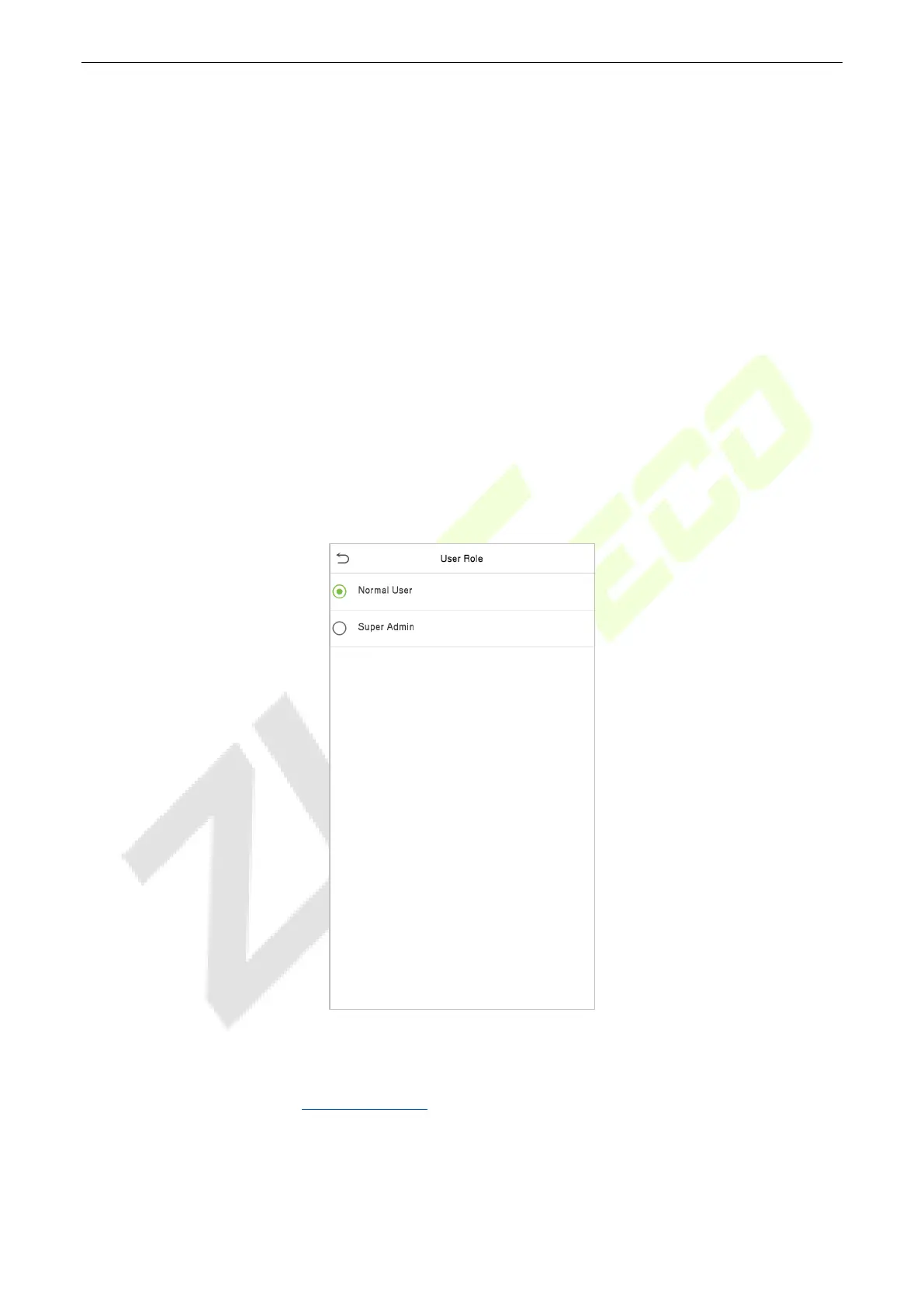
4.1.2 Setting the User Role
There are two types of user accounts: the Normal User and the Super Admin. If there is already a
registered administrator, the normal users have no rights to manage the system and may only access
authentication verifications. The administrator owns all management privileges. If a custom role is set, you
can also select User Defined Role permissions for the user.
Click User Role to select Normal User or Super Admin.
Note: If the selected user role is the Super Admin, the user must pass the identity authentication to access
the main menu. The authentication is based on the authentication method(s) that the super administrator
has registered. Please refer to "Verification Mode
".


 To Next Page
 Loading...










