SpeedFace-V5L Series User Manual
Page | 46 Copyright©2022 ZKTECO CO., LTD. All rights reserved.
Function Description
Function Name Descriptions
IP Address
The default IP address is 192.168.1.201. It can be modified according to the
network availability.
Subnet Mask
The default Subnet Mask is 255.255.255.0. It can be modified according to the
network availability.
Gateway
The default Gateway address is 0.0.0.0. It can be modified according to the
network availability.
DNS
The default DNS address is 0.0.0.0. It can be modified according to the
network availability.
TCP COMM. Port
The default TCP COMM Port value is 4370. It can be modified according to the
network availability.
DHCP
Dynamic Host Configuration Protocol dynamically allocates IP addresses for
clients via server.
Display in Status Bar
Toggle to set whether to display the network icon on the status bar.
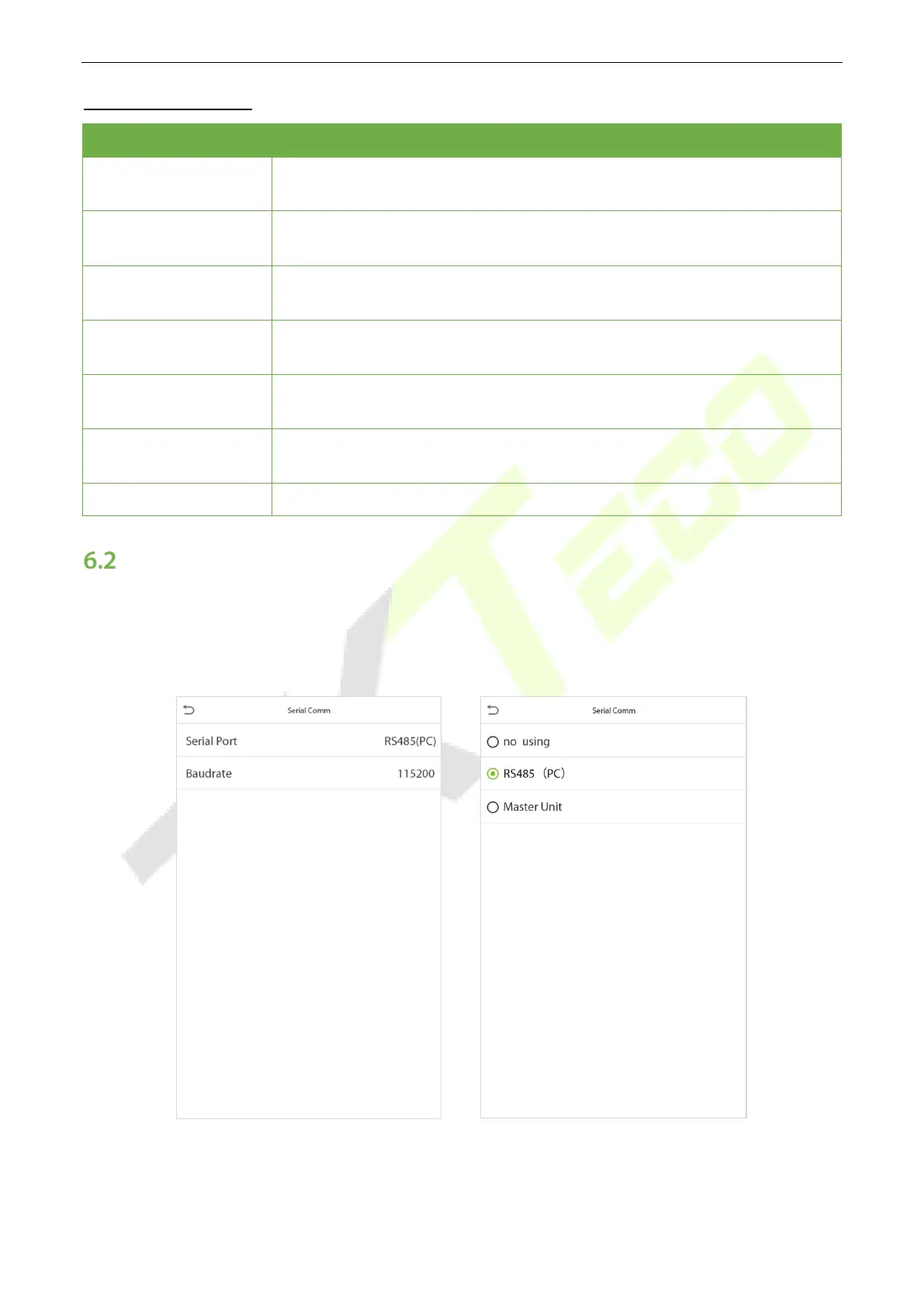
Serial Comm★
Serial Comm function facilitates to establish communication with the device through a serial port (/RS485/
Master Unit).
Tap Serial Comm. on the Comm. Settings interface.


 To Next Page
 Loading...










