SpeedFace-V5L Series User Manual
Page | 37 Copyright©2022 ZKTECO CO., LTD. All rights reserved.
4.1.5 Register Card Number
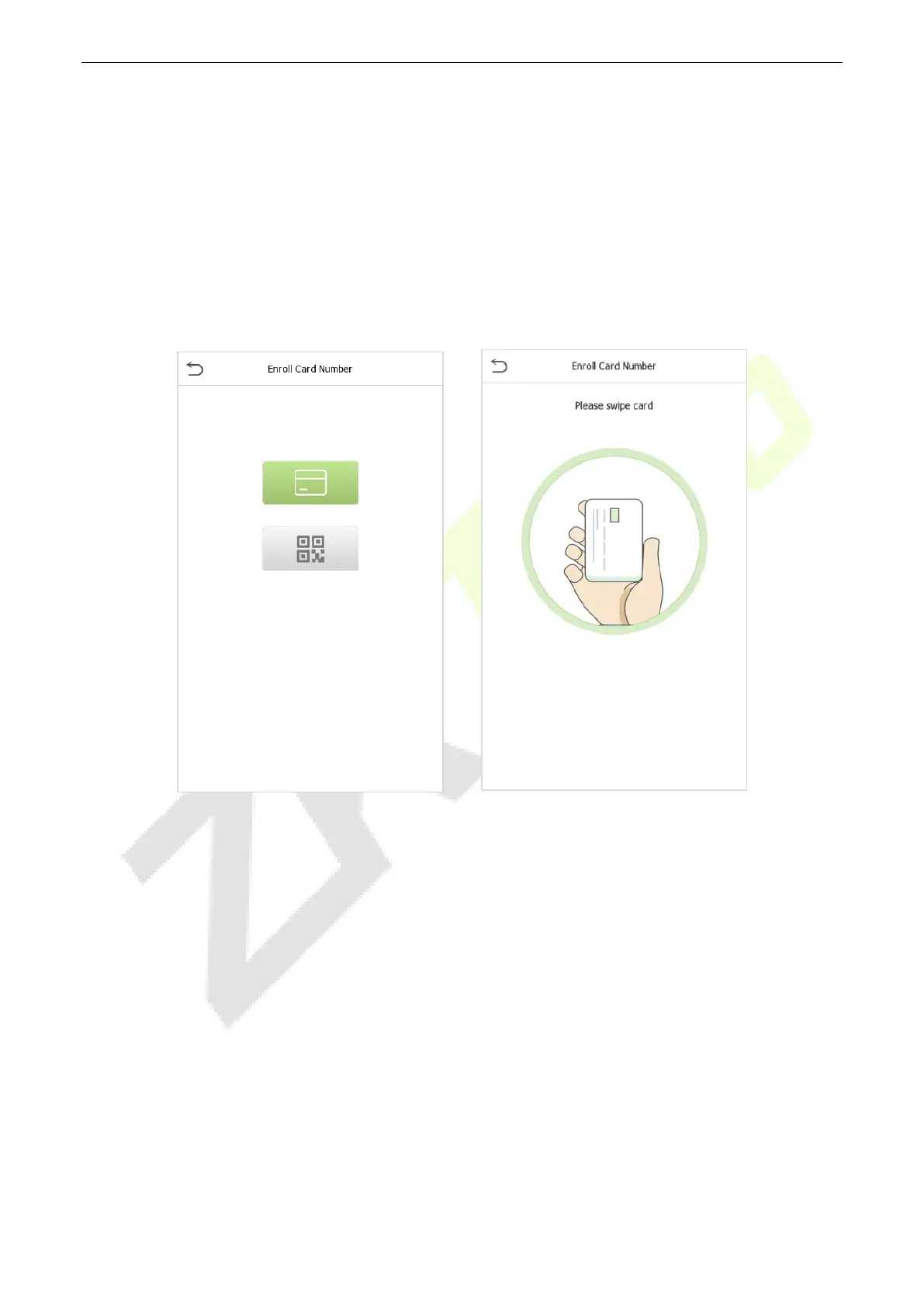
Enroll Card
Tap Card in the New User interface to enter the card registration page.
On the Card interface, swiping card underneath the card reading area. The card registration will be
successful.
If the card is registered already then the “Duplicate Card” message shows up. The registration interface
is as follows:
Enroll Card QR Code
Tap Card in the New User interface to enter the card registration page.
On the Card interface, show the QR code in front of the camera. The QR code registration will be
successful.
If the QR code is registered already then the “Error! Card already enrolled.” message shows up. The
registration interface is as follows:


 To Next Page
 Loading...










