SpeedFace-V5L Series User Manual
Page | 21 Copyright©2022 ZKTECO CO., LTD. All rights reserved.
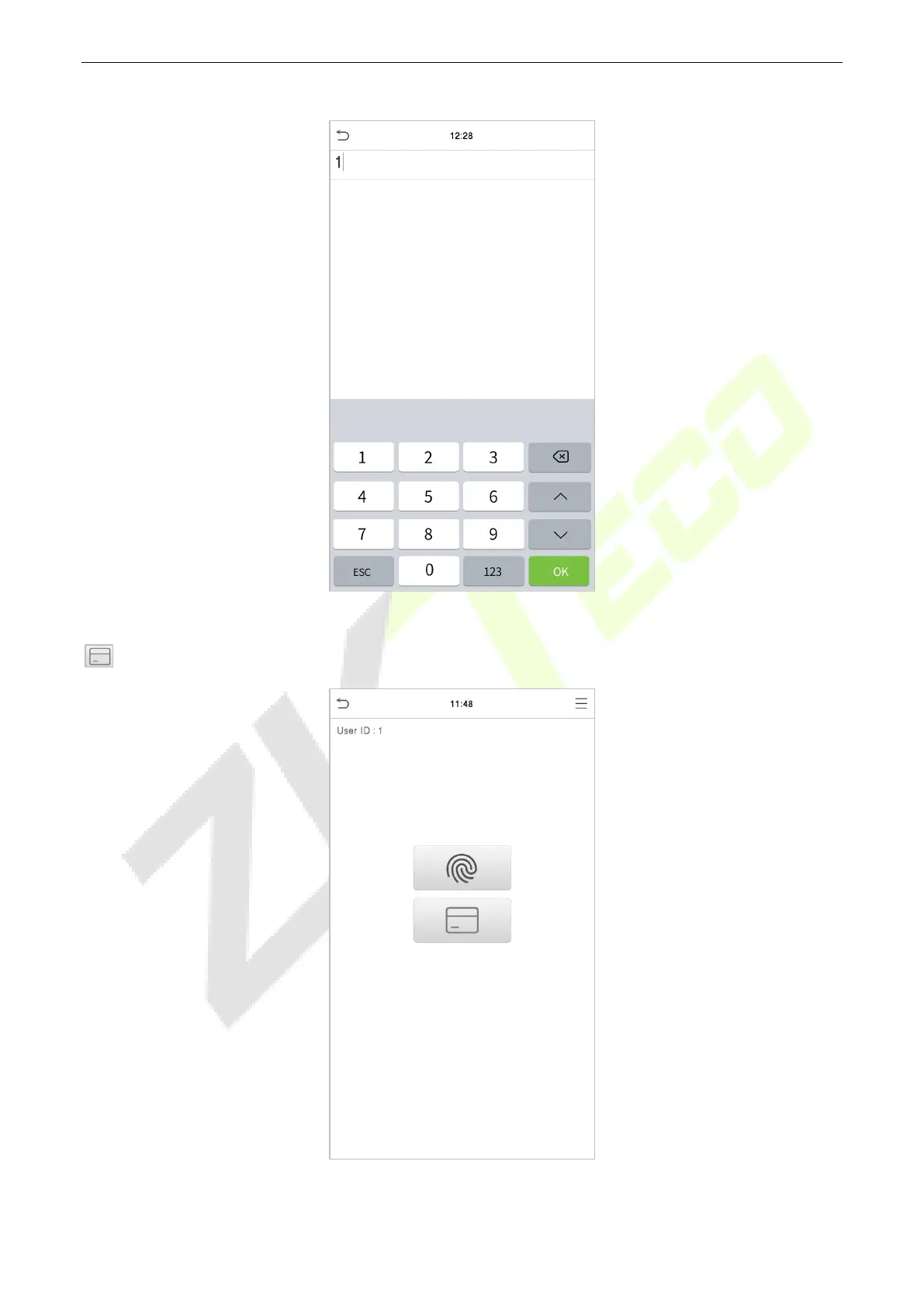
Enter the user ID and click OK.
If an employee registers a fingerprint in addition to the card, the following screen will appear. Select the
icon to enter card verification mode.
Following are the display screen after putting a correct card and a wrong card respectively.


 To Next Page
 Loading...










