SpeedFace-V5L Series User Manual
Page | 98 Copyright©2022 ZKTECO CO., LTD. All rights reserved.
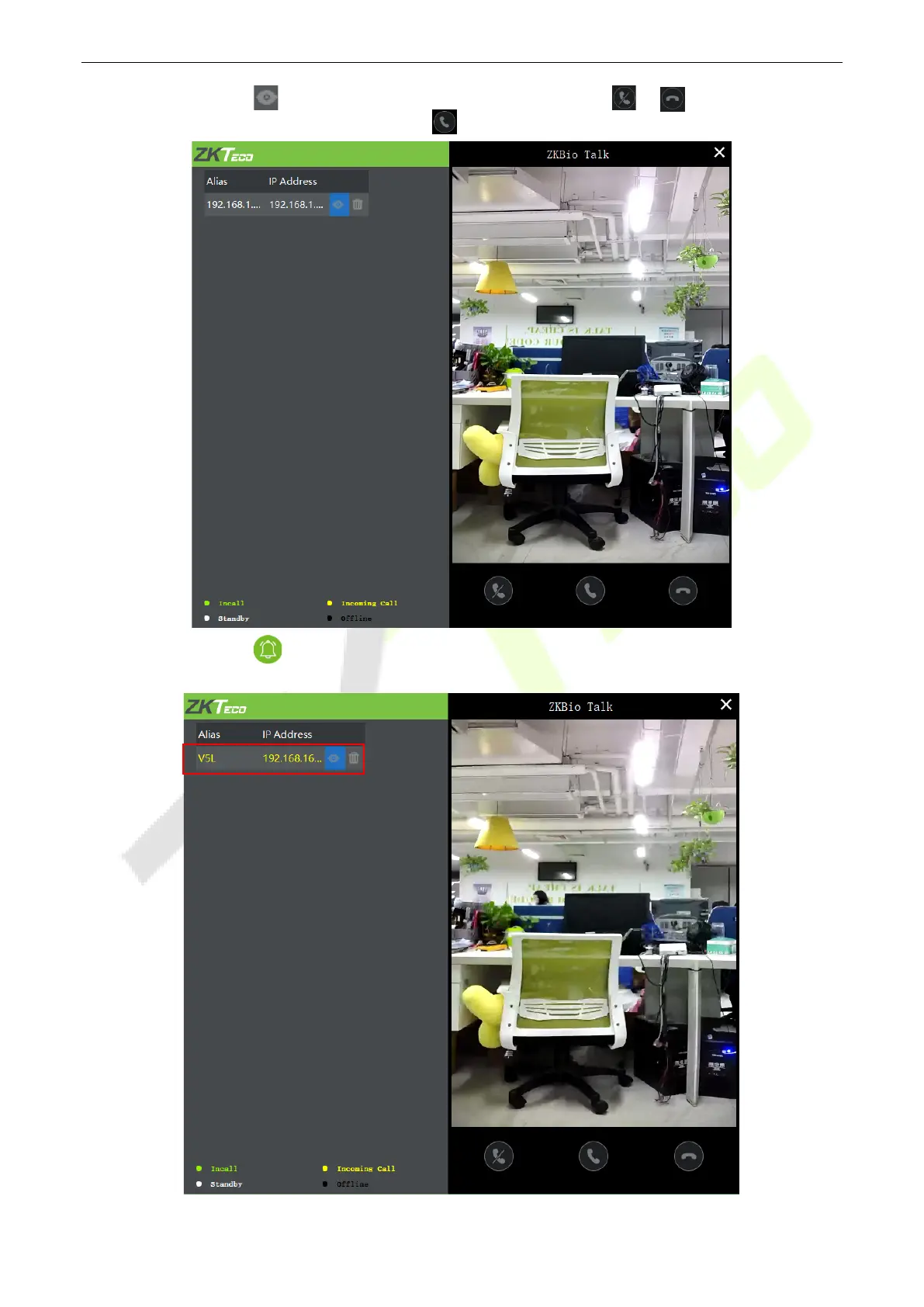
3. A user can click on to preview the video on the right. On clicking or icon, a user can close
the preview screen. No action is taken when is clicked.
4. When a user clicks icon on the main interface of the device to make a call, the software interface
displays the IP address of the calling device in yellow.


 To Next Page
 Loading...










