Disconnecting computers, smartphones and tablets
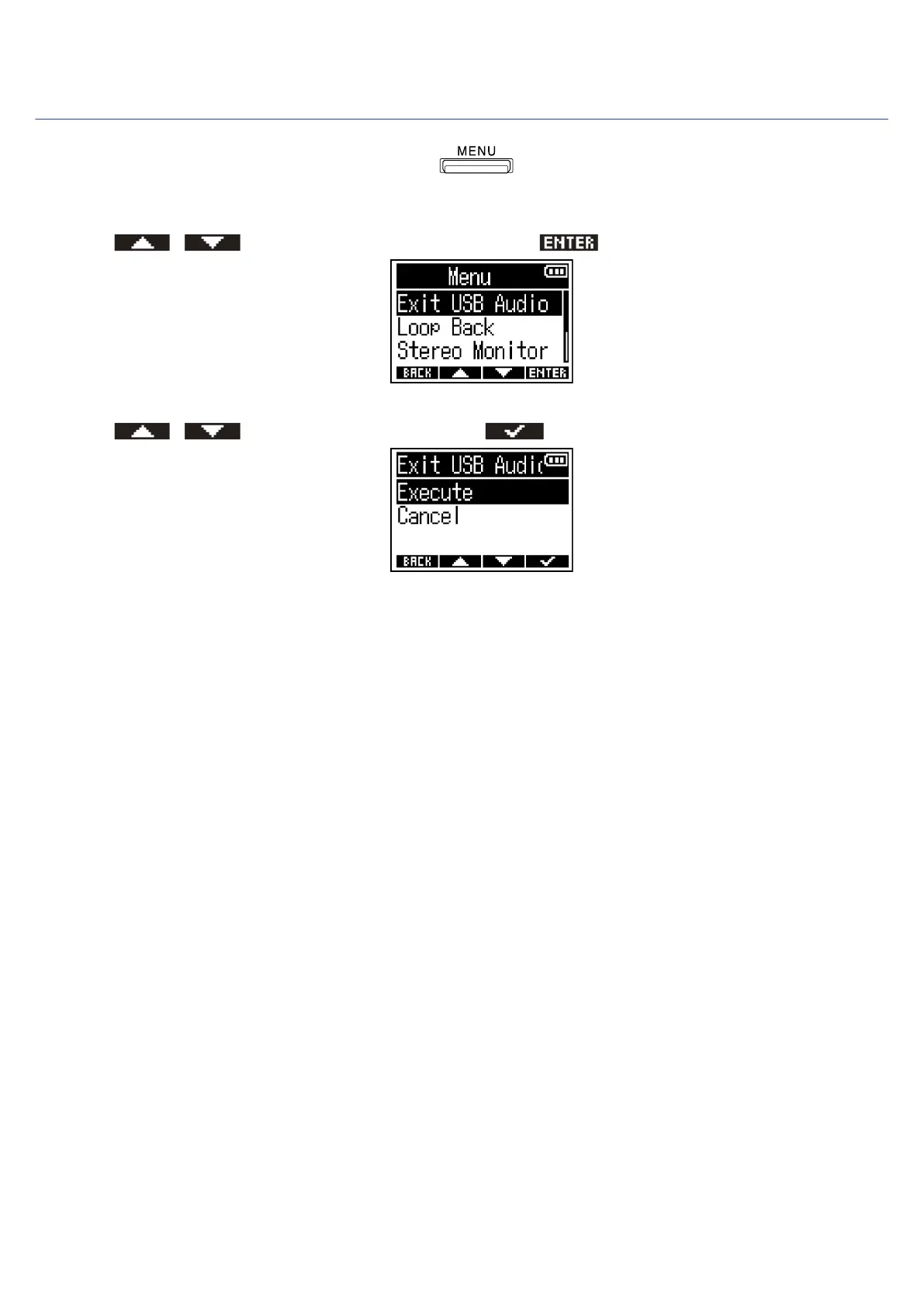
1. When connected as an audio interface, press .
This opens the Menu Screen.
2. Use / to select “Exit USB Audio” and press to confirm.
3. Use / to select “Execute” and press to confirm.
4. Disconnect the USB cable that is connecting the F3 and the computer, smartphone or tablet.
67



 To Next Page