21
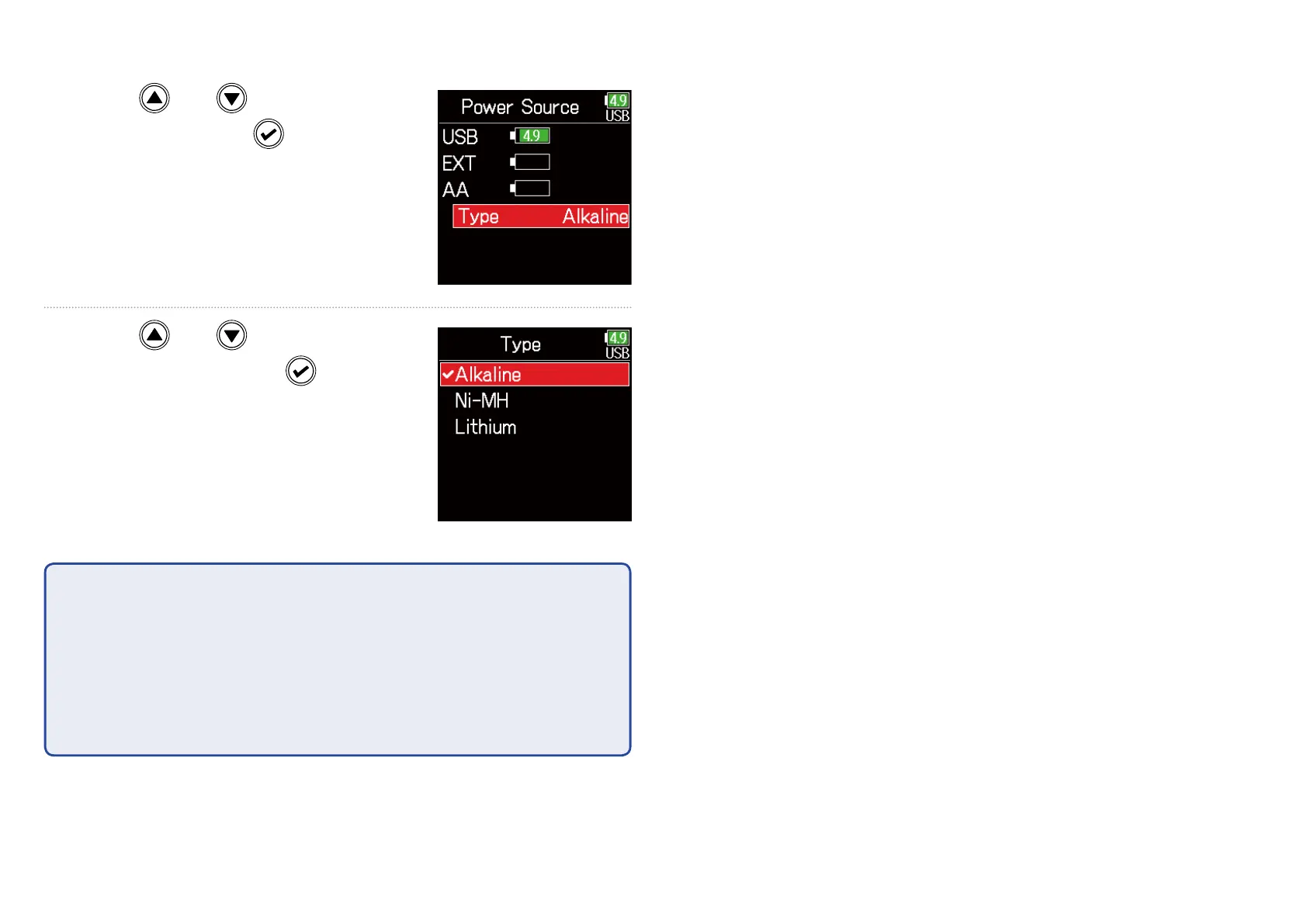
■ Setting the installed AA battery type
5. Use and to select
Type, and press
.
6. Use and to select
the type, and press
.
NOTE
•
• When multiple power supplies are connected, they will be used in the fol-
lowing order of priority.
1. USB (Power supply connected to USB port)
2. EXT (L battery)
3. AA (Installed AA batteries)
•
• The voltages of each power supply are shown on the display.



 To Next Page