84
Input limiter
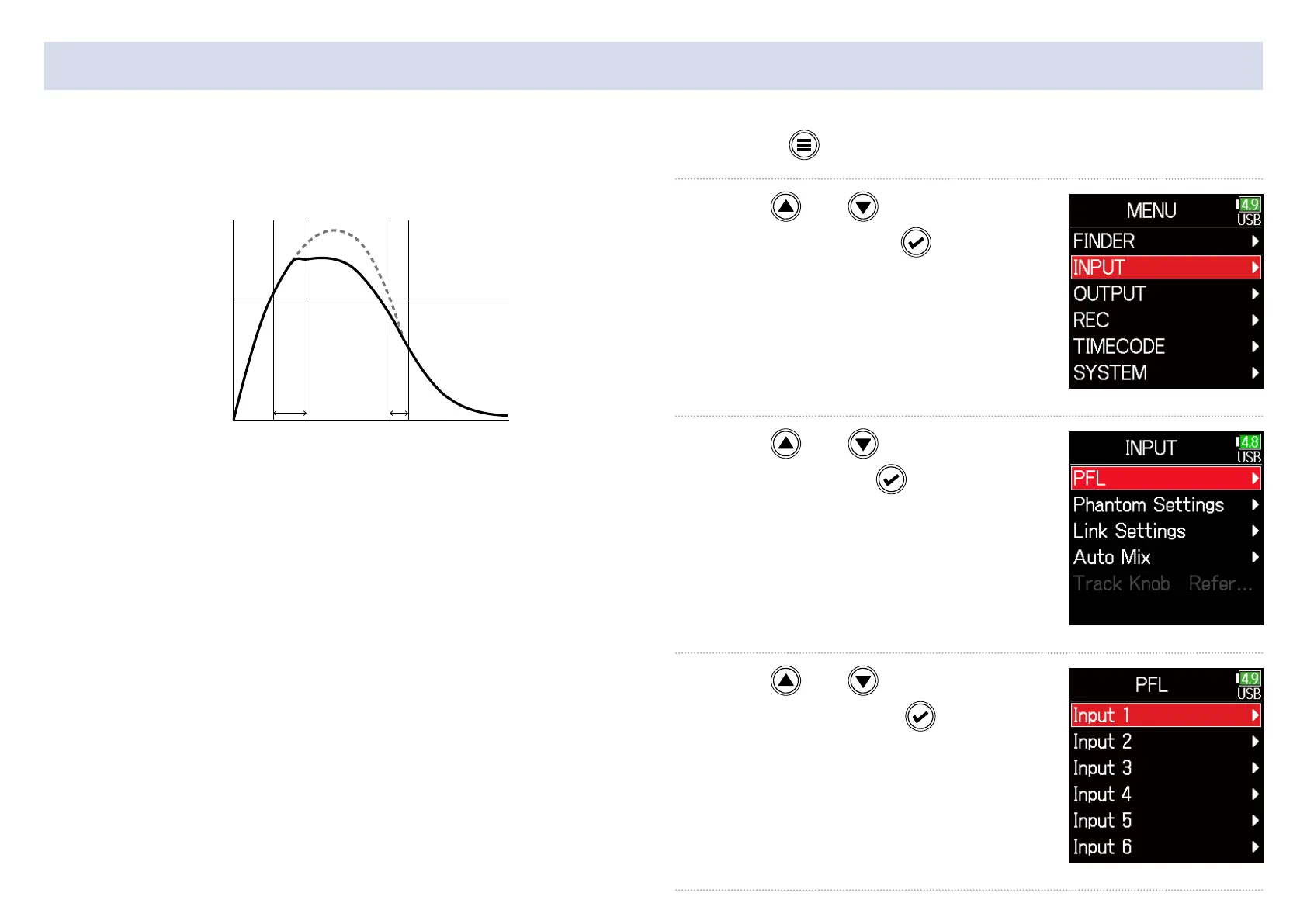
The limiter can prevent distortion by reducing input signals that have
excessively high levels.
Attack
time
Threshold
Level
Input signal
Signal after
limiter
Release
time
Time
When the limiter is ON, if the input signal level exceeds the set thresh-
old value, the input signal level will be suppressed to prevent the sound
from distorting.
The amount of time after the input signal exceeds the threshold until
compression of the output signal is maximized is called the “attack
time”. The amount of time after the input signal goes below the thresh-
old until the limiter stops compressing the signal is called the “release
time”. Change these two to adjust the audio quality.
1. Press .
2. Use and to select
INPUT, and press
.
3. Use and to select
PFL, and press
.
4. Use and to select
a track, and press
.



 To Next Page