29
Setting the recording mode (bit depth)
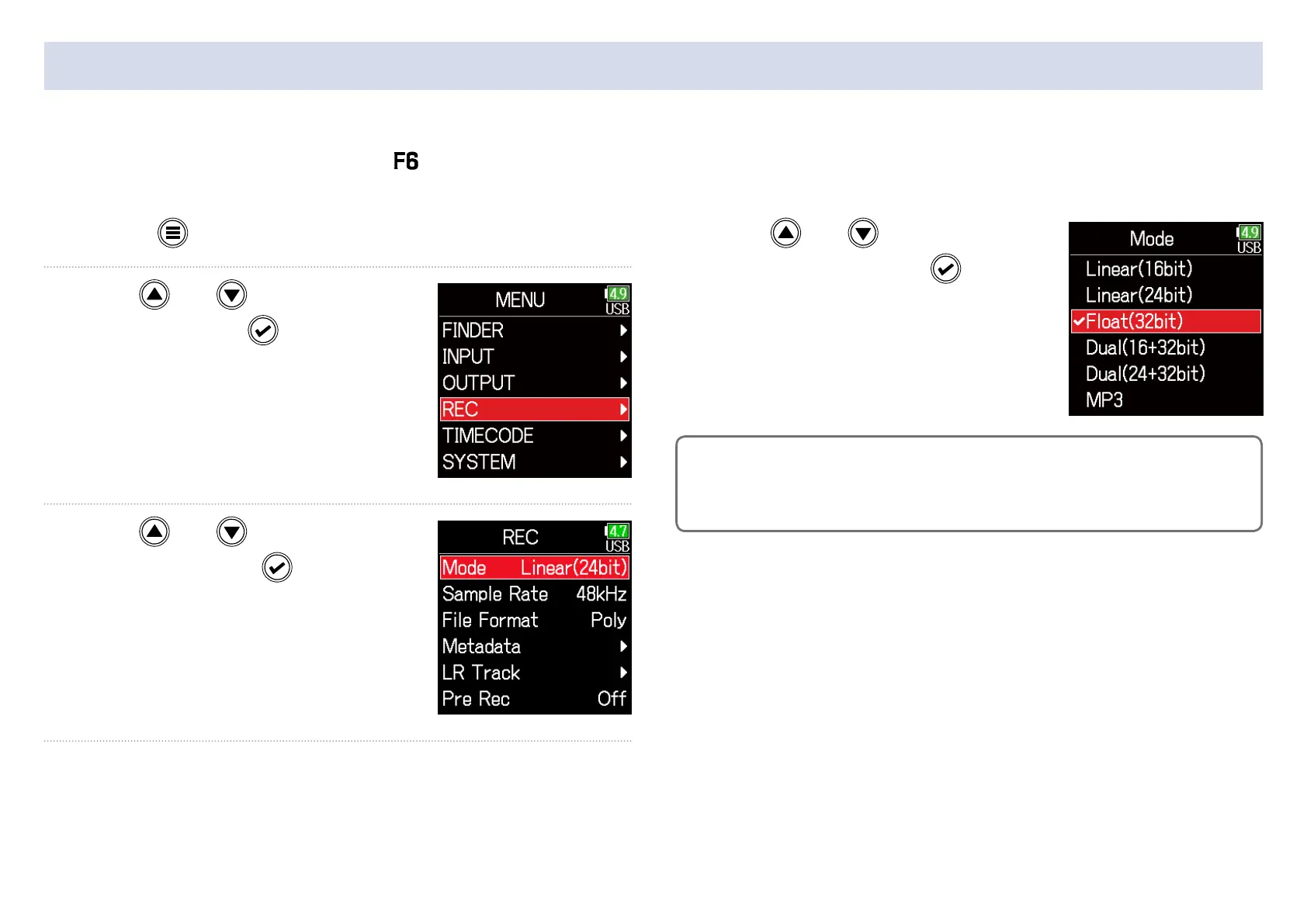
1. Press .
2. Use and to select
REC, and press
.
3. Use and to select
Mode, and press
.
4. Use and to select
the mode, and press
.
HINT
The setting options are Linear (16bit), Linear (24bit), Float (32bit), Dual
(16+32bit), Dual (24+32bit) and MP3.
Set the recording mode.
The bit depth of WAV les recorded by the will change according to the mode setting.



 To Next Page