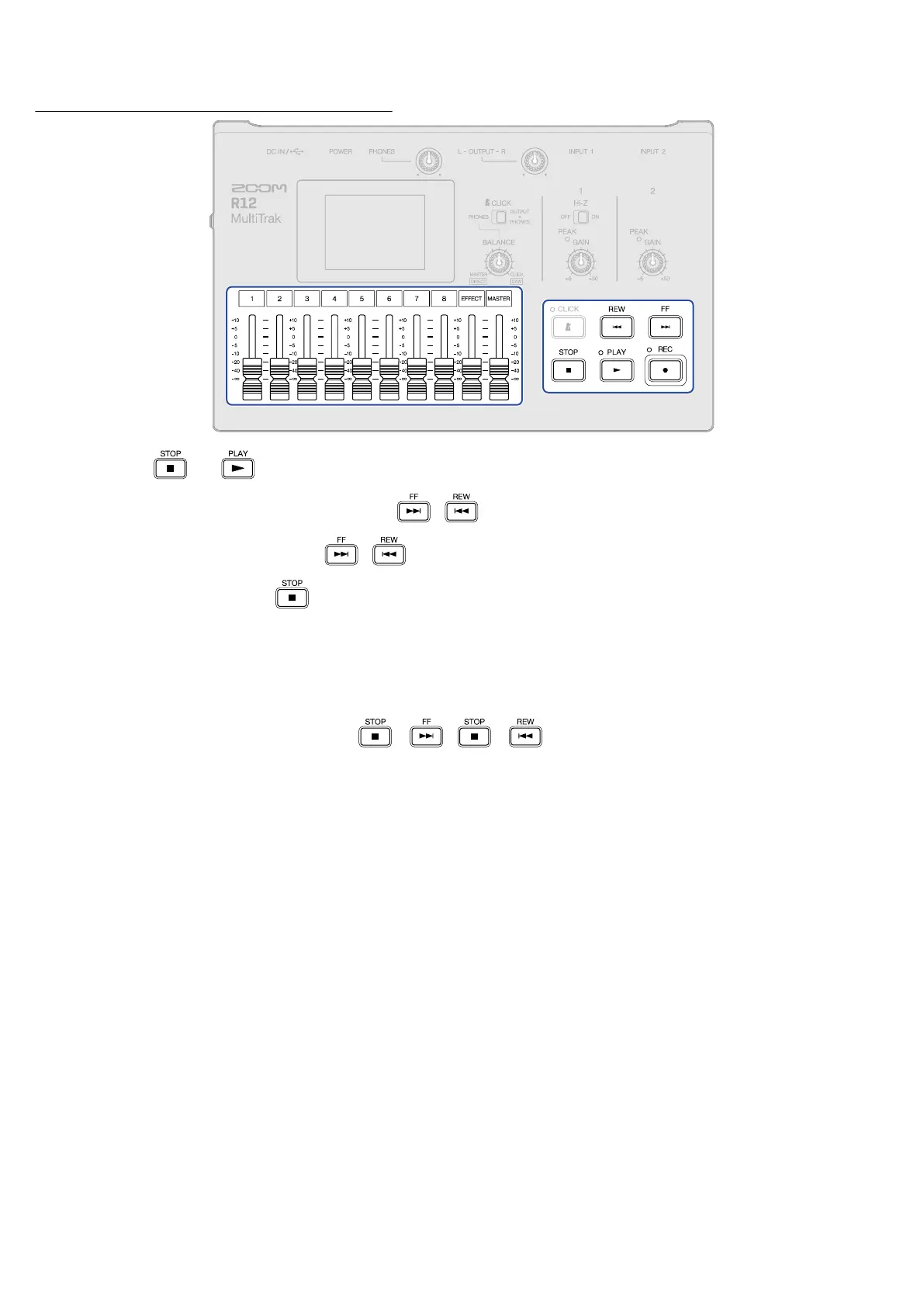
Button operations during playback
• Stop: Press or .
• Search backward/forward: Press and hold /
• Play previous/next project: Press /
• Return to beginning: Press when stopped
• Adjust track volume: Move channel fader
• Adjust master track volume: Move MASTER fader
• Adjust send effect volume: Move EFFECT fader
• Move to previous/next marker: Press + / +
166



 To Next Page