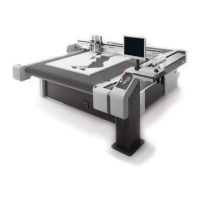
Cutter without material transport
41
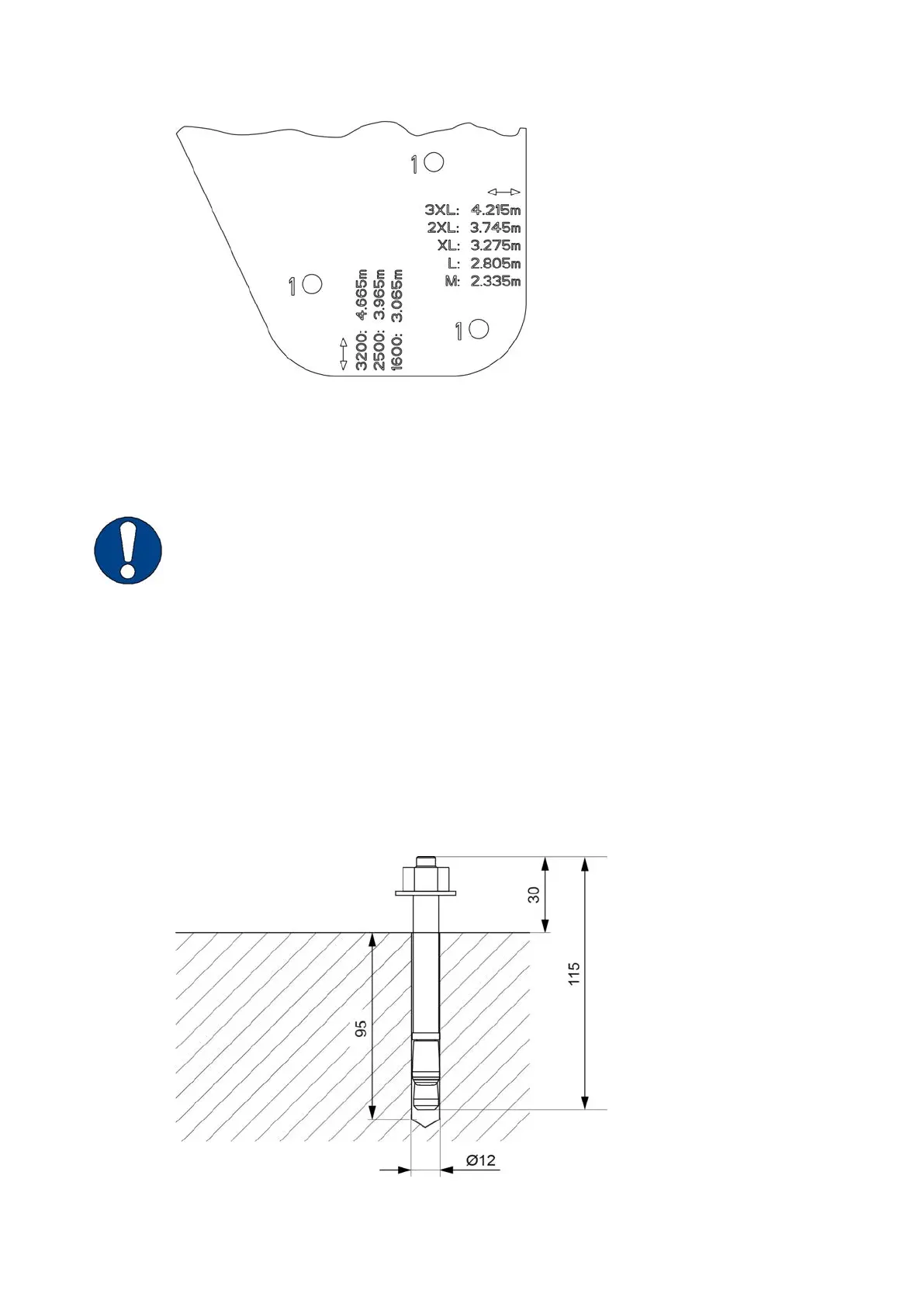
↔ Reference dimension: width from outer edge to outer edge
↕ Reference dimension: length from outer edge to outer edge
Note:
Various drilling templates are available!
Each cutter size 2XL-3200 and 3XL-3200 has its own drilling template for front right and rear left.
A Place the two drilling templates according to the labeling on the bases on one side of the cutter.
For example, front left and rear left.
B Use the imprint on the drilling template or the "reference dimension" assembly base to check the
indicated dimension (see Diagrams on page 99).
C Mark the drill holes. Make sure to use the holes with the appropriate marking (1 = front, 2 = rear).
D Mark the drill holes on the opposite side in the same way.
7.2.2 Drilling holes and placing segment anchors



 To Next Page