Pannoramic 250 1.15 User’s Guide 4 Software Description
4.6.4 Focus tab panel
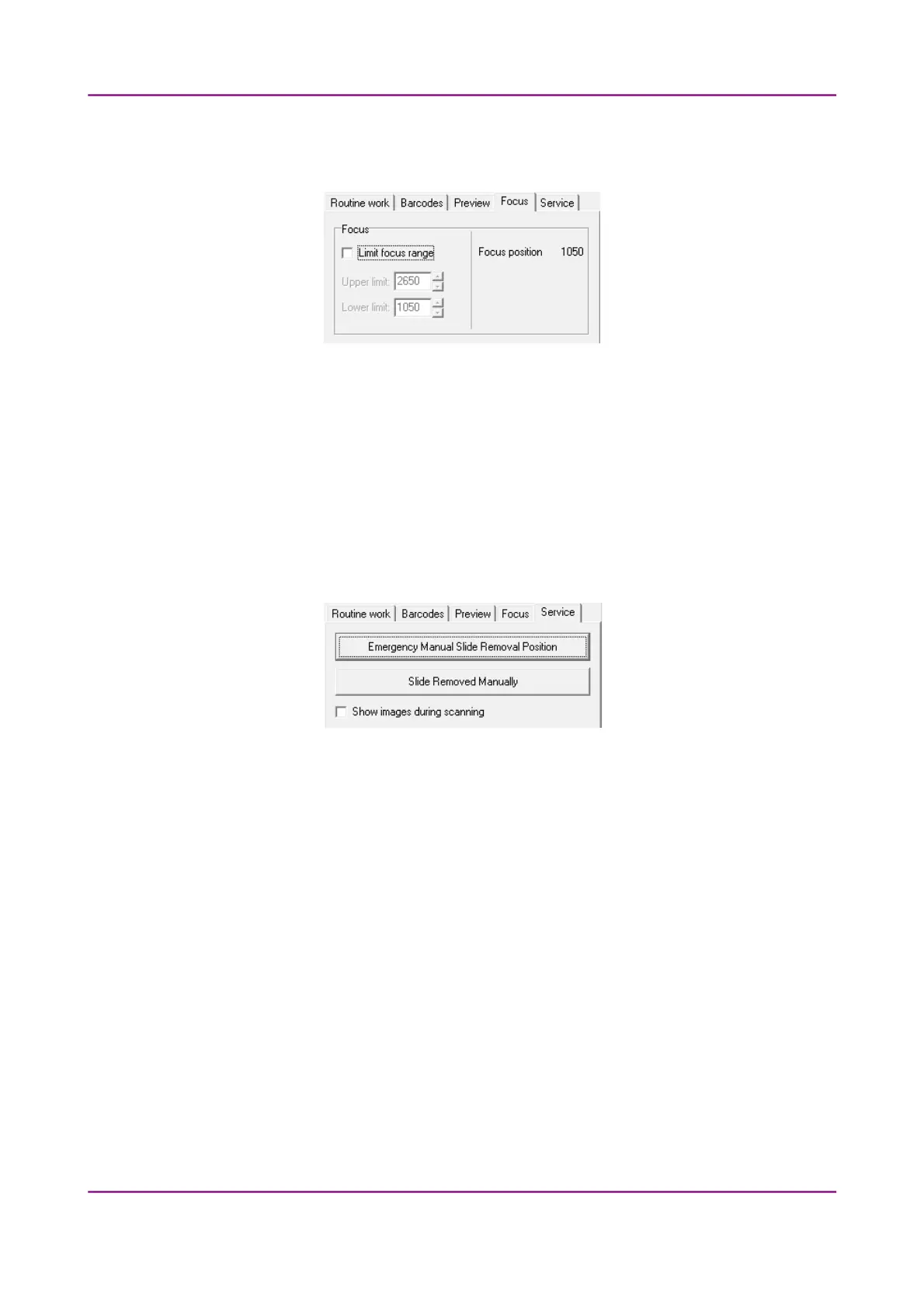
Figure 68 – Focus tab panel
Focus
You can define focus limits by selecting Limit focus range checkbox. You can set the upper
and lower limits by selecting the desired value in the selection boxes.
This is useful if focusing was not targeted on the specimen, but on a spot on the coverslip.
4.6.5 Service tab panel
Figure 69 – Service tab panel
This tab panel contains control and maintenance functions.
Emergency Manual Slide Removal Position
The specimen holder will be moved to a position where the slide can be removed manually
after opening the cover (see section 5.3.1 Opening the protective cover).
Slide Removed Manually
Click this button to notify the software that you have removed the slide manually.
Show images during scanning
If you select this option, you will be able to see the currently scanned image field during
scanning in the live image display field. This slows down digitization process and should be
activated only with purpose.
March 13, 2012 – Rev. 1 3DHISTECH Ltd.
106(135)



 To Next Page