Pannoramic 250 1.15 User’s Guide 4 Software Description
The camera changer changes the cameras according to the settings in the Microscope Settings
options depending on the selected scan modes. It changes to the camera defined for Brightfield
scanning if Brightfield scan mode is selected, whereas it changes to the camera defined for
fluorescent scanning if Fluorescent scan mode is selected.
Note:
It is recommended to use specimens with identical staining for a given
batch of magazines in Automatic mode.
4.1.2 Exiting the software
If you close a mode or one of the options window the Mode selection window turns active again. To
exit the software, click X in the title bar of the Mode selection window, and the magazine(s) on the
input stack will automatically be unloaded to the output stack.
4.2 Options
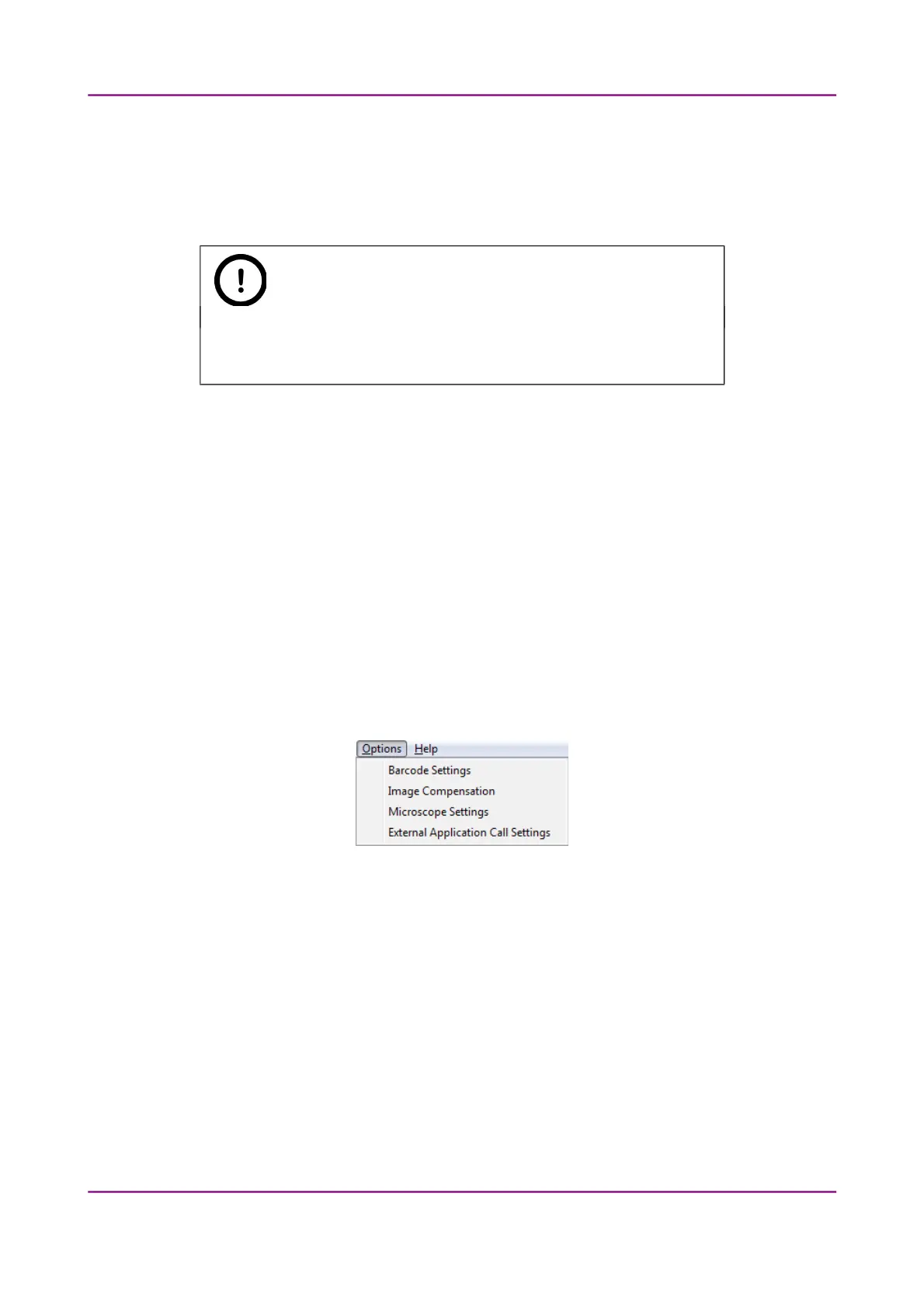
The Options menu can be activated from the main menu of the Mode selection window.
Figure 18 – Options menu
March 13, 2012 – Rev. 1 3DHISTECH Ltd.
35(135)



 To Next Page