Pannoramic 250 1.15 User’s Guide 4 Software Description
4 Software Description
4.1 Starting / Exiting the Pannoramic Scanner Software
4.1.1 Starting the software
For the scan software you can choose from different scanning modes at the startup of the program.
1. To start the program, double-click on the program icon on the desktop or start it from Start
Menu\ All Programs \ 3DHISTECH \ Pannoramic Scanner
2. During start-up, all motors, the preview camera and the scan camera are initialized. After
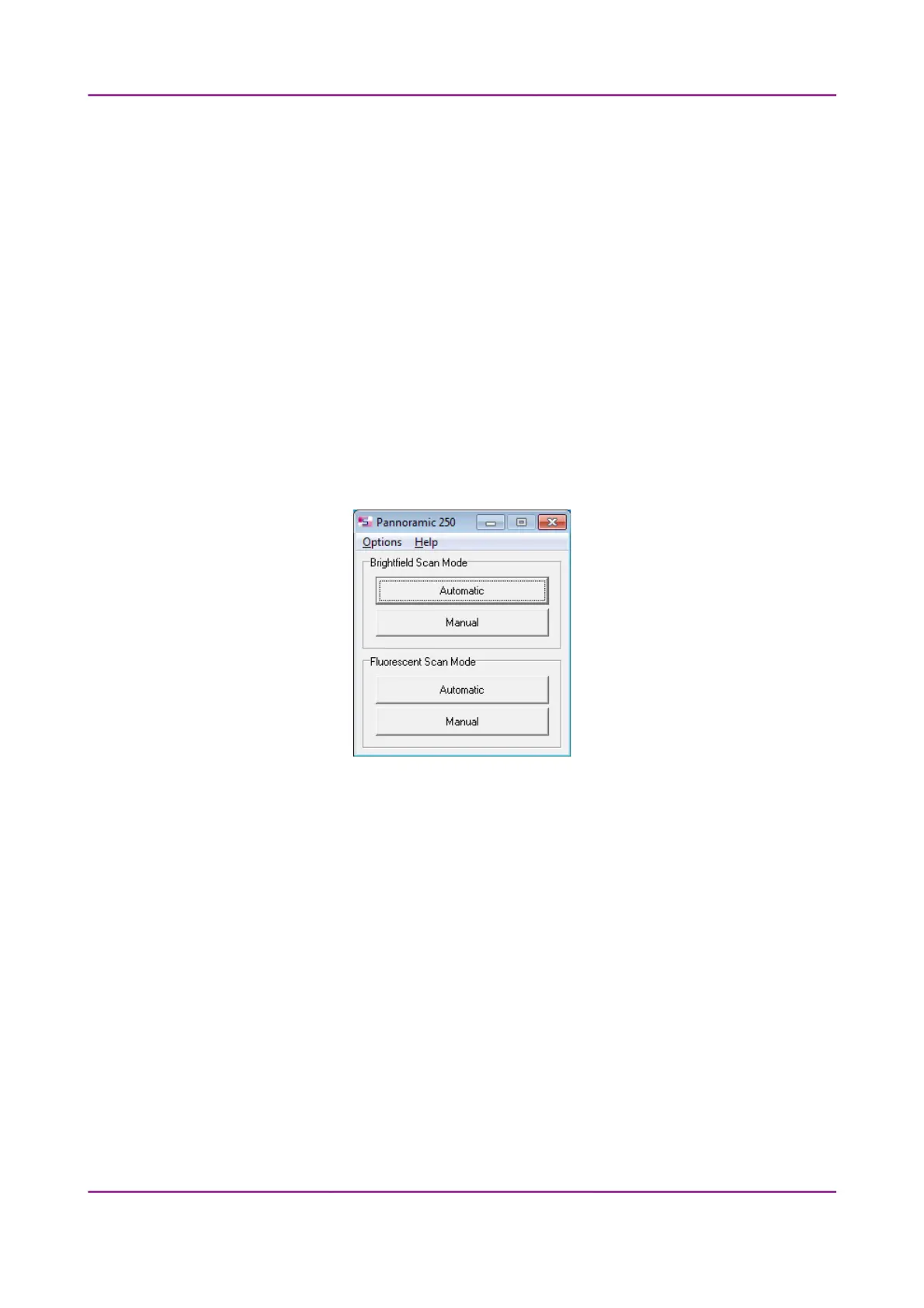
successful initialization, the program displays a Mode selection window.
Figure 17 – Mode selection window
The selection window displays two Brightfield and Fluorescent scan modes:
• Automatic
• for digitizing multiple slides
• Manual
• for digitizing individual slides
• where contrast ratio is critical due to specimen staining and where ideal
parameters need to be determined for subsequent use in Automatic mode
• if profiles need to be defined for the Automatic mode
March 13, 2012 – Rev. 1 3DHISTECH Ltd.
34(135)



 To Next Page