Pannoramic 250 1.15 User’s Guide
Character Formats and Symbols
Example Words or characters that appear on the screen. These include field names, screen
and window titles, push-buttons and menu names, paths or options.
Keys on the keyboard. For example, function keys (such as F11) or the Ctrl+M key
combination.
Example Cross-references within this document or to other documents.
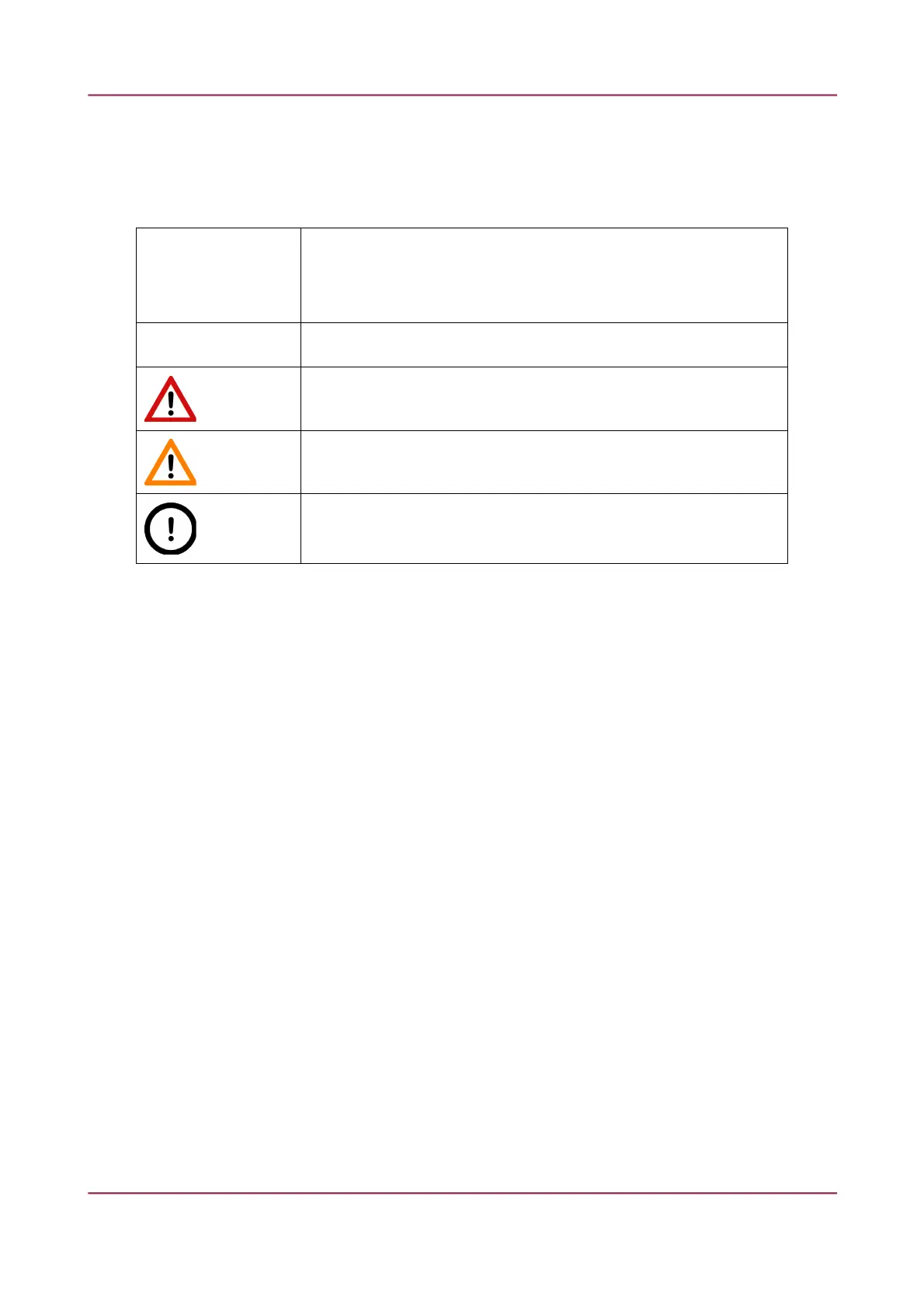
Warning!
It might cause irreversible damage or harm to the user of the product or the
product itself if this instruction is not followed.
Caution!
It might cause the product not to work properly if this instruction is not followed.
Note:
Calls attention to some important features.
March 13, 2012 – Rev. 1 3DHISTECH Ltd. 7(135)



 To Next Page