Pannoramic 250 1.15 User’s Guide 3 Operating Slides and Magazines
Note:
Ensure that a marginal space of 1-2 mm remains on all sides between
the sticker and the label area outer limits. It is vital for barcode
identification.
Caution!
Do not let barcode sticker protrude from slide edges, or stick on the
coverslip surface (3).
Do not stick more than 4 barcode stickers over each other and the
overall thickness must must be kept below 1.65 mm (including the
barcodes and the slide).
3.3 Inserting and Removing Slides
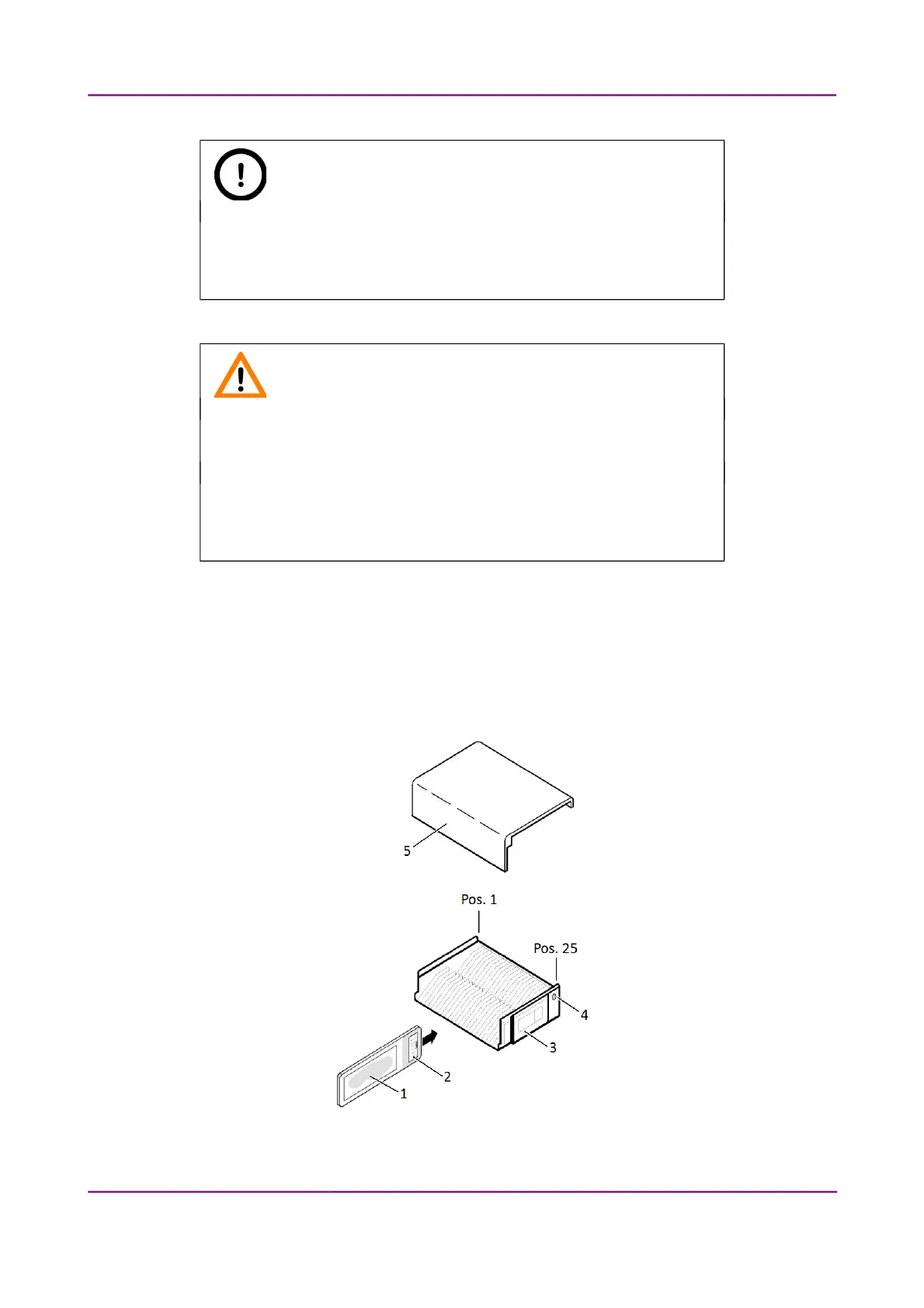
3.3.1 Insert slides into a magazine
Figure 12 – Inserting slides into a magazine
March 13, 2012 – Rev. 1 3DHISTECH Ltd.
29(135)



 To Next Page