Pannoramic 250 1.15 User’s Guide 4 Software Description
4.4 Using Brightfield Automatic Mode
Compared to Manual mode, it has less options in some dialogs, but it has an additional Barcodes tab.
4.4.1 Routine work tab panel
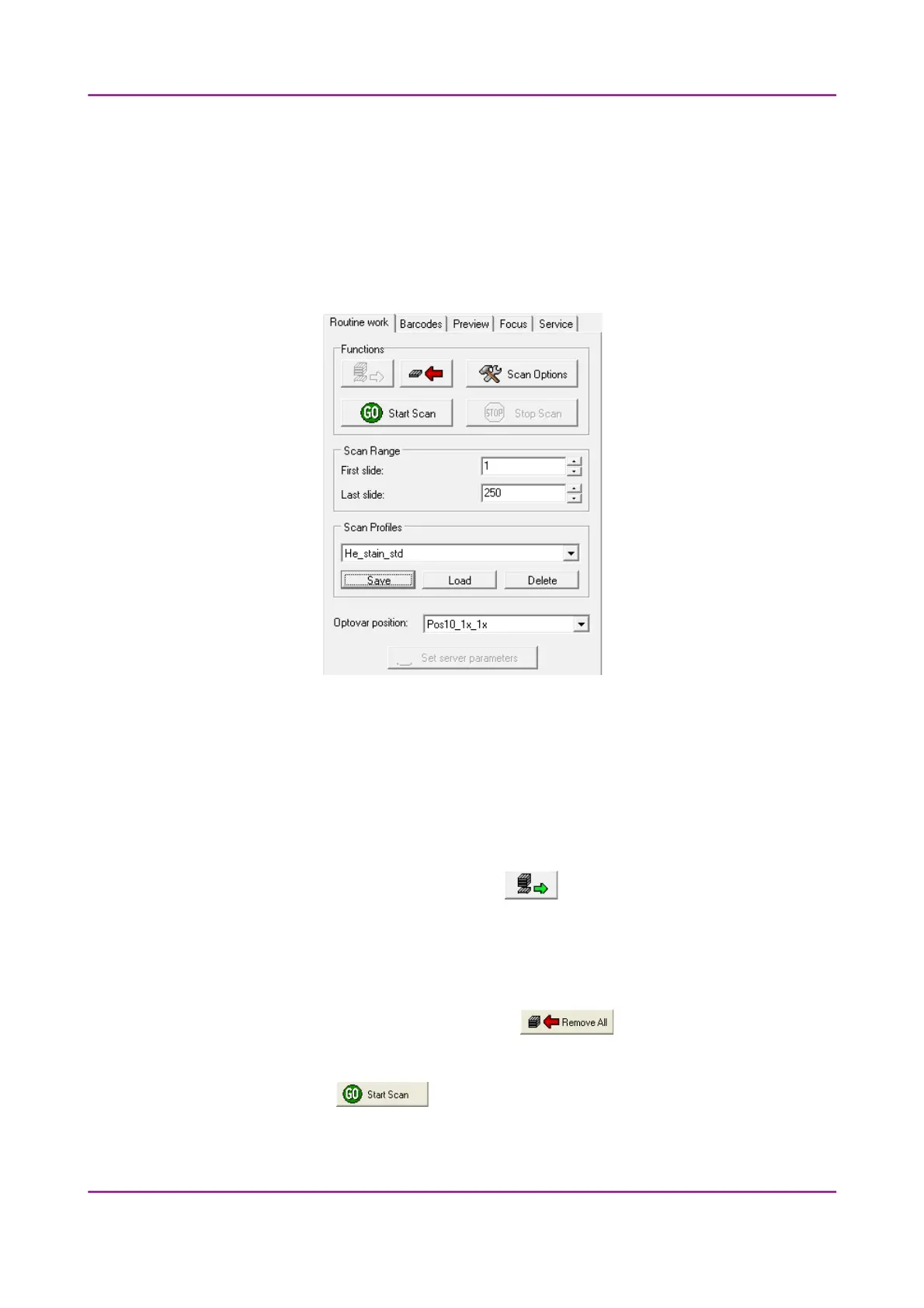
Figure 47 – Routine work tab panel
The Routine work tab panel provides basic digitization functions.
To insert and remove slides
• In Automatic mode a preloaded magazine has to be placed into the main unit. This magazine
is the first one, irrespectively of the total number of magazines (1-10) to be loaded.
If a magazine is present in the input feed, the button turns active. Click this button to
load the magazine.
• If you do not want to load all slides, you can specify the first and last slide to be loaded in the
Scan Range by entering the appropriate slide numbers in the selection boxes of First slide
and Last slide.
• To move all magazines to the output stack, click . You can save time if you
remove all magazines from the input stack before you click this button.
Start scanning by clicking the button, but before that it is recommended to go through
all the settings, and make sure everything is set correctly.
March 13, 2012 – Rev. 1 3DHISTECH Ltd.
69(135)



 To Next Page