Pannoramic 250 1.15 User’s Guide 4 Software Description
4.2.2 Image Compensation
You can create a new compensation image when there are compensation errors (deriving from the
slide, illumination, staining or embedding medium irregularities) from an empty slide by setting these
options.
By moving the mouse over the buttons, the software displays information about the setting you
are interested in.
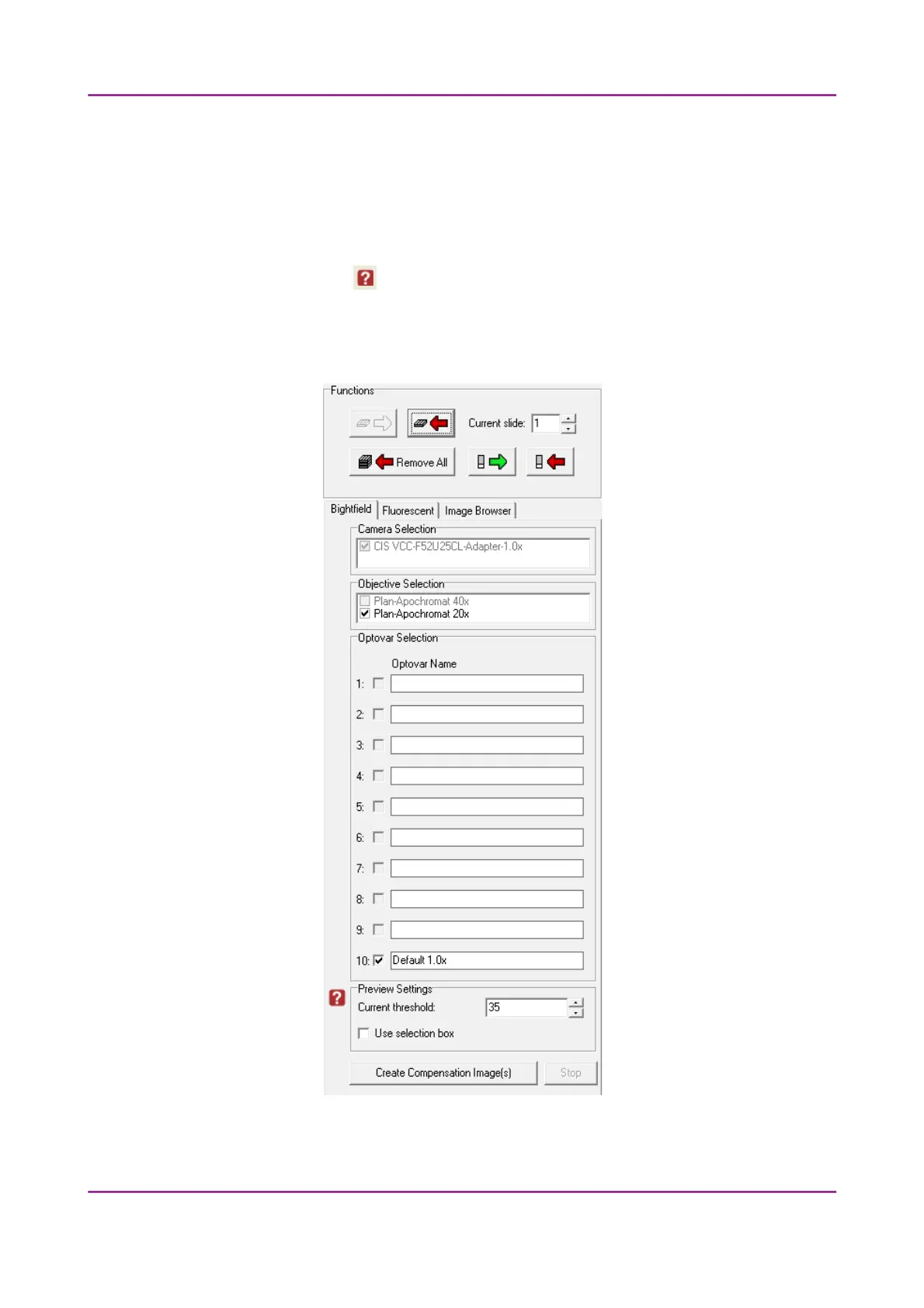
Brightfield compensation
Figure 20 – Image compensation
March 13, 2012 – Rev. 1 3DHISTECH Ltd.
39(135)



 To Next Page