Pannoramic 250 1.15 User’s Guide 4 Software Description
If you select the Interpolated focus option, the coarse focus level is calculated from three
different focus points of the specimen. Carry out a manual focusing sequence in the
preview image on those three points.
Set the correct focus value of the desired preview position by clicking Set. If you want to go
back to any of the previously set focus points, click the appropriate Goto button. To delete
the stored values, click Clear Values.
The software calculates a coarse focus level from the three values determined this way as a
basis for the fine focusing routine. You can only define the start parameter here. This will,
however, speed up the focusing process.
If you deselect the Use fine focus checkbox, the software immediately starts scanning on
the basis of the interpolated values, without pre-fine-focusing.
Manual Exposure
By selecting the Use manual exposure times, you can determine the exposure times. The
values are typically set to Auto, meaning that the exposure times are determined
automatically. After selecting the corresponding filter and activating the live image, you can
preset the Exposure value.
It is recommended to go to various positions in order to determine the intensity distribution
throughout the specimen and define a representative value. You can accept the value for
presetting by clicking Set Value. Repeat the procedure for all other filters.
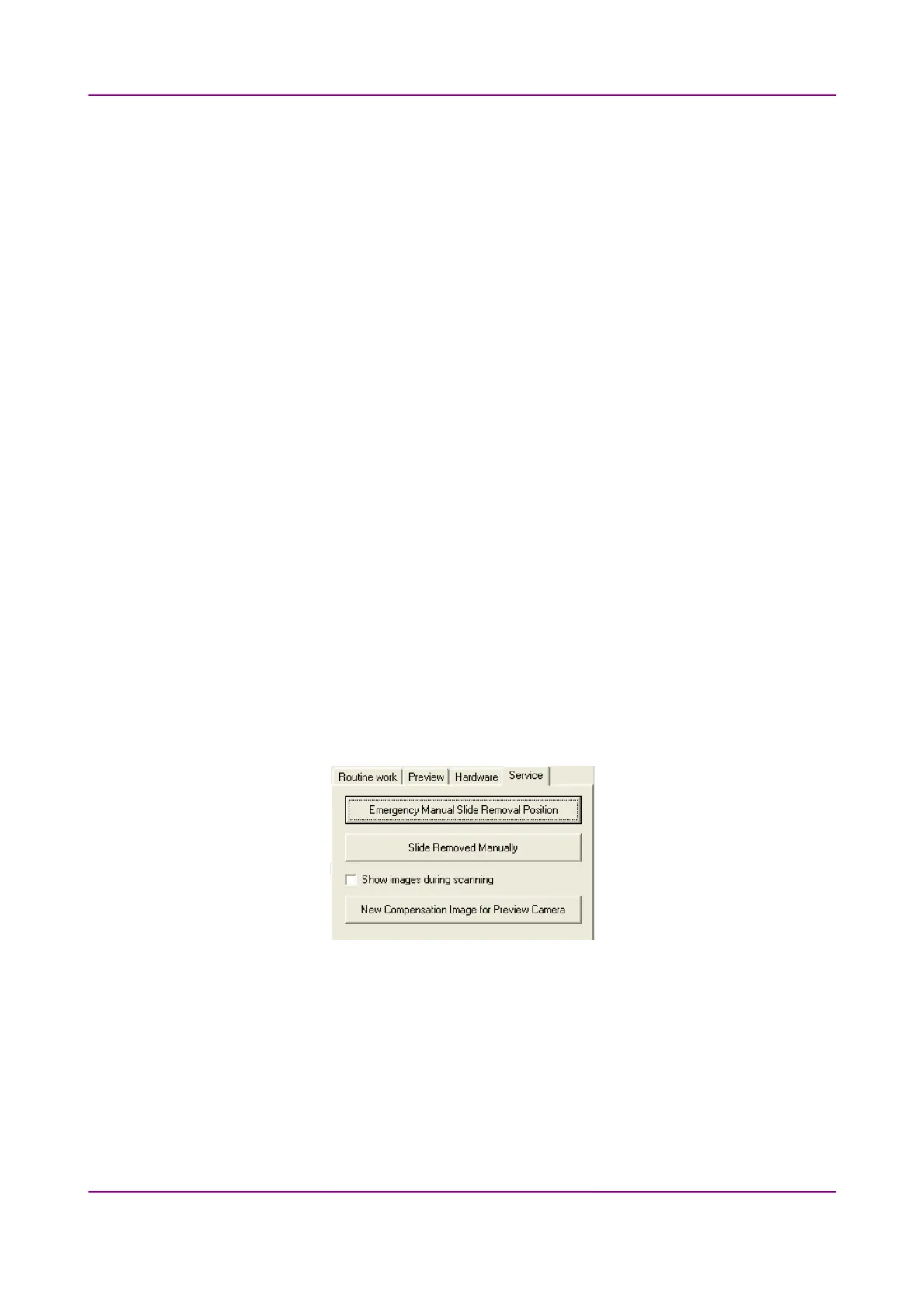
4.5.5 Service tab panel
Figure 62 – Service tab panel
This tab panel contains control and maintenance functions.
Emergency Manual Slide Removal Position
The specimen holder will be moved to a position where the slide can be removed manually
after opening the cover (see section 5.3.1 Opening the protective cover).
March 13, 2012 – Rev. 1 3DHISTECH Ltd.
94(135)



 To Next Page