Pannoramic 250 1.15 User’s Guide 3 Operating Slides and Magazines
Caution!
Do not place magazines into the output stack (4) or remove magazines
with already digitized slides from there during the digitization process.
Only remove magazines from the output stack when you have finished
digitization of all slides.
3.3.3 Opening/Closing the FL protective cover
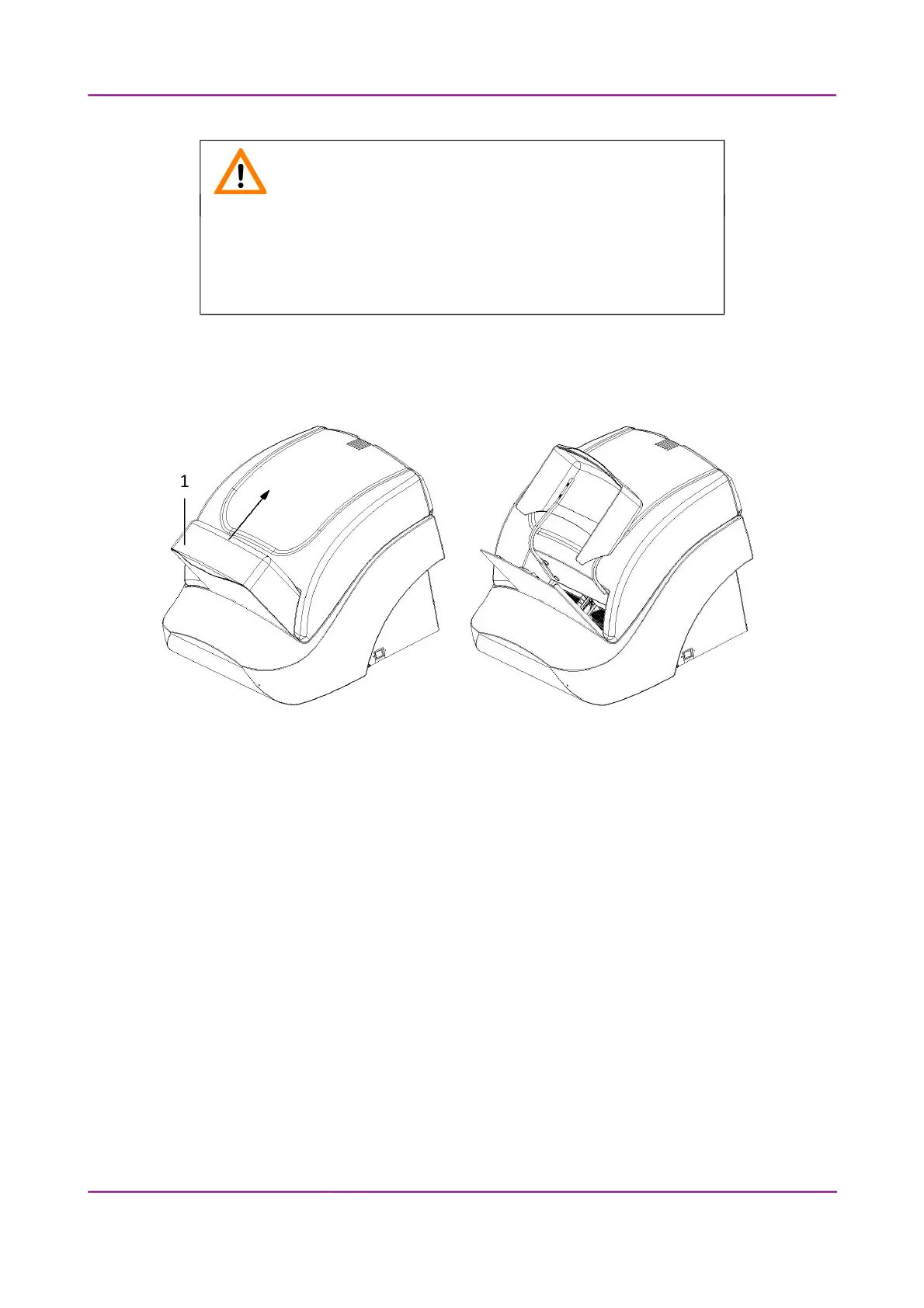
Figure 16 – Opening the FL protective cover
Open the protective cover by moving it upwards and lay it down to the upper cover of the unit, then
insert magazines.
When scanning slides, close the FL protective cover (1) of the base unit after inserting the
magazine(s) into the input stack.
1. Mount the protective cover properly.
2. After finishing the digitization process, open the protective cover.
3. Remove the magazine(s) from the output stack and put the magazine cover on them.
March 13, 2012 – Rev. 1 3DHISTECH Ltd.
33(135)



 To Next Page