Pannoramic 250 1.15 User’s Guide 4 Software Description
4.7 Scan to Server
If you want to scan directly to a server, first you have to install the ScanToServer which is an
embedded application that can be run under the Pannoramic 250 scanner software.
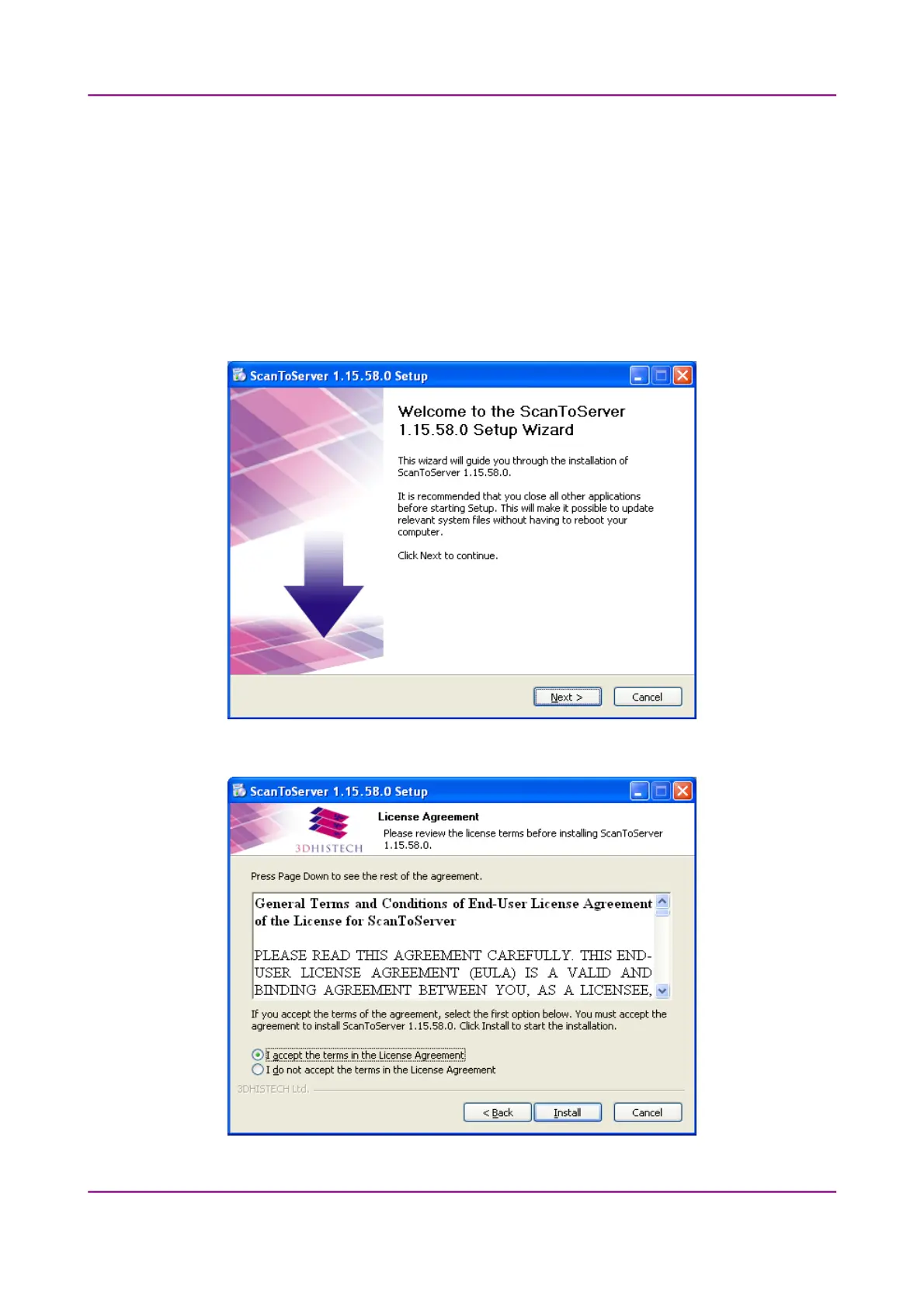
Follow these steps to install the ScanToServer application:
1. Run the ScanToServer_1_15_xx.exe to launch the installation wizard.
2. Accept the License Agreement, then click Install to continue.
March 13, 2012 – Rev. 1 3DHISTECH Ltd.
107(135)



 To Next Page