Pannoramic 250 1.15 User’s Guide 4 Software Description
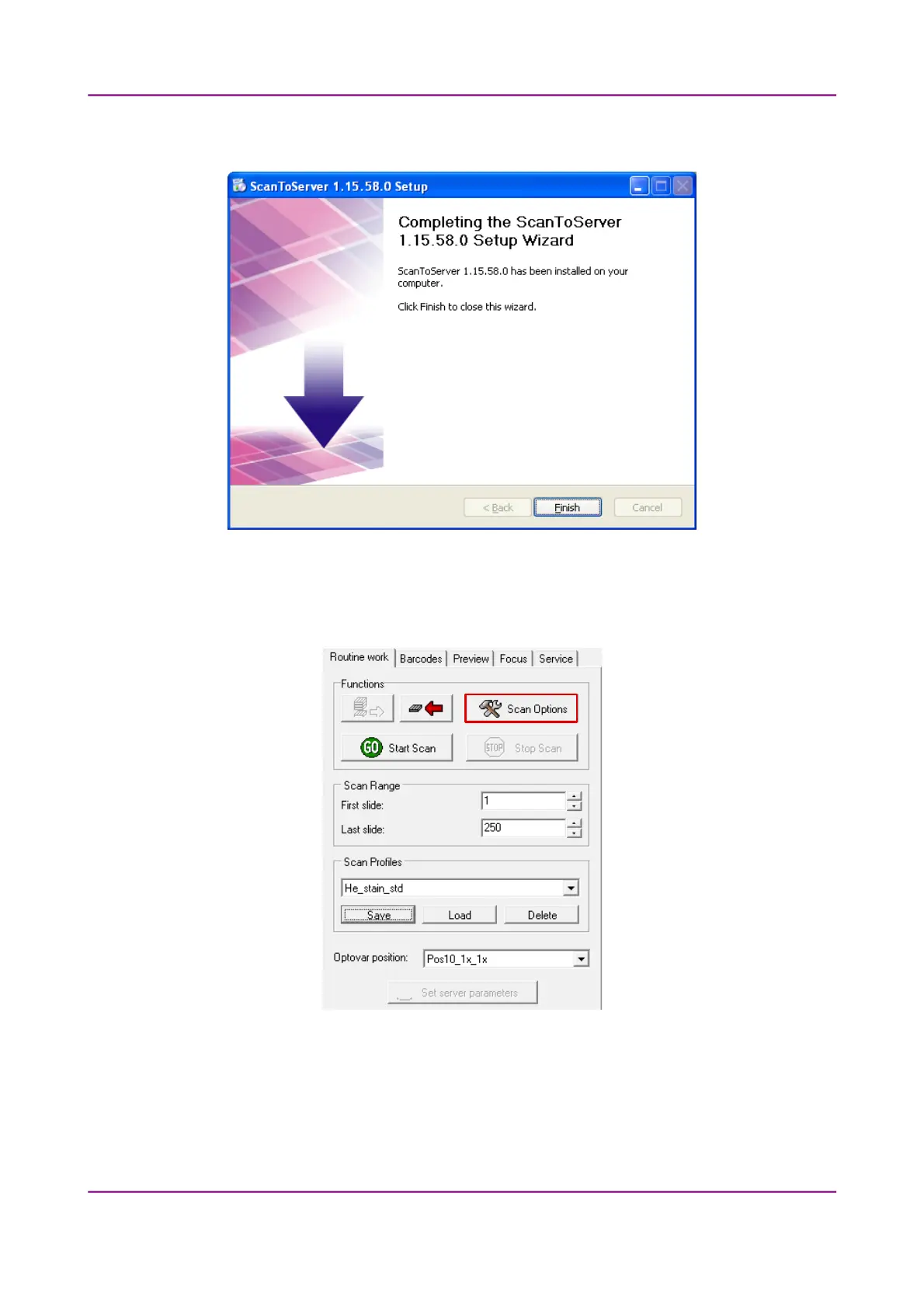
3. Click Finish to finalize the installation process of the ScanToServer application.
To setup a connection with a designated server, follow the steps below:
1. Click Scan Options on the Routine Work tab panel.
Figure 70 – Scan Options button
March 13, 2012 – Rev. 1 3DHISTECH Ltd.
108(135)



 To Next Page