Pannoramic 250 1.15 User’s Guide 4 Software Description
4.3.2 Scan Options window
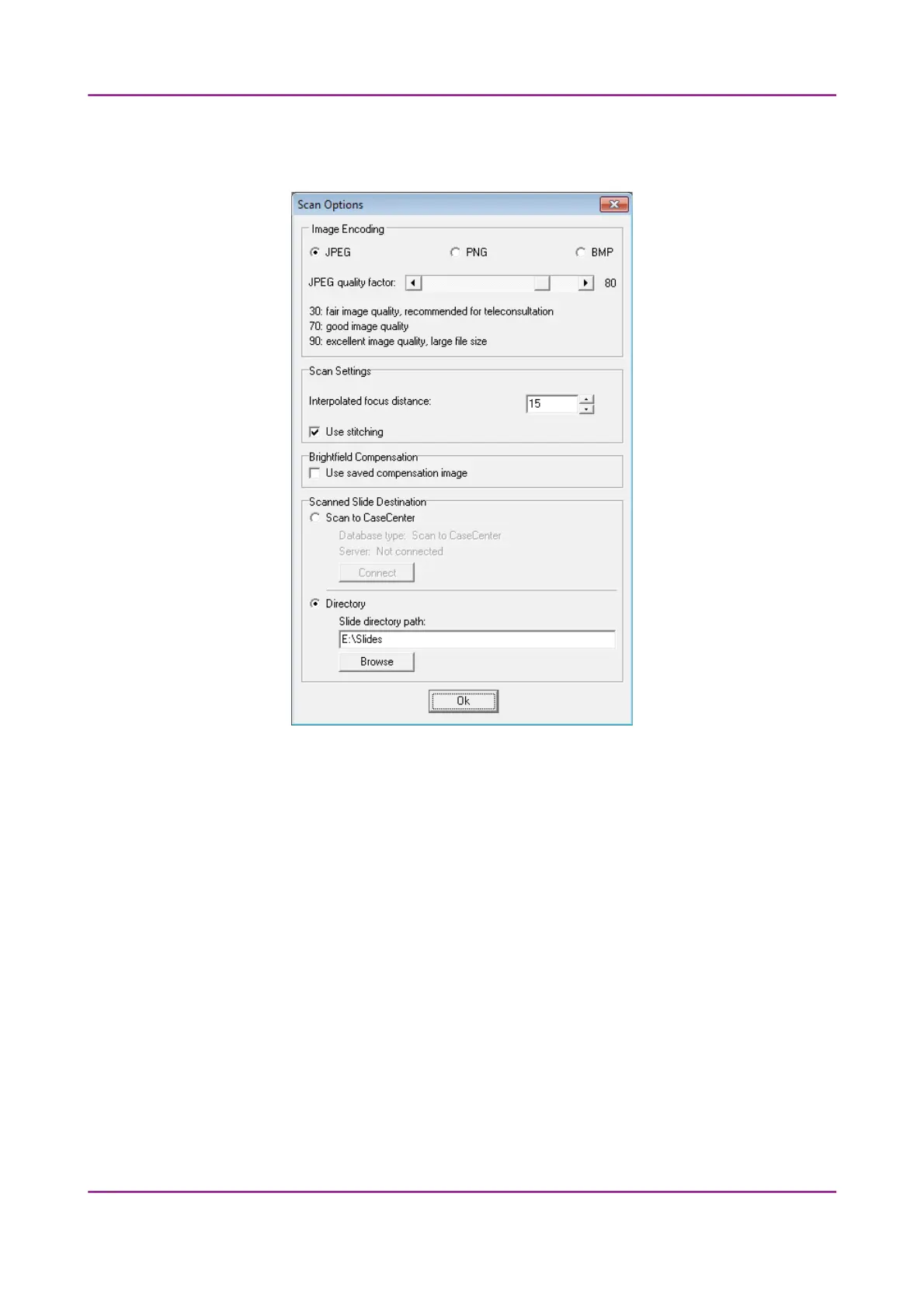
Figure 30 – Scan options window
These settings will determine the resulting quality and storage location of the virtual slide.
You can choose the following image formats in the Image Encoding field:
• JPEG – The quality can be adjusted with the JPEG quality factor slider. Greater values result
in better quality, but larger files. The default setting is 80%.
• PNG – lossless compressed image format.
• BMP – lossless uncompressed image format, but larger files due to less effective
compression. It is a raw data file.
March 13, 2012 – Rev. 1 3DHISTECH Ltd.
53(135)



 To Next Page