Pannoramic 250 1.15 User’s Guide 4 Software Description
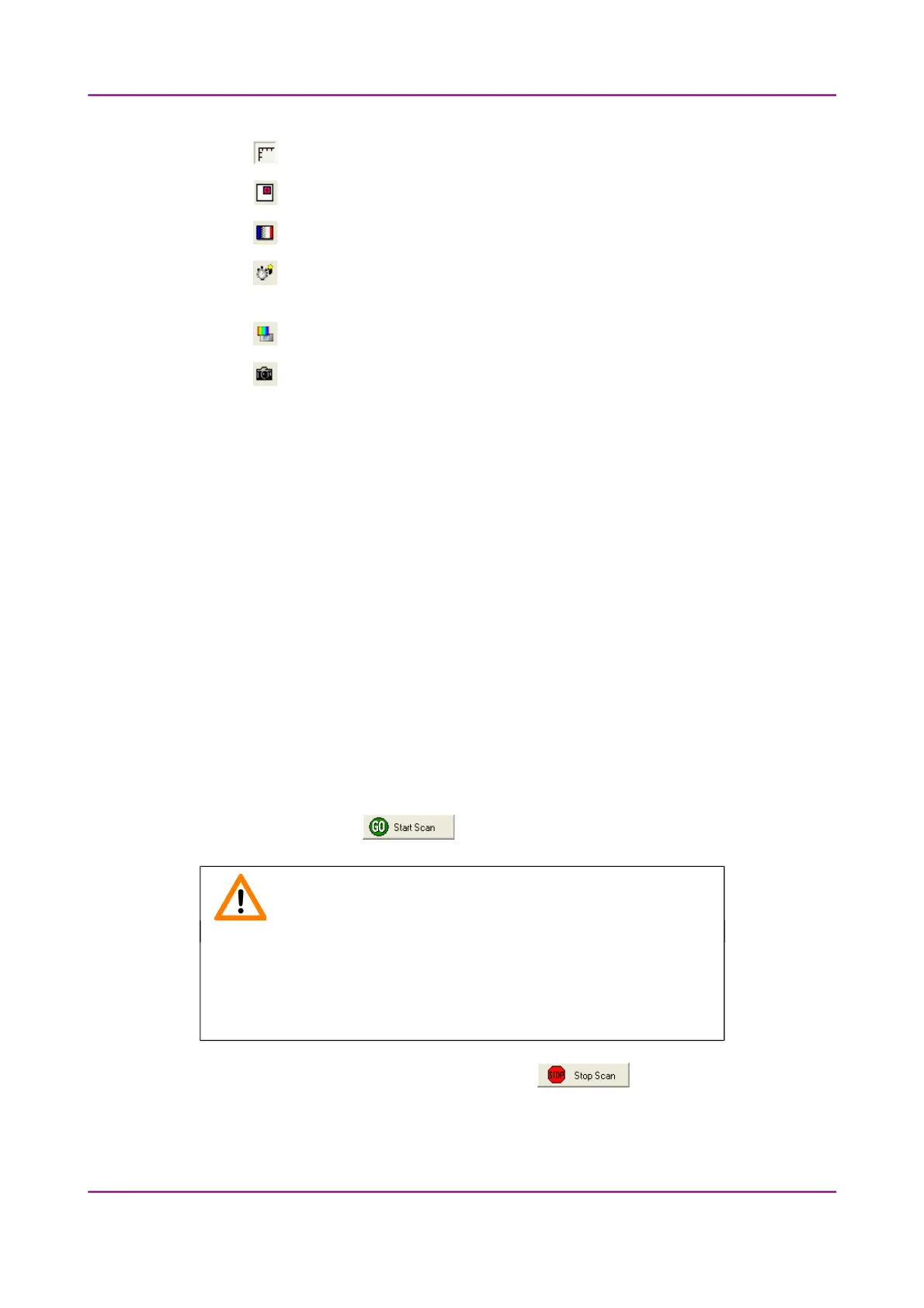
• – Displays or hides the vertical and horizontal scale bars
• – Displays the magnifier window
• – Activates red marking on overexposed pixels
• – Recalculates exposure time (useful if too many overexposed pixels were
detected)
• – Calculates white balance (only for color cameras)
• – Saves the current image as BMP or JPEG file
• Fast live mode – live images are displayed with a frequency of at least 10
images/second. If an exposure time is set to more than 100 ms, the pixel values are
multiplied accordingly (for example, if an exposure time of 200 ms is set, the pixel
values are multiplied by 2, and the exposure time is reset to 100 ms). Therefore the
resulting images will have a higher noise level. This function is useful only in
fluorescent scanning mode, where in spite of the higher noise level, the resulting
image will refresh like in normal live mode.
• Normal live mode – images are taken with an auto-specified exposure time.
Status bar
• Current position of the cursor related to the live image
• RGB value of current pixel
• Zoom level of the current live image
4.3.8 Start Scan
To start digitization process, click .
Caution!
Before starting digitization process ensure that you have enough free
space on the destination drive. You can check the available free disk
space in the last line (Available disk space) of the information area of
Current Slide Scan Progress.
You can interrupt a running digitization process by clicking . This button is only enabled
if a digitization process is in progress.
March 13, 2012 – Rev. 1 3DHISTECH Ltd.
68(135)



 To Next Page