Pannoramic 250 1.15 User’s Guide 4 Software Description
4.2.3 Microscope Settings
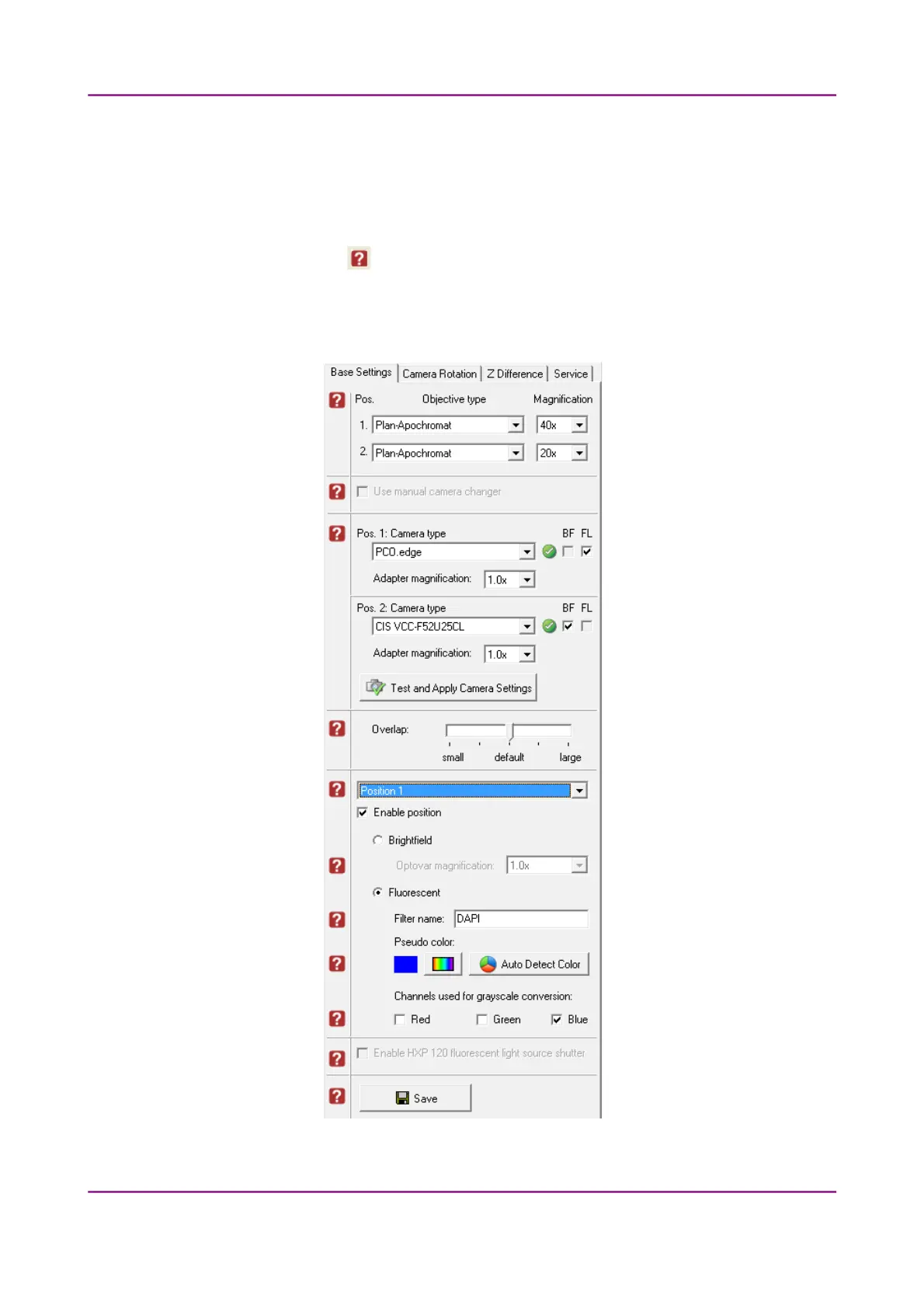
You can define for the software which filters occupy which turret positions.
By moving the mouse over the buttons, the software displays information about the setting you
are interested in.
Base Settings
Figure 23 – Base Settings tab panel
March 13, 2012 – Rev. 1 3DHISTECH Ltd.
44(135)



 To Next Page