Pannoramic 250 1.15 User’s Guide 4 Software Description
Preview Settings
Set the threshold on the preview image by using the compensation slide. The crosshair on
the slide must be focused, and set the Current threshold value to mark the specks together
with the crosshair red, or use the selection box by selecting Use Selection Box.
By clicking Advanced Options button you can set the maximum exposition time used for creating the
compensation image.
To create the compensation image(s), click . Click the Stop button to interrupt
the process.
The Progress bar at the bottom of the window displays the progress of the compensation image
creation.
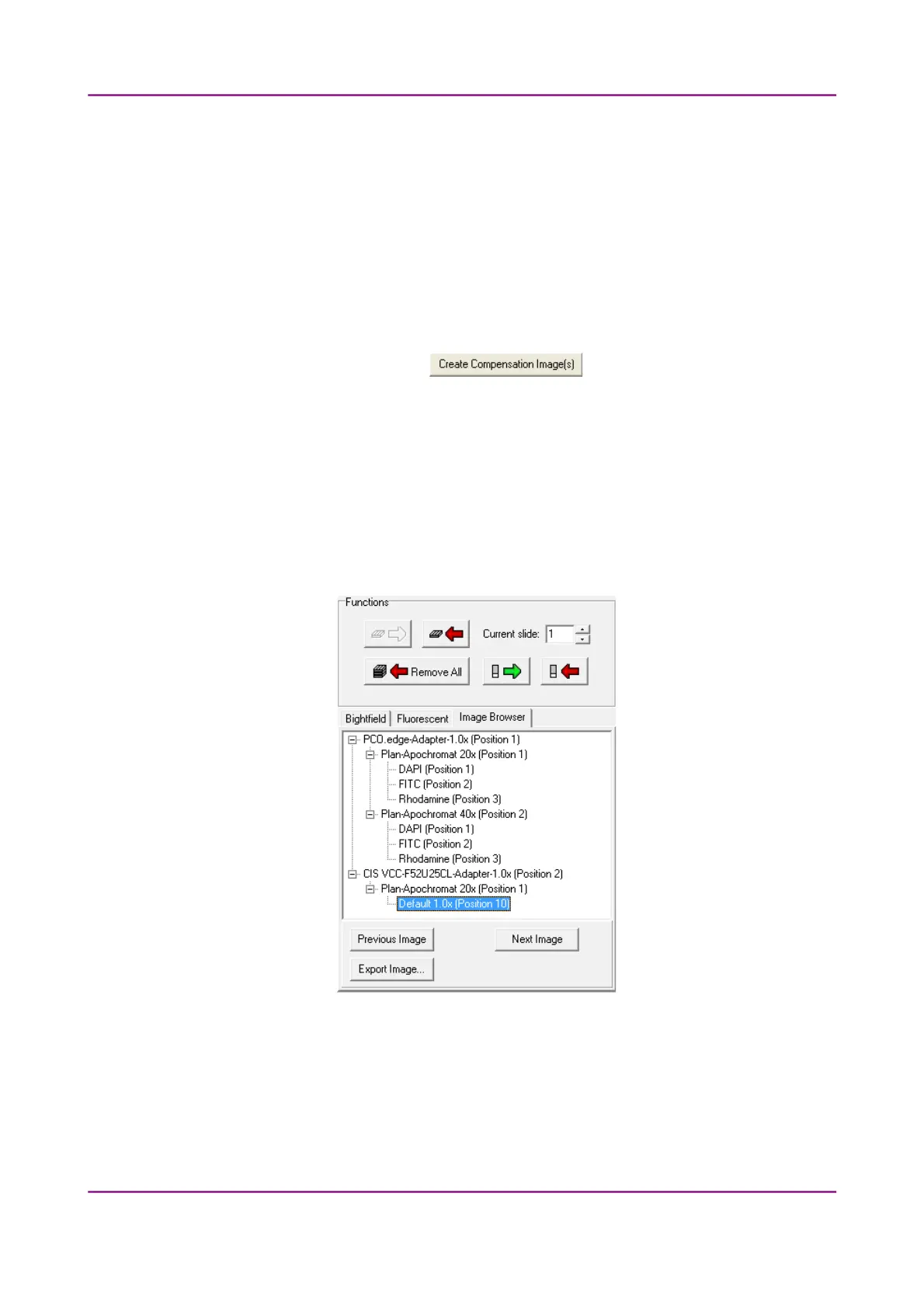
Image Browser
This function displays the created compensation image.
Figure 22 – Image Browser
March 13, 2012 – Rev. 1 3DHISTECH Ltd.
43(135)



 To Next Page