Pannoramic 250 1.15 User’s Guide 4 Software Description
To save a new mask, click Save. It will display a drop-down menu. Select whether to save
preview mask or TMA grid.
To load a mask, click Load. It will display a drop-down menu. Select whether to load preview
mask or TMA grid.
Use selection box
If selected, only the area inside the box is scanned. It is useful if you only want to scan the
area that is equivalent with the size of the coverslip, so external specks will not be scanned.
4.3.4 Preview area scanned by preview camera
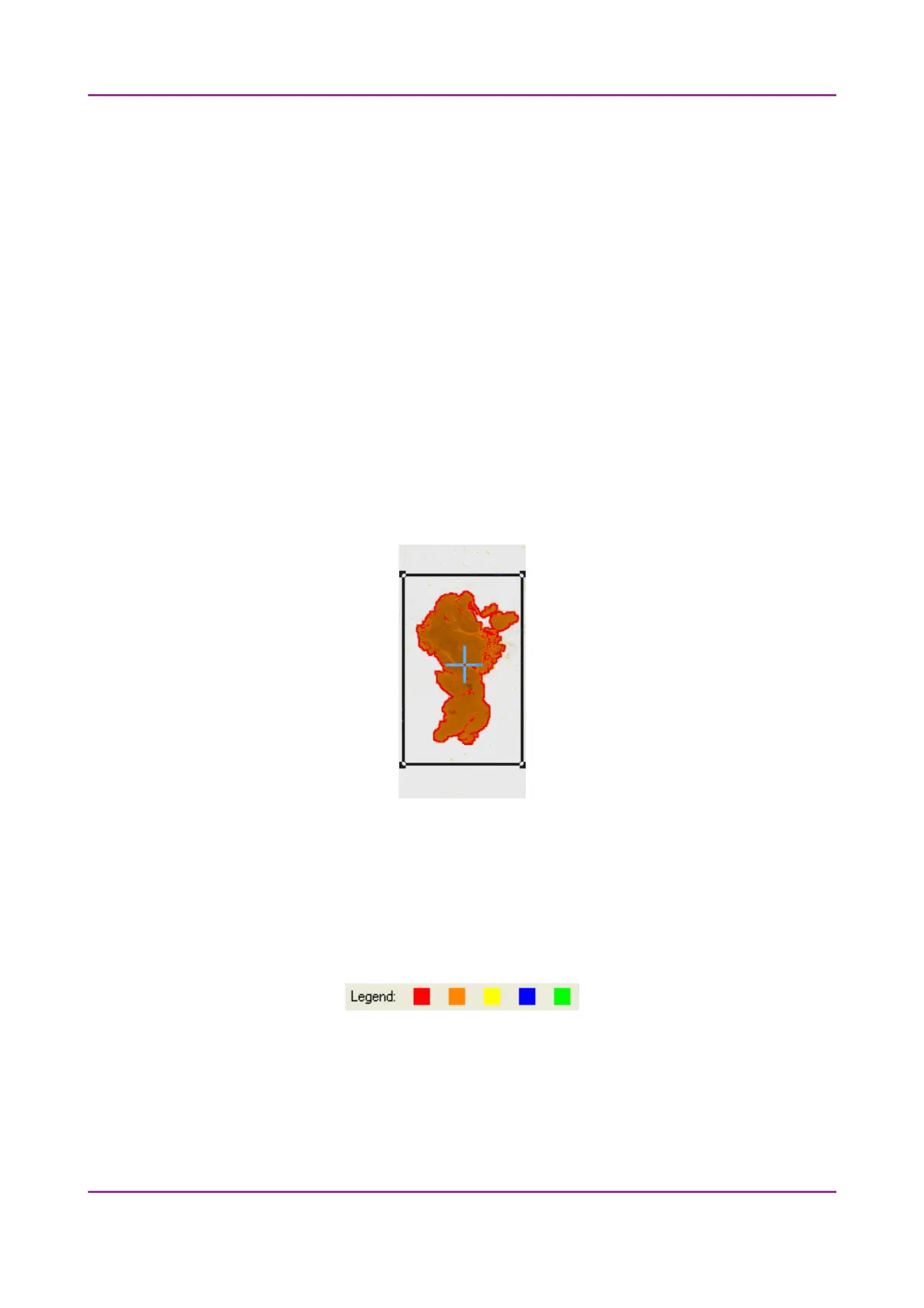
The preview image shows the area that will be digitized with a red and/or an orange mask. If the Use
selection box is enabled, there is a black frame displayed in the image.
Figure 34 – Preview image
Colors used in preview image
The following four colors are used in the preview image to demonstrate digitization and
selection settings:
Figure 35 – Colors in preview image
March 13, 2012 – Rev. 1 3DHISTECH Ltd.
58(135)



 To Next Page