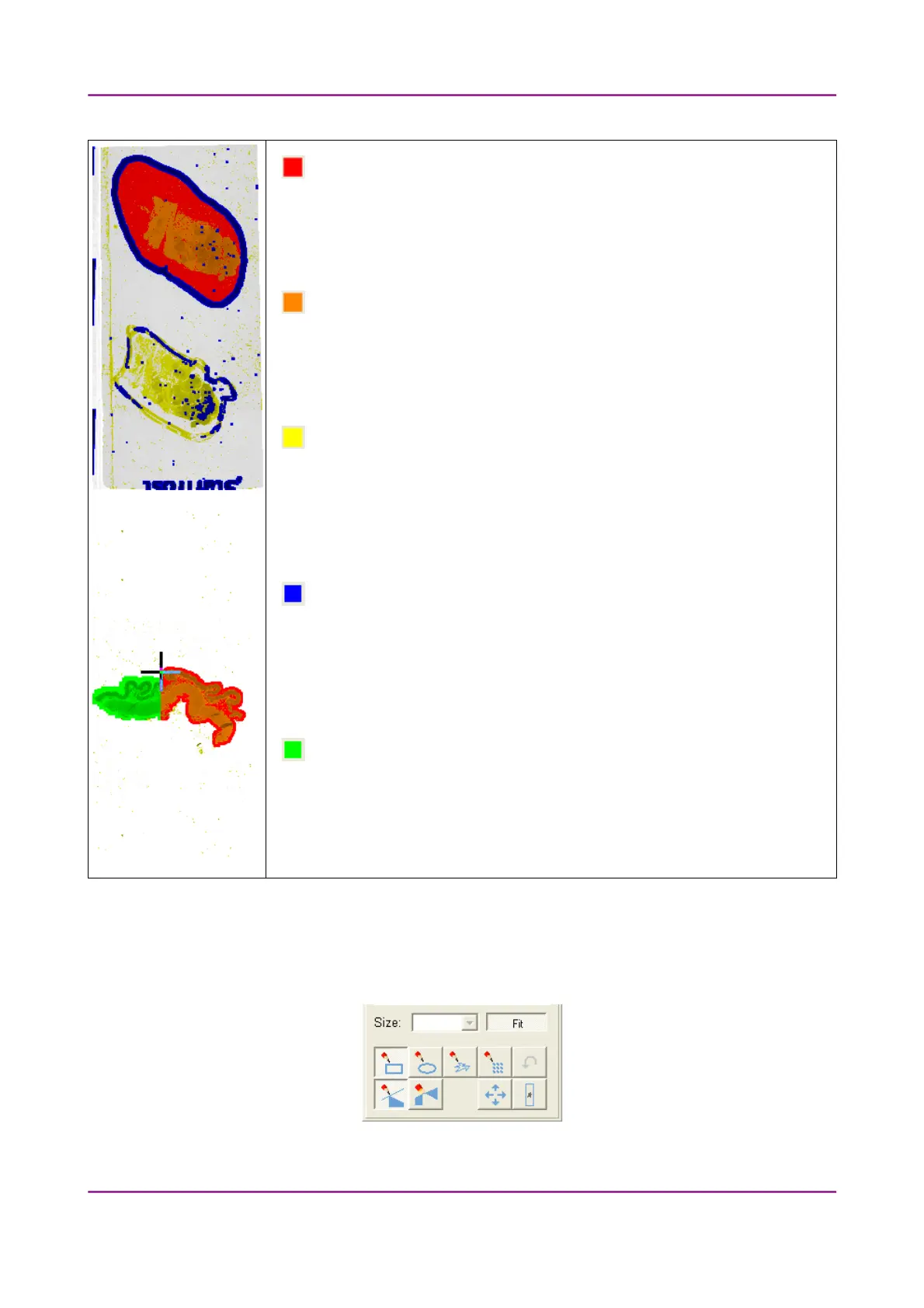
Pannoramic 250 1.15 User’s Guide 4 Software Description
Areas that will be scanned
These areas are digitized on the basis of user settings (for example, Fill holes in
scan area) and not detected by the selected threshold value.
Detected sample areas that will be scanned
These areas are digitized. They are detected on the basis of the selected
threshold value.
Detected sample areas that will not be scanned
These areas are not digitized on the basis of their position (for example, they
are outside the selection box). They are detected by the selected threshold
value.
Marker
If Scan marker specified area is selected in the Preview tab panel, the preview
camera detects the marker pen. The inside areas appear in red color and will
be digitized.
Areas scanned in
This color is only displayed during scanning.
Preview toolbar
You can find the preview toolbar at the bottom of the preview image.
Figure 36 – Preview toolbar
March 13, 2012 – Rev. 1 3DHISTECH Ltd.
59(135)



 To Next Page