Pannoramic 250 1.15 User’s Guide 5 Troubleshooting and Maintenance
11. Connect power plug.
12. Set hour meter (time counter) to zero.
5.3.4 Removing a slide
If a slide got jammed or has suffered breakage during the process of digitization, stop the process
and, if possible, move the slide holder to a position where the slide can be easily removed by clicking
the Emergency Manual Slide Removal Position button (see section 4.3.6 Service tab panel).
Warning!
Crush hazard! Before you remove a jammed slide, cancel the running
digitization process, terminate the software session and turn the power
off.
Any manipulation performed on a mechanical component must be followed by a complete device
initialization routine (software restart).
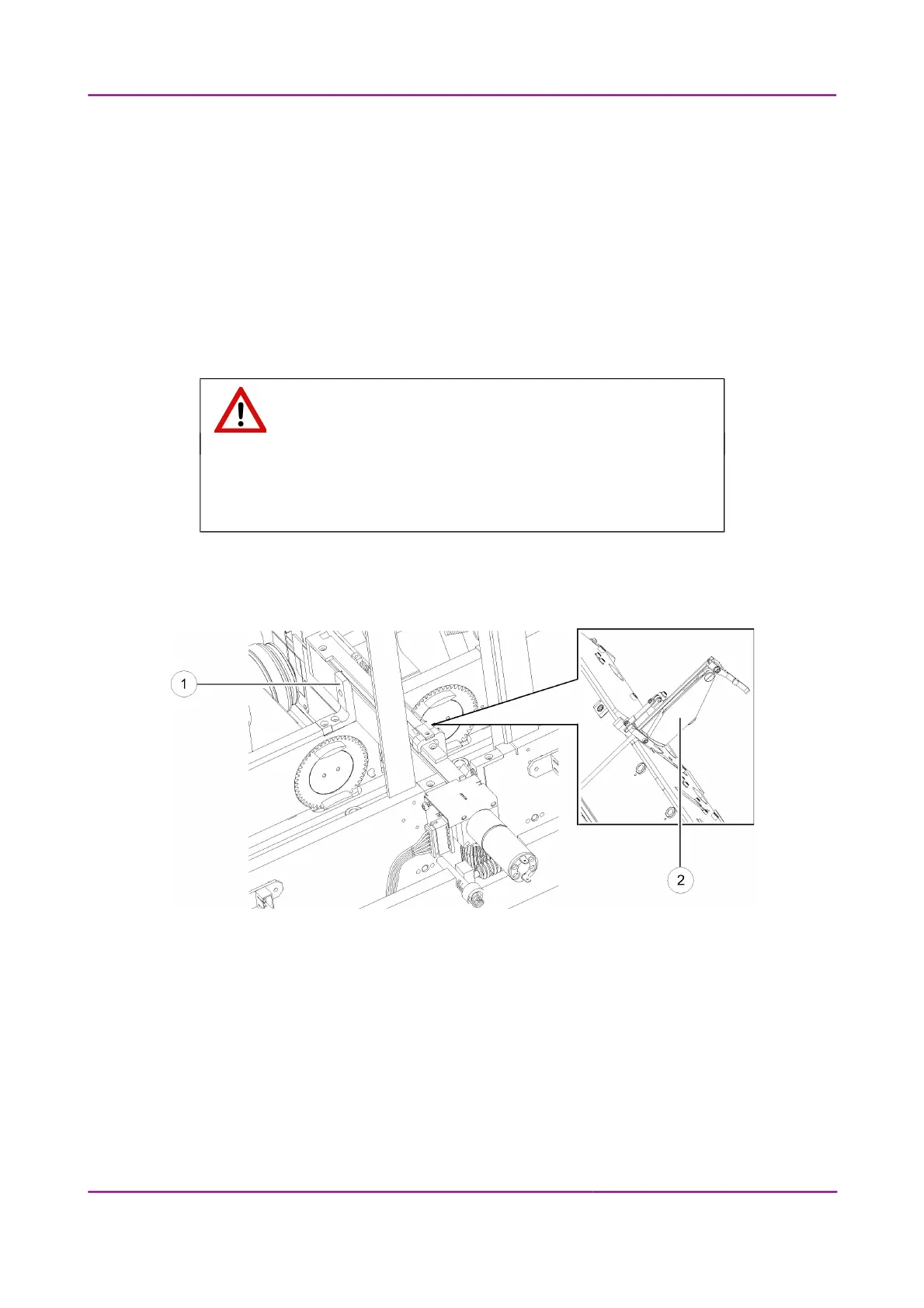
Figure 85 – Removing the slide loader
March 13, 2012 – Rev. 1 3DHISTECH Ltd.
124(135)



 To Next Page