Pannoramic 250 1.15 User’s Guide 4 Software Description
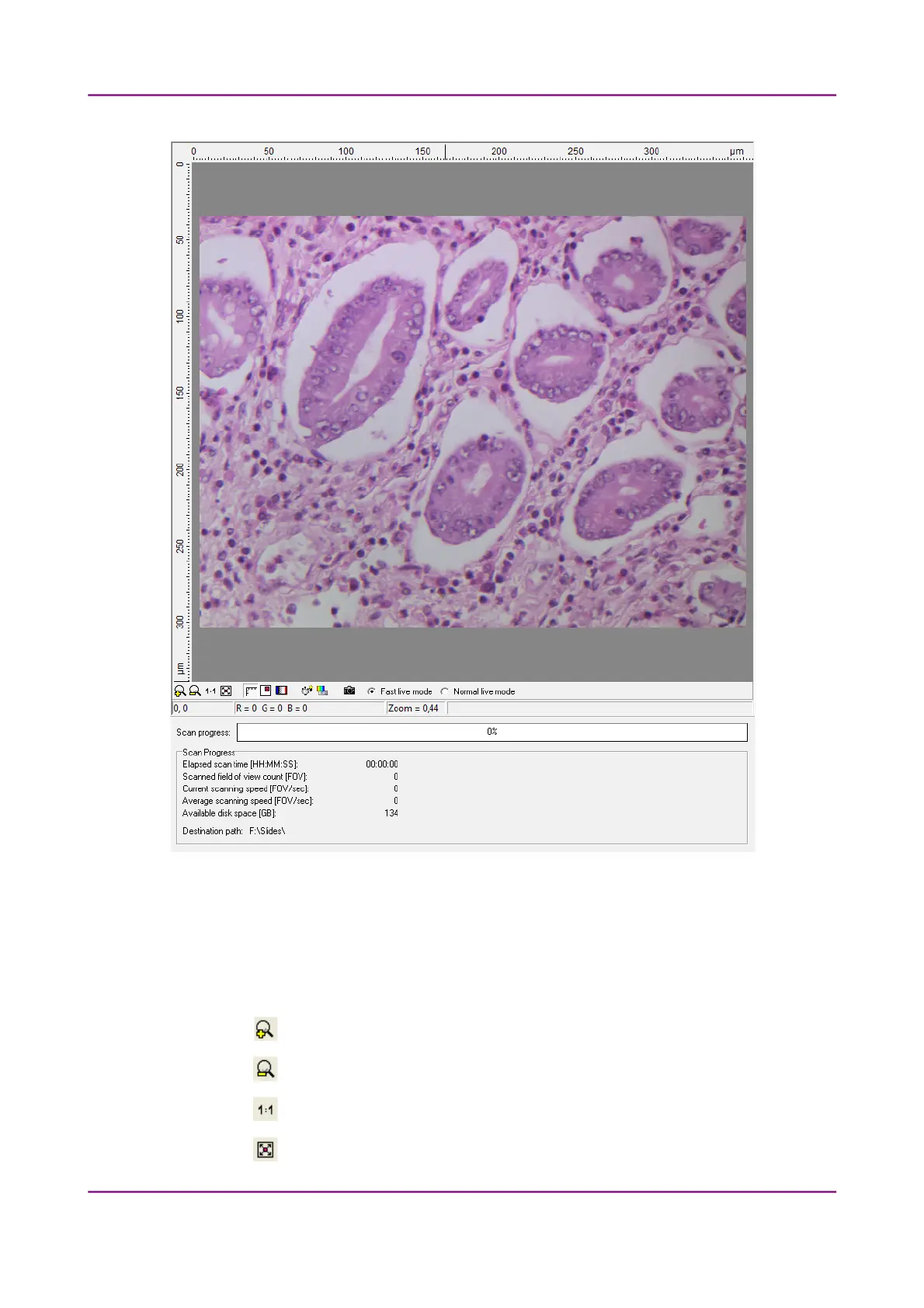
Figure 46 – Display field and toolbar for live images
Toolbar for live images
The toolbar is only available for the displayed live image, but not available for camera
images during digitization.
• – Zoom in
• – Zoom out
• – One pixel on the monitor corresponds to one pixel on the camera
• – The live image completely fills the display area
March 13, 2012 – Rev. 1 3DHISTECH Ltd.
67(135)



 To Next Page