Pannoramic 250 1.15 User’s Guide 4 Software Description
Service
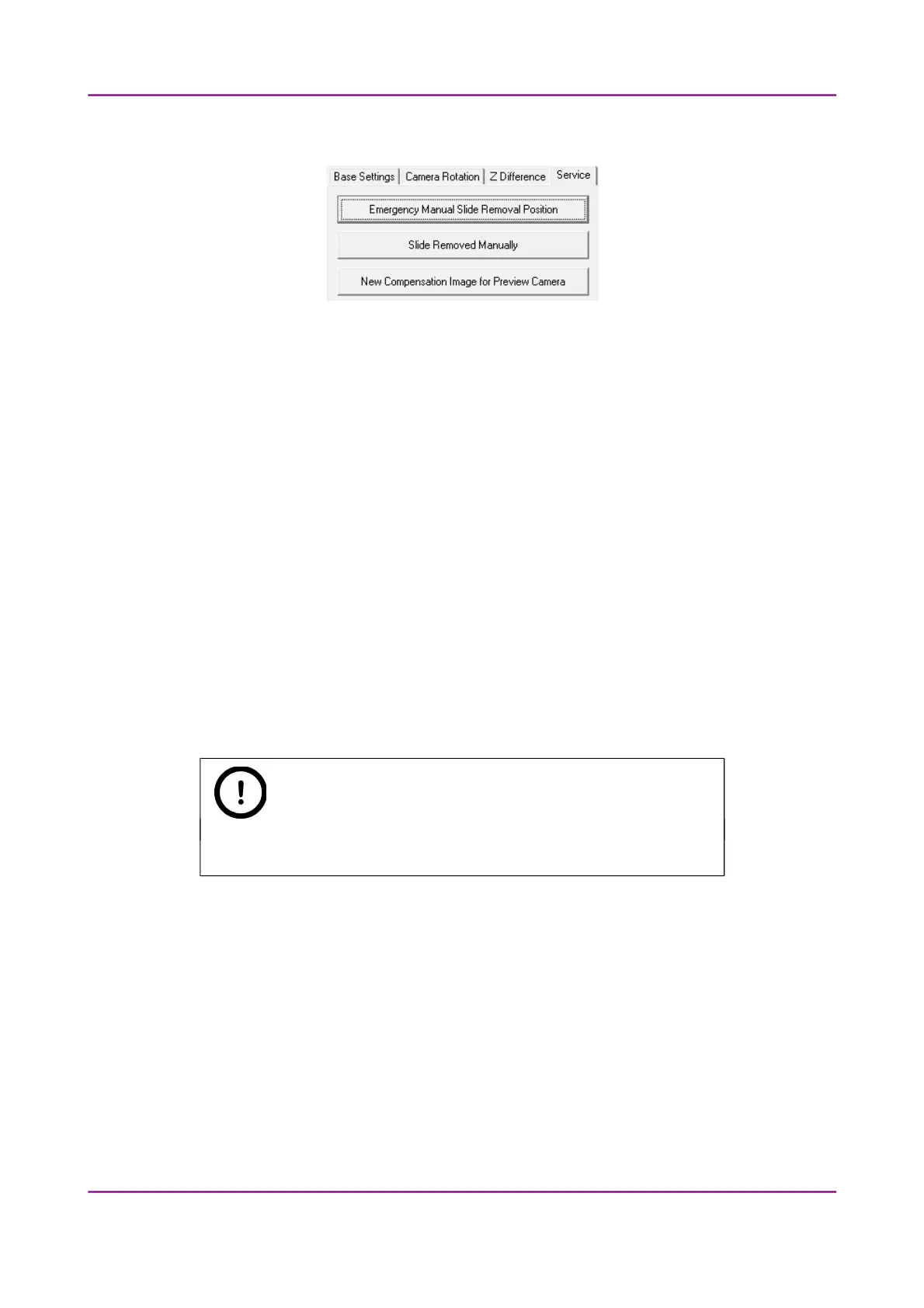
Figure 26 – Service tab panel
This tab panel contains control and maintenance functions.
Emergency Manual Slide Removal Position
The specimen holder will be moved to a position where the slide can be removed manually
after opening the cover (see section 5.3.1 Opening the protective cover).
Slide Removed Manually
Click this button to notify the software that you have removed the slide manually.
New Compensation Image for Preview Camera
By clicking this button you can create a new compensation image if the preview camera fails
to display a satisfactory preview image. It is important to check that there is no slide in the
device during this process.
Note:
The software asks you to remove the slide before the process.
Preview
For more information on preview images, see section 4.3.4 Preview area scanned by preview
camera.
March 13, 2012 – Rev. 1 3DHISTECH Ltd.
48(135)



 To Next Page