Pannoramic 250 1.15 User’s Guide 4 Software Description
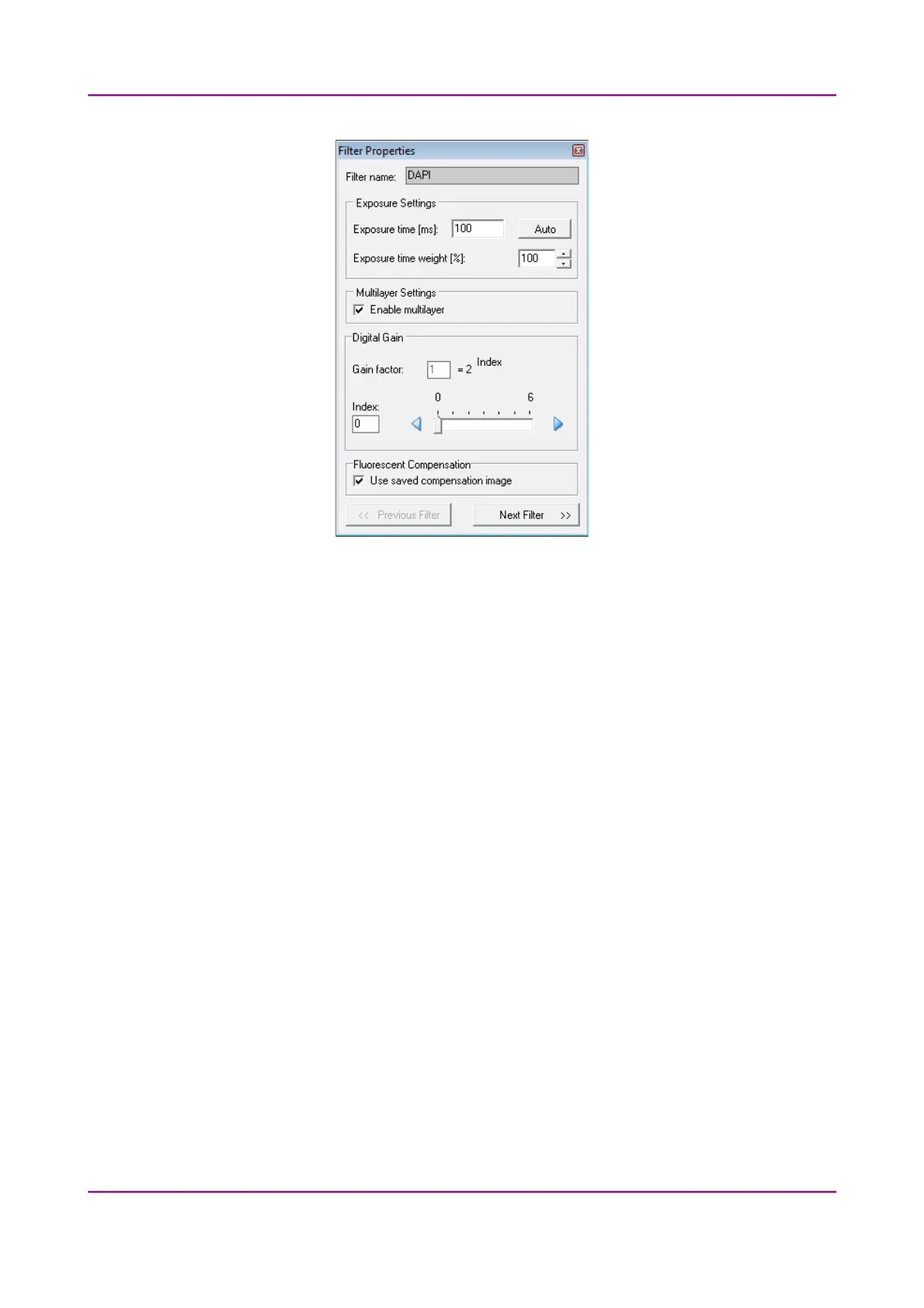
Figure 64 – Filter properties window
Filter name
The name of the filter is displayed here.
Exposure Settings
Exposure time – You can set the fix exposition time here. By selecting the
Auto button, the exposition time is set to <AUTO> (the exposition time is
calculated by the software). If the fix position is set, the Exposure time
weight value is not valid.
You can set the Exposure time weight (%) here (displayed under TW in the
Filter Selection frame).
In full automatic mode, the system automatically calculates the exposition
time to the given channel. You can increase / decrease this amount here in a
range of 50%-200%.
Multilayer Settings
Enable Multilayer function and the concerning settings can be activated in
this field, accordingly, you can set the Extended focus and Z-stack values for
each channel separately.
March 13, 2012 – Rev. 1 3DHISTECH Ltd.
99(135)



 To Next Page