108 | Aprisa LTE User Manual
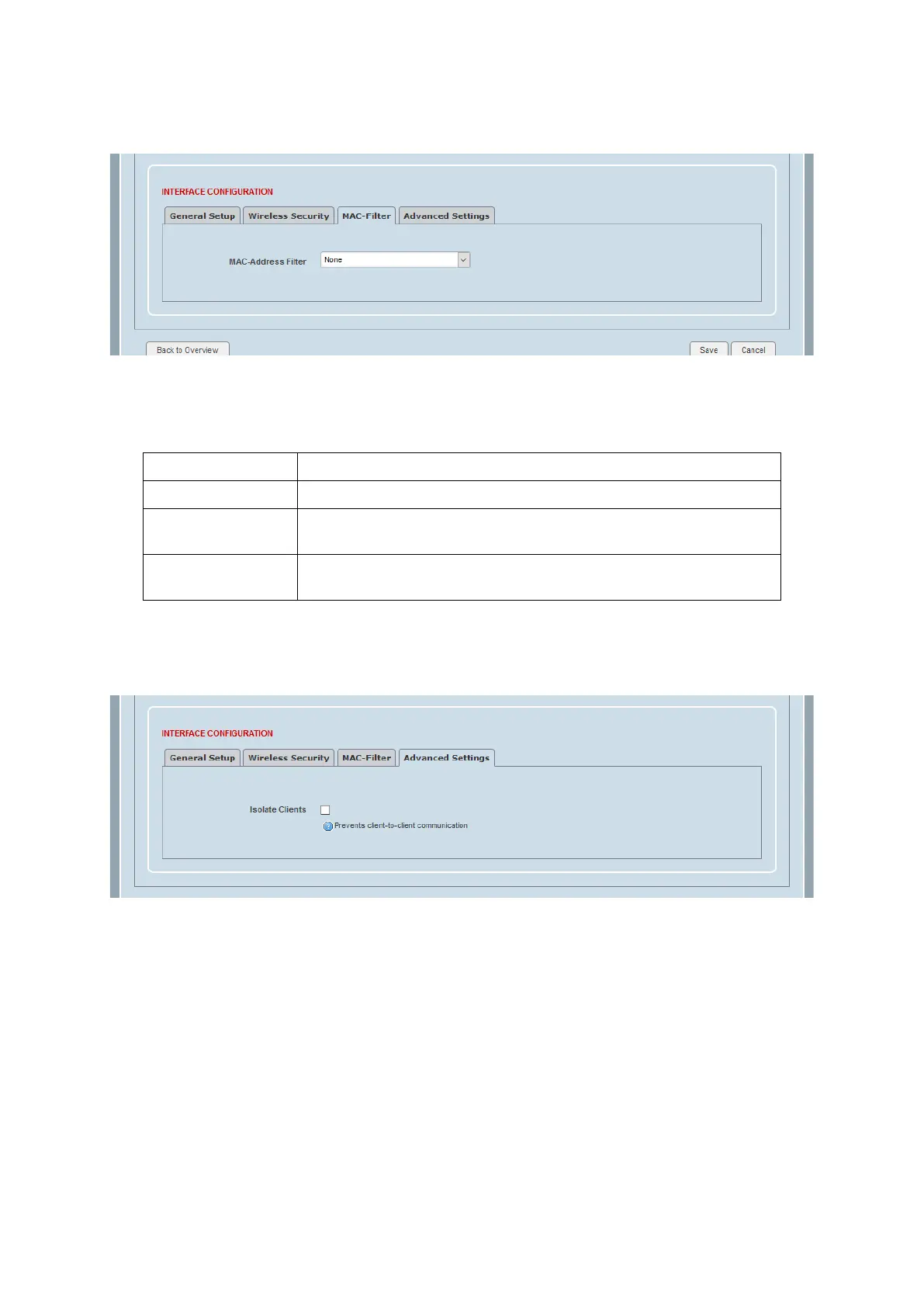
WiFi Interface Configuration > MAC Address Filter
This page provides setup of the WiFi MAC Address Filter.
MAC Address Filter
This parameter sets the WiFi MAC address filter. The default setting is None.
No Wi-Fi MAC address filter
Allow access to all MAC addresses in the Wi-Fi MAC access control
list (ACL).
Allow all Except
Listed MACs
Allow access to all MAC addresses except those in the Wi-Fi MAC
access control list (ACL).
WiFi Interface Configuration MAC > Advanced Settings
This page provides setup of the WiFi Advanced Settings.
Isolate Clients
This parameter confines and restricts clients connected to the Wi-Fi network. When enabled, clients cannot
communicate with each other or with wired network when the WiFi interface is bridged with other
interfaces. They can only access routed networks (such as the Internet) through the Aprisa LTE. The default
setting is Inactive.



 To Next Page