Aprisa LTE User Manual 2.1
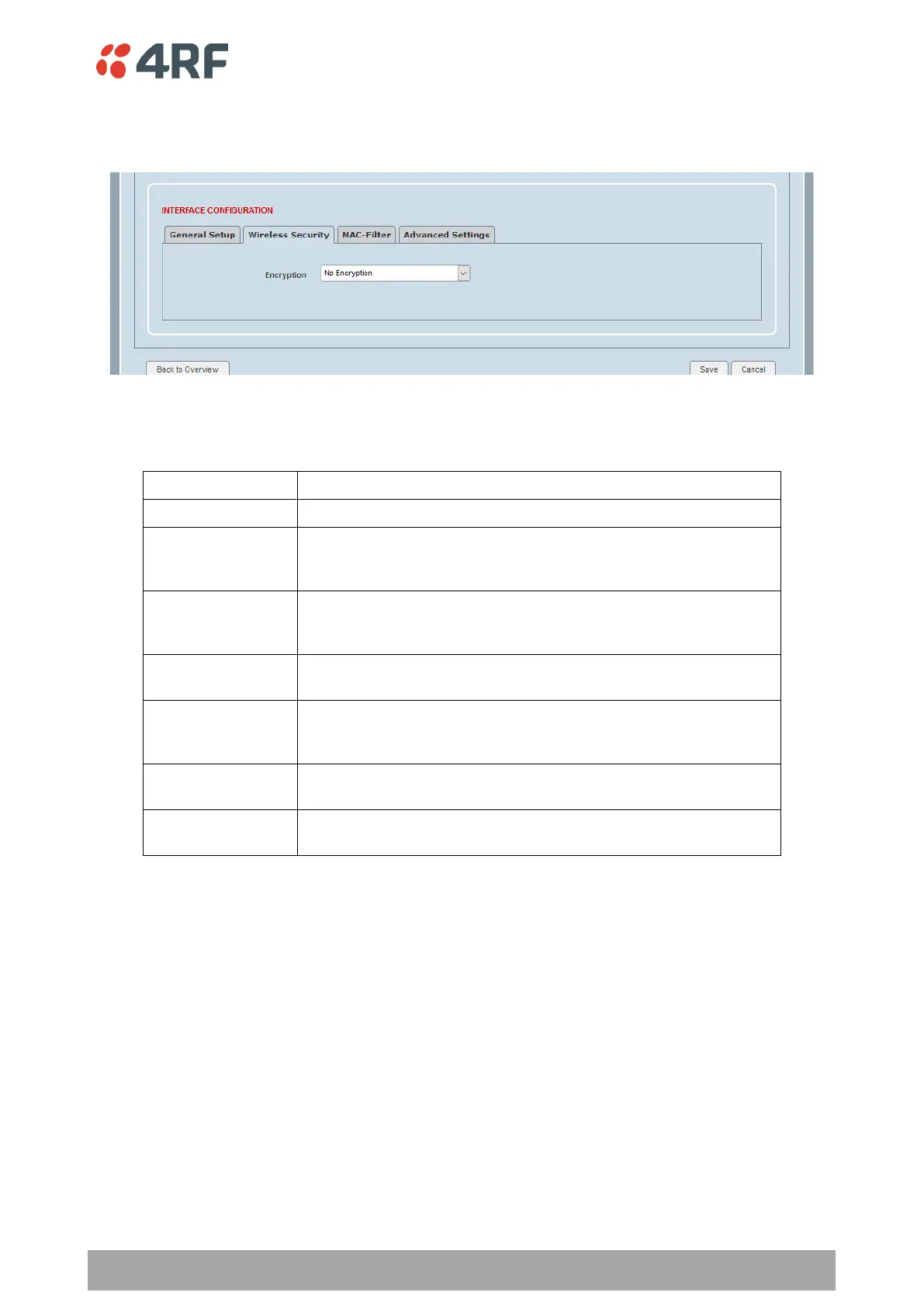
WiFi Interface Configuration > Wireless Security
This page provides setup of the WiFi Wireless Security.
Encryption
This parameter sets the WiFi encryption. The default setting is No Encryption.
Wired Equivalent Privacy (WEP) is an older Wi-Fi security standard.
It is not secure and should only be used for compatibility with
older equipment.
Wired Equivalent Privacy (WEP) is an older Wi-Fi security standard.
It is not secure and should only be used for compatibility with
older equipment.
Wi-Fi Protected Access (WPA) is an older Wi-Fi security standard
that is still in common use.
WPA2 is an enhanced version of WPA which provides improved
security. WPA2-PSK (Pre Shared Key) is commonly used in home
and small office scenarios.
WPA with Extensible Authentication Protocol (EAP). Often called
WPA-Enterprise, it is based on the 802.1X standard.
WPA2 with Extensible Authentication Protocol (EAP). Often called
WPA-Enterprise, it is based on the 802.1X standard.



 To Next Page