120 | Aprisa LTE User Manual
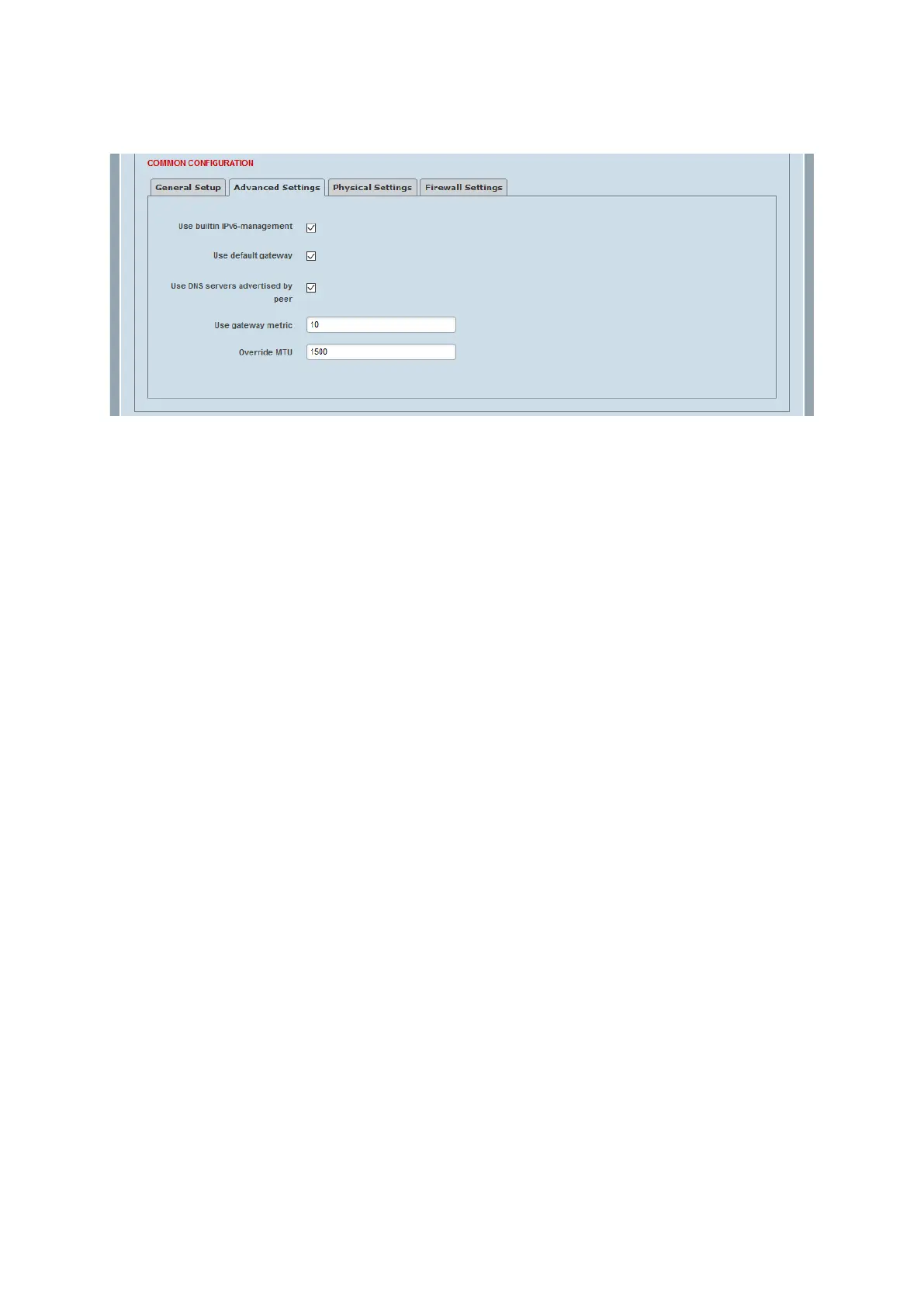
DHCP Client > Advanced Settings
This page configures the advanced settings of a DHCP Client interface.
Use builtin IPv6-management
This parameter sets if IPv6 address ranges allocated to this interface will be delegated to other downstream
facing interfaces. Usually relevant to ports using DHCPv6 protocol, although can sometimes apply in other
unusual topologies.
Use default gateway
When selected, the default route provided by the DHCP server will be added to the routing table.
Use DNS servers advertised by peer
If this parameter is selected, the DNS server advertised by the DHCP server is used.
Use gateway metric
Any gateways on this interface, either statically assigned or automatically discovered (e.g. through DHCP)
will be assigned this metric when added to the routing table. The default setting is 10.
Override MTU
This parameter sets the MTU (Maximum Transmission Unit) largest possible size of a data packet between 0
and 1500. The default setting is 1500.



 To Next Page