Aprisa LTE User Manual 2.1
File - Configuration Settings
This feature enables the configuration of a LTE to be saved to a file for configuration backup or for copying
to another LTE, however the target LTE being restored must be operating on the same software version as
the source LTE the configuration file was saved from e.g. if the configuration file was saved from a LTE
operating on software version 1.0.0, it can only be restored to a LTE operating on software version 1.0.0.
Action
This saves the Configuration Settings with a filename of
‘AprisaLTE-<serialnumber>-config.tar.gz’ (for standard security) or
‘AprisaLTE-<serialnumber>-config.tar.gz.enc’ (for strong security)
to your PC ‘downloads’ directory.
If you wish to open the config file, check the security level is set to
‘Standard’ in ‘Security > Setup’ on page 158.
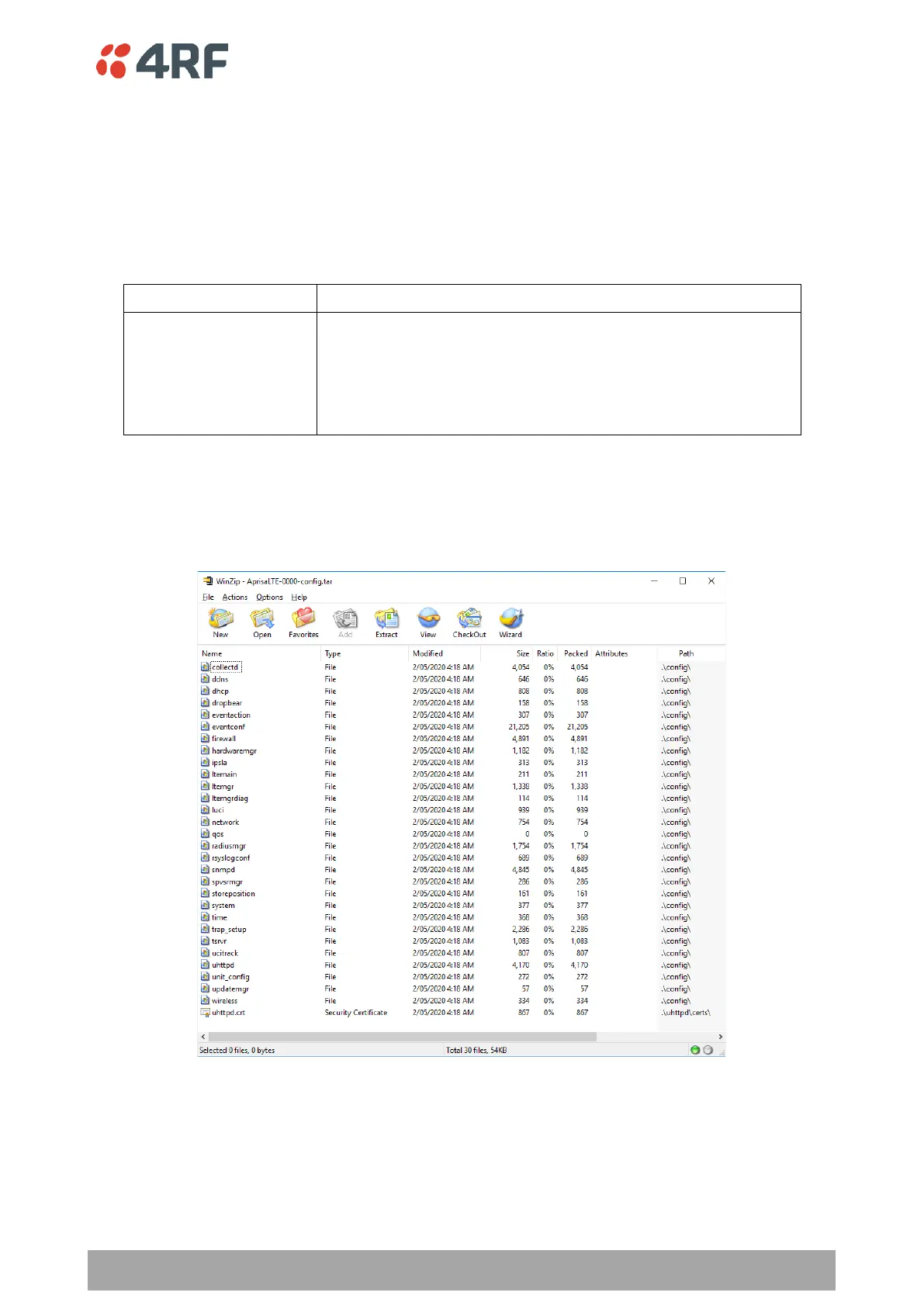
To open the configuration file, perform the following steps:
1. Unzip the ‘AprisaLTE-<serialnumber>-config.tar.gz’ file with compression applications like WinZip
or 7-ZIP to a new directory. It includes multiple configuration files for each configuration section of
the LTE radio.



 To Next Page