188 | Aprisa LTE User Manual
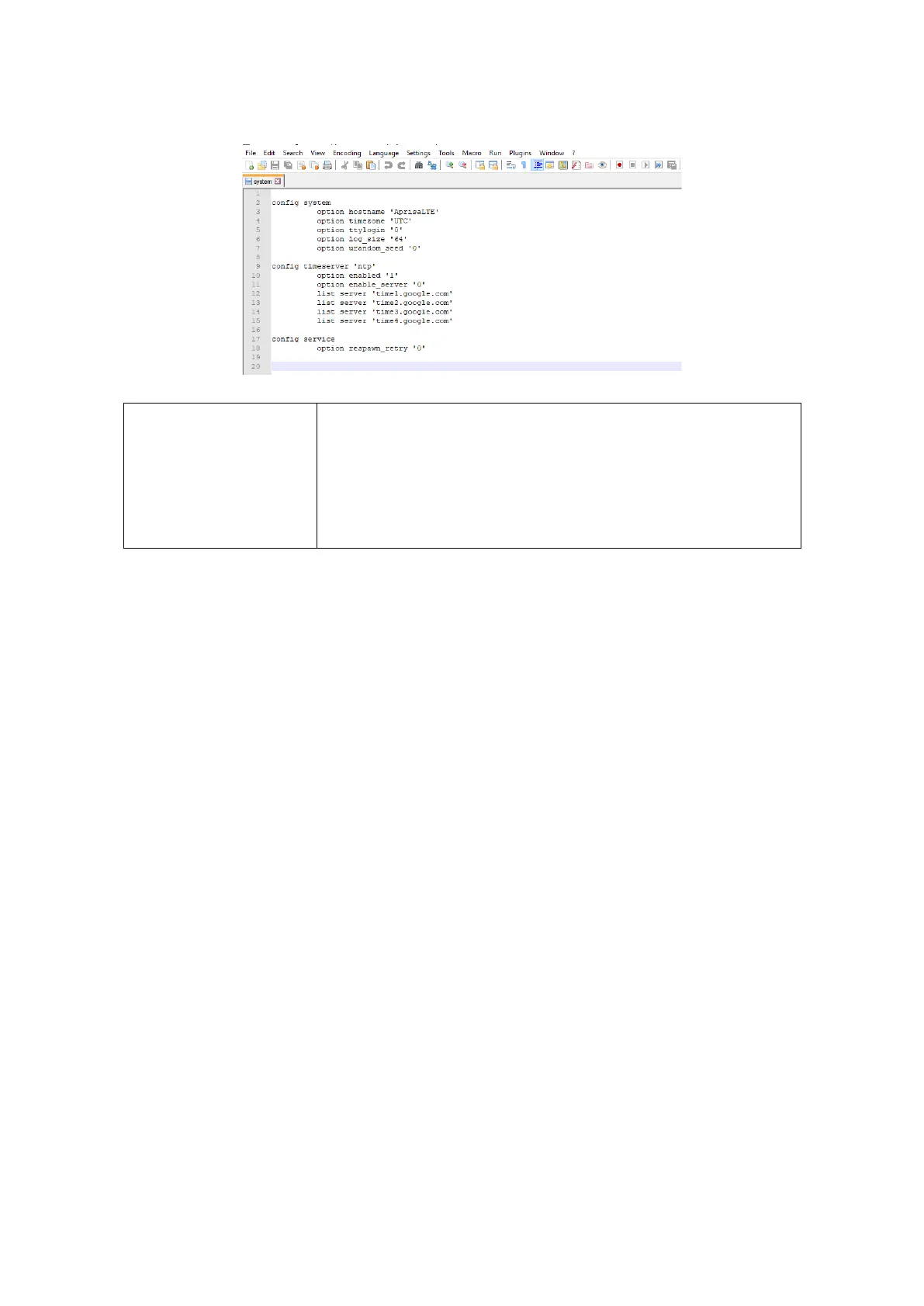
2. The files in the config path are all text files that can be viewed if required by right clicking on the
file and using ‘Open With’ your text file editor. This is the ‘System’ file opened with Notepad ++.
This restores all user configuration settings from a previously saved
LTE Configuration Settings file.
A reboot warning message will warn of a pending reboot after the
PC file is selected. Clicking OK will open a browser file selection
window to select the file.
Note: If you are using Explorer, it must be IE10 or above for this
feature to work correctly.



 To Next Page