Test Procedure and Results 4-9
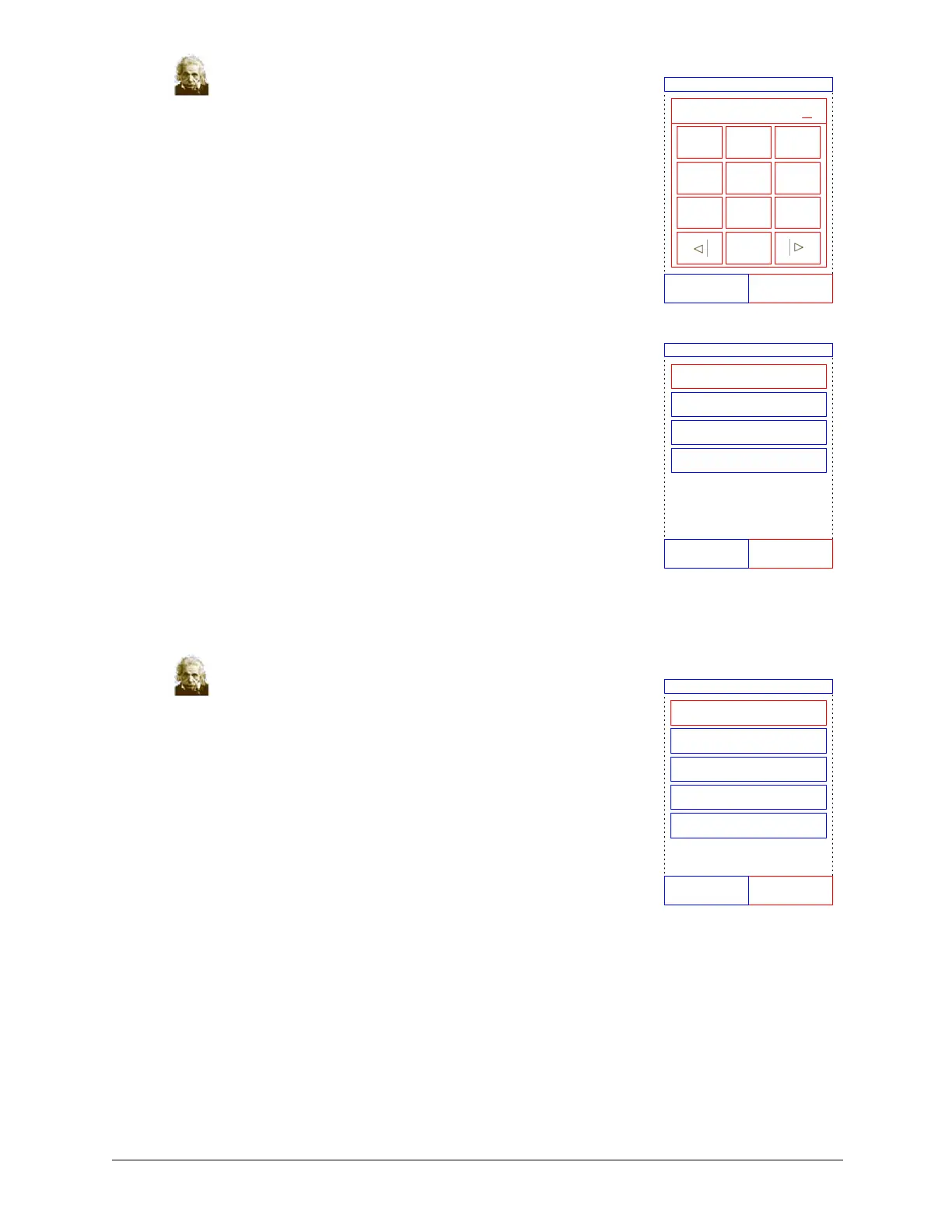
13. Enter the operator ID using the touchscreen, then press
Done.
The operator ID is a number of up to 14 digits that is assigned
by the facility.
The right arrow key ( X) functions as a dash (–), and the left
arrow key (W ) functions as a backspace.
14. Select the species of the sample being analyzed from the
choices shown in the display. (The exact choices depend on how
the analyzer is configured — the figure shows the default selec-
tions.)
Note: The correct Type is necessary for results to be interpreted correctly.
15. Select the patient’s gender.
Enter Operator ID
DoneCancel
12345678901234
21 3
4
7
5 6
0
98
Select Type
Dog
Cat
Horse
Other
CancelBack
Select Gender
CancelBack
Unknown
Male
Female
Neutered
Spayed



 To Next Page