ACS550 User’s Manual 221
Fieldbus adapter
Fieldbus adapter
Overview
The ACS550 can be set up to accept control from an external system using standard
serial communication protocols. When using serial communication, the ACS550 can
either:
• receive all of its control information from the fieldbus, or
• be controlled from some combination of fieldbus control and other available
control locations, such as digital or analog inputs and the control panel.
Two basic serial communications configurations are available:
• embedded fieldbus (EFB) – See chapter Embedded fieldbus on page 189.
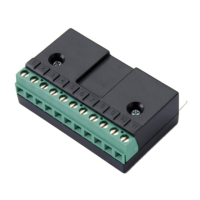
• fieldbus adapter (FBA) – With one of the optional FBA modules in the drive’s
expansion slot 2, the drive can communicate to a control system using one of the
following protocols:
– Profibus-DP®
– LonWorks®
– CANopen®
– DeviceNet®
–ControlNet®.
The ACS550 detects automatically which communication protocol is used by the
plug-in fieldbus adapter. The default settings for each protocol assume that the
profile used is the protocol’s industry-standard drive profile (e.g. PROFIdrive for
PROFIBUS, AC/DC Drive for DeviceNet). All of the FBA protocols can also be
configured for the ABB Drives profile.
Configuration details depend on the protocol and profile used.These details are
provided in a user’s manual supplied with the FBA module.
Details for the ABB Drives profile (which apply for all protocols) are provided in
section ABB Drives profile technical data on page 232.
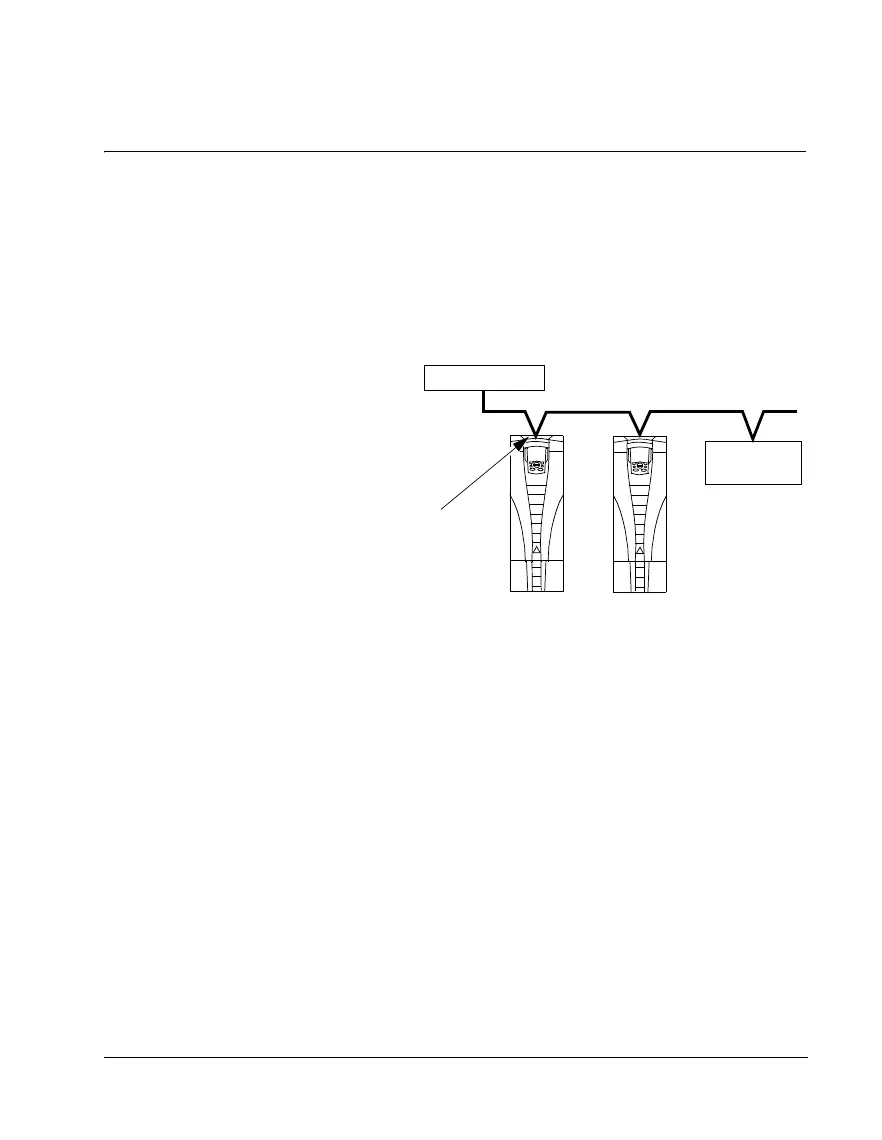
Connect using either:
•
standard embedded fieldbus (EFB) at
terminals X1:28…32
•
fieldbus adapter (FBA) module mounted
in slot 2 (option Rxxx)
Fieldbus
Fieldbus controller
Other devices



 To Next Page