237
ADOBE PREMIERE 5.0
User Guide
•
For Background, click the rectangle to specify a background color (see “Using the
Color Picker” on page 253). If you want the background color to be visible in Premiere,
select Opaque.
•
Select Show Safe Titles to display NTSC title-safe and action-safe zones.
•
Select NTSC-Safe Colors to automatically move colors that are outside the NTSC-safe range
into the NTSC-safe range when the title is rendered. This option may mute colors somewhat.
If you are creating titles for NTSC television and you do not select this option, colors outside
the NTSC-safe range may display poorly or bleed across television scan lines.
When the Title window is active, you can set the background color to black or white from
the keyboard by pressing B for black or W for white.
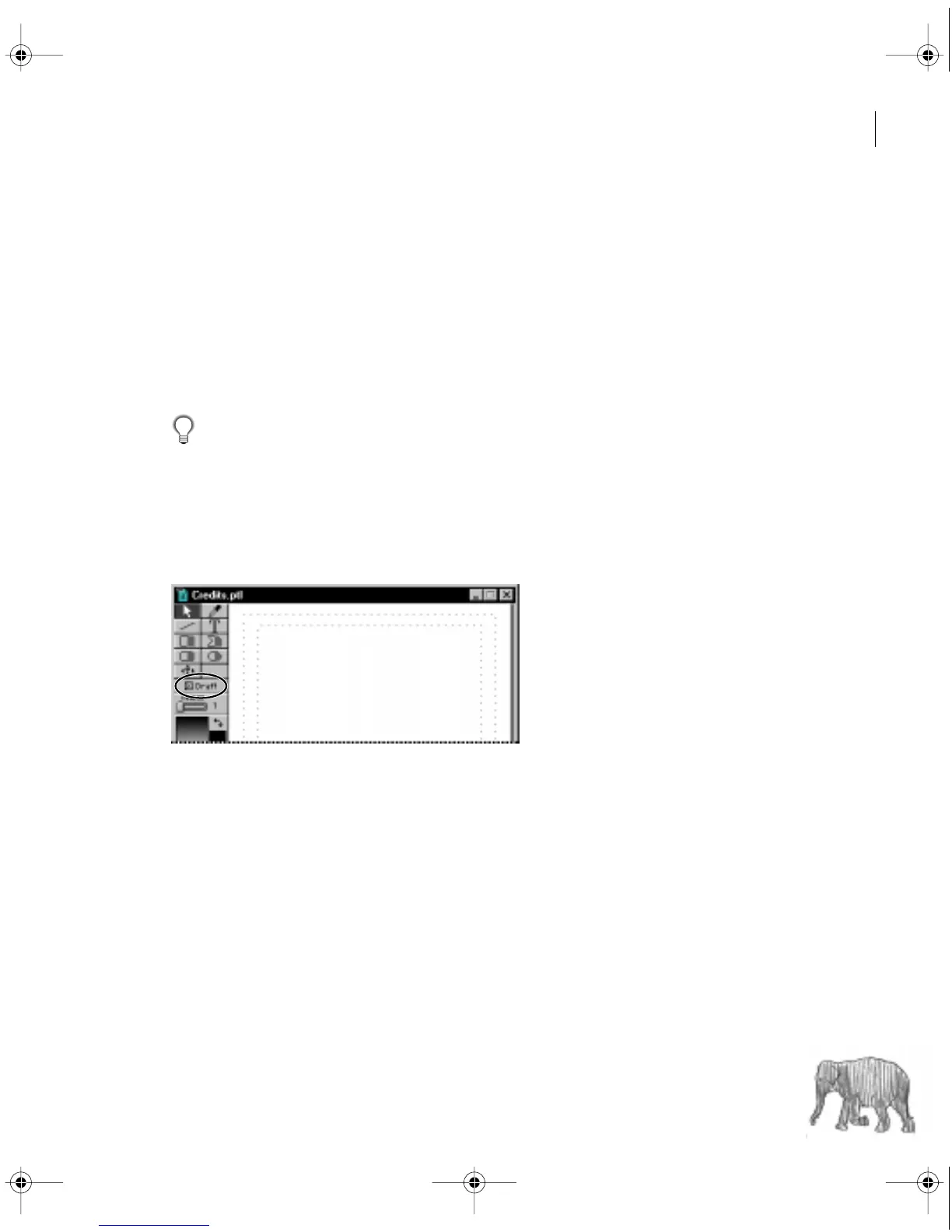
To speed up display using the Draft option:
Select Draft in the Title window. The Title window displays faster, at the expense of quality.
The Draft option affects the display in the Title window only; the title displays at full quality
when you use it in a video program.
c00.book for PS Page 237 Tuesday, March 31, 1998 1:28 PM



 To Next Page